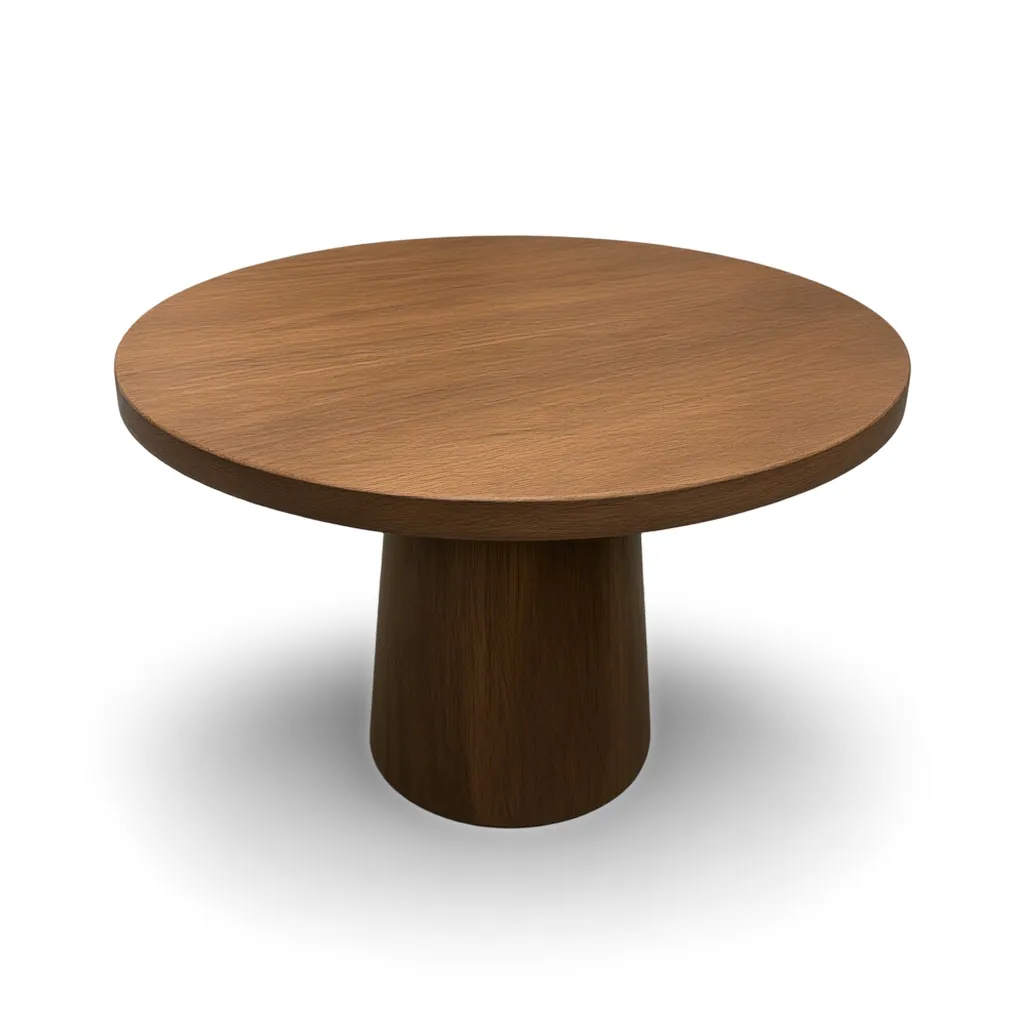
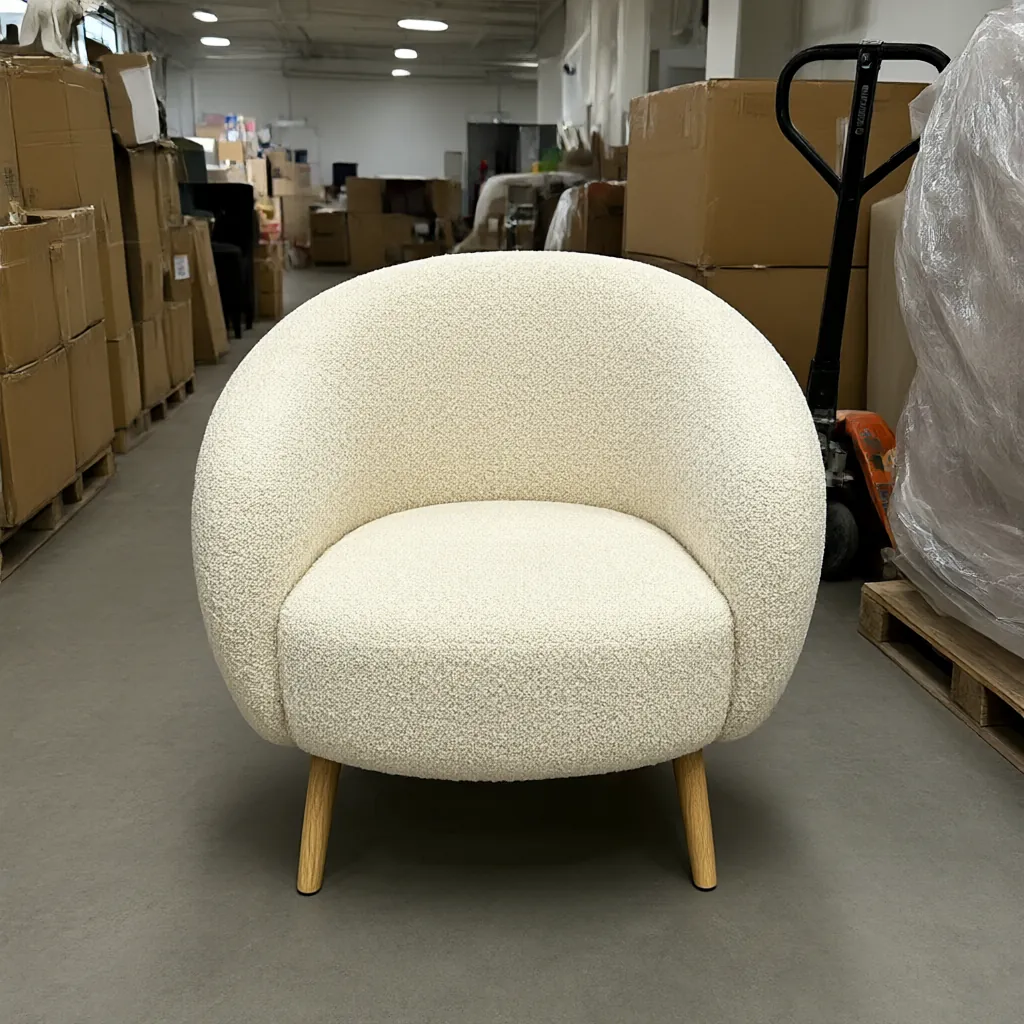
The short version
- Silo shots (the product alone on a plain background) show exactly what the customer gets. Use them for marketplace main images, category grids, line sheets and catalogs.
- Lifestyle photos (the product in a real setting) show scale, mood and how it fits in a home. Use them on product pages, social, ads, email and banners.
- For most home goods, a good product page opens with one and backs it up with the other.
What is a silo shot?
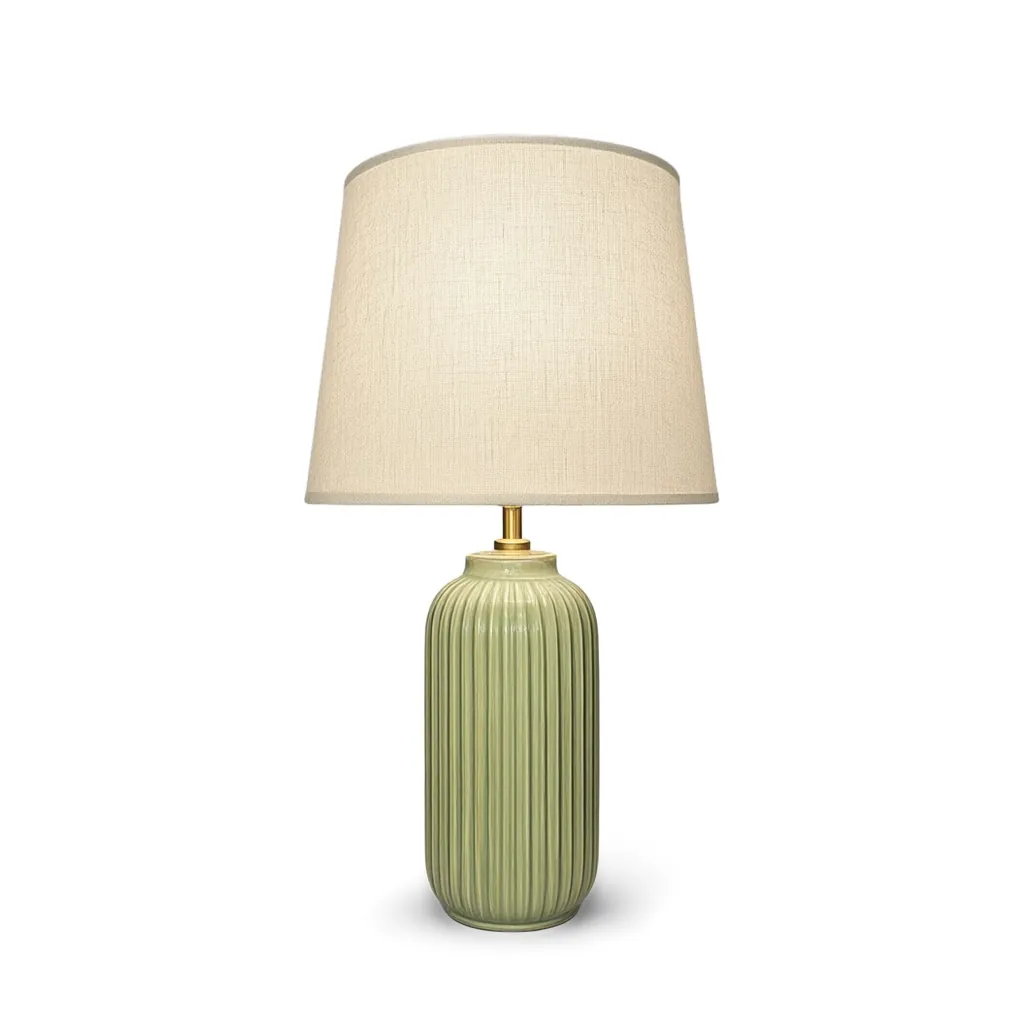
A silo shot (short for silhouette) is a photo of the product on its own, cut out from its surroundings and placed on a plain backdrop, usually pure white. Nothing else is in the frame: no room, no props, no hands.
That plainness is the point. A shopper sees the exact shape, color and detail of what they're buying, and a page full of silo shots looks tidy and consistent because every product sits on the same background.
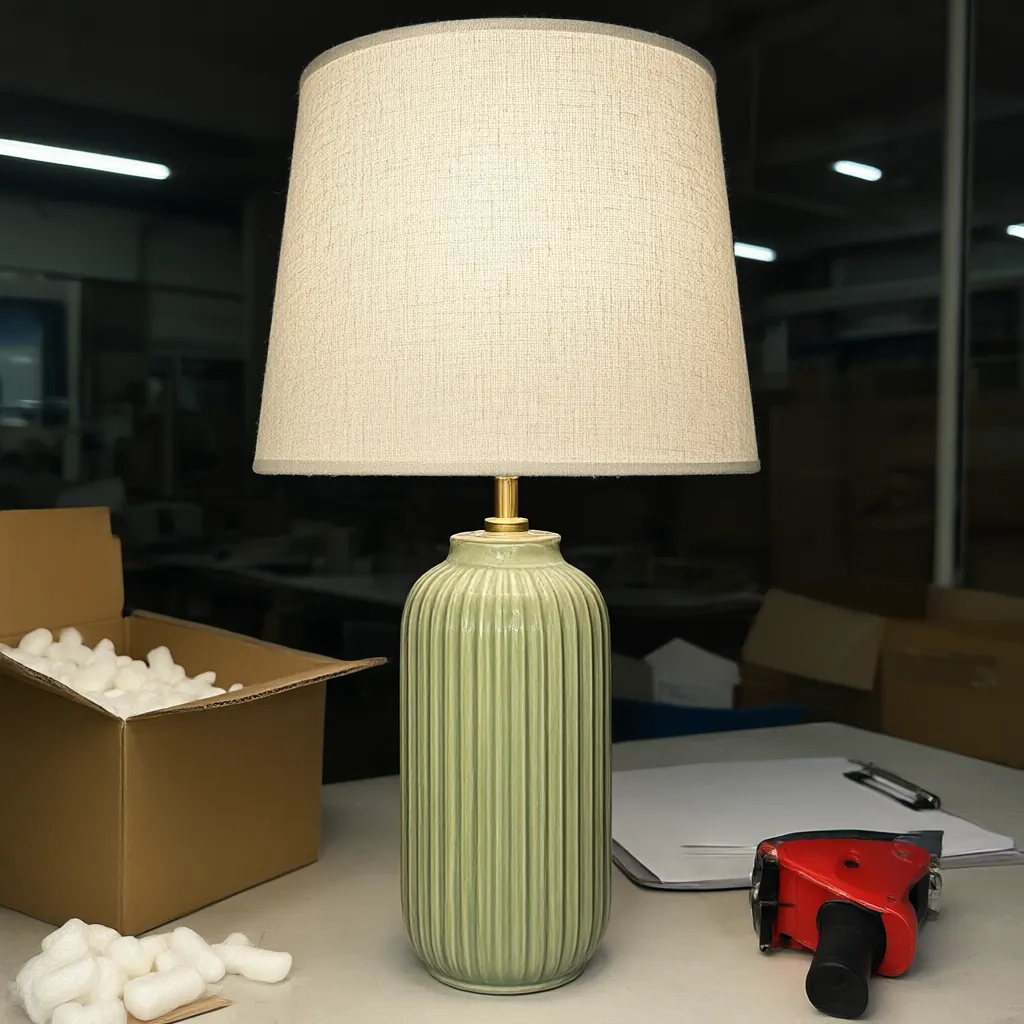
What is a lifestyle photo?
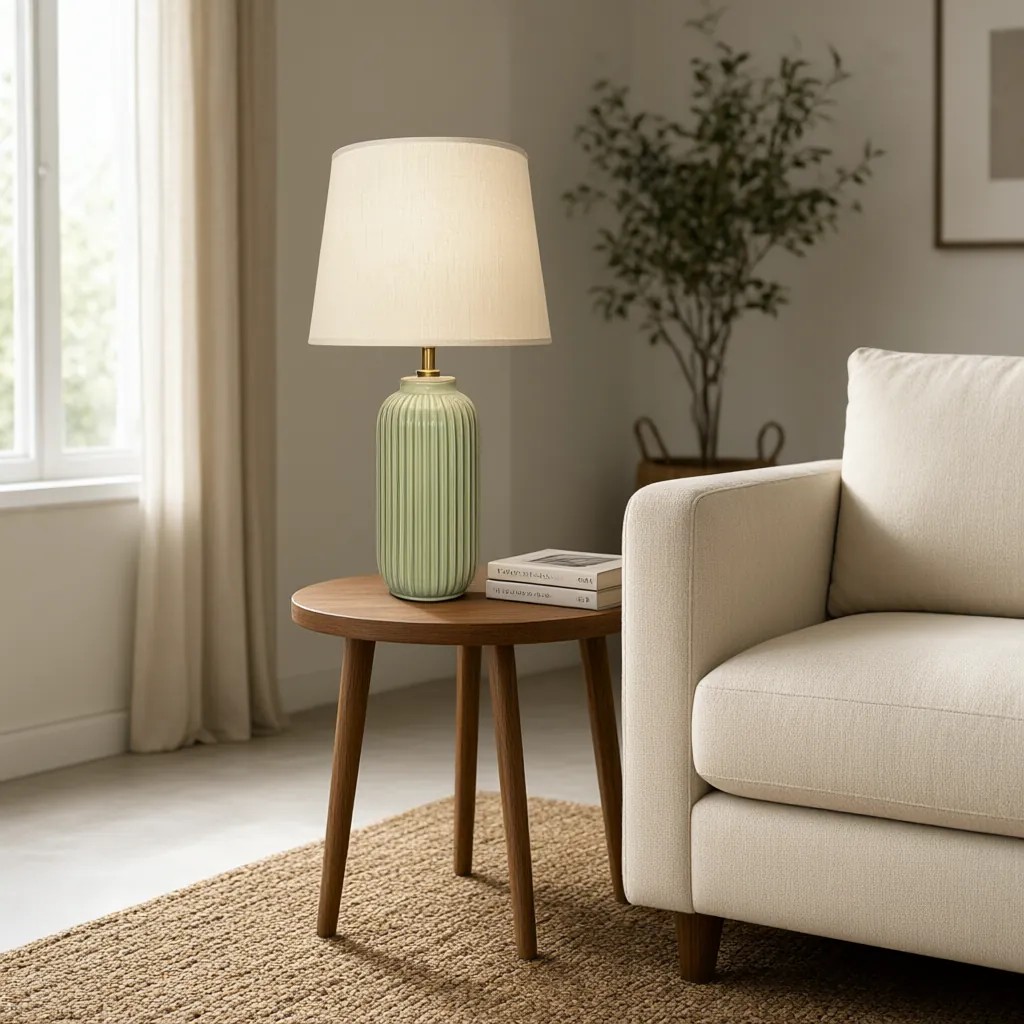
A lifestyle photo shows the product where it would actually live: a lamp on a side table, a mug on a kitchen counter, a pillow on a sofa in afternoon light. It answers the questions a silo shot can't. How big is it next to other furniture? What does it look like in a real room? What would my place feel like with it?
A room set takes this a step further by staging several products together, which shows how pieces work as a group and gives shoppers ideas for what to buy alongside them.
Where each one works best
| Where the image goes | Best fit |
|---|---|
| Marketplace main image | Silo shot. Many marketplaces require the main image on a white background; check each one's current rules. |
| Category and collection grids | Silo shots, so every tile lines up and products are easy to compare. |
| Product page gallery | Both: a silo shot for detail and a few lifestyle photos for scale and mood. |
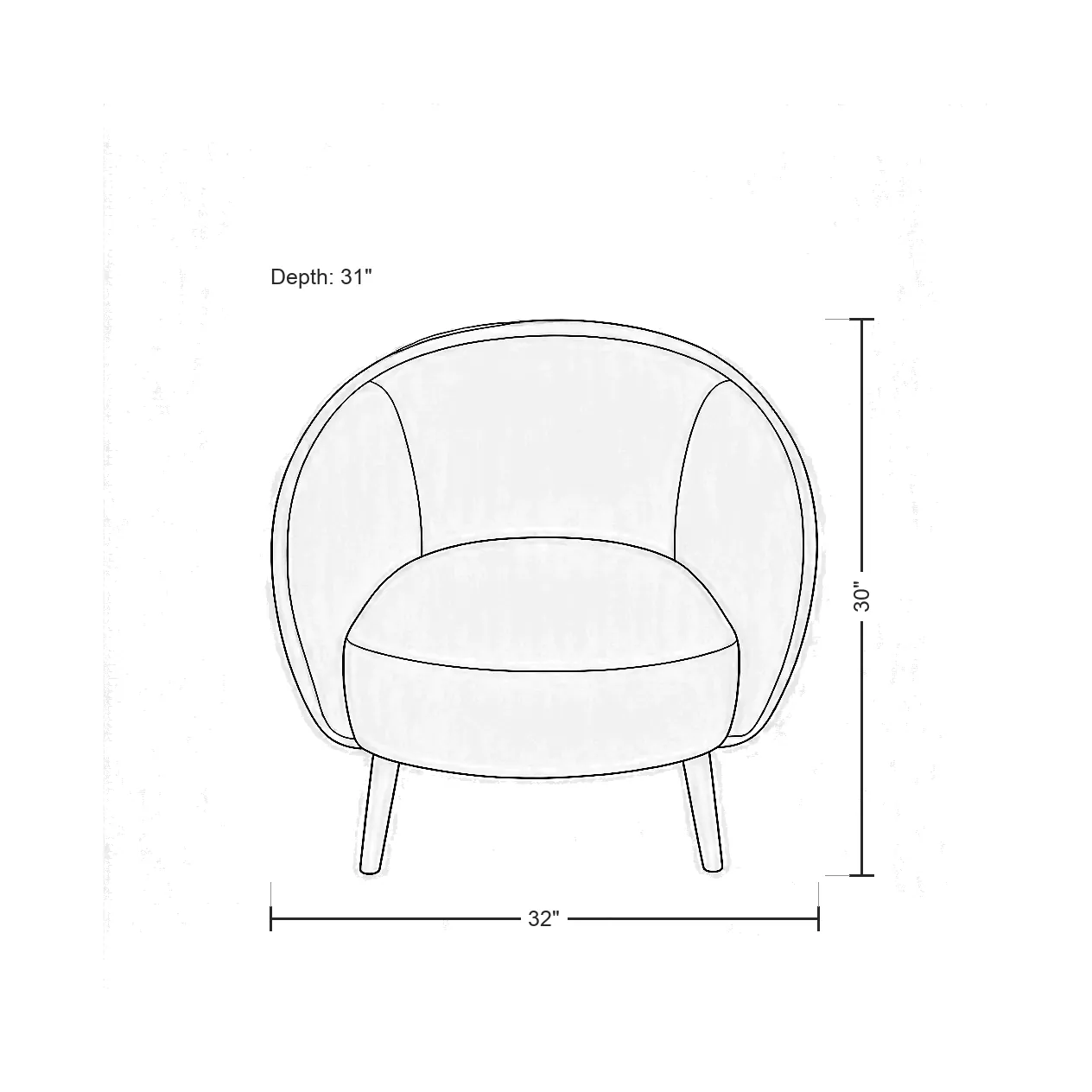
| Wholesale line sheets and catalogs | Silo shots, often with a dimension drawing. |
| Social posts and ads | Lifestyle photos. People stop scrolling for a room, not a cut-out. |
| Email and website banners | Lifestyle photos, in a wide shape with room for a headline. |
Why you usually need both
Each type covers the other's blind spot. A silo shot is honest about the product but says nothing about size: a 4-inch mug and a 14-inch vase can look the same on a white square. A lifestyle photo shows size and setting, but a busy scene can hide details like a handle shape or the texture of a glaze.
Shoppers buying home goods online can't pick the item up, so they piece the picture together from several images. Giving them both kinds makes that easier.
A simple image mix for each product
This is a starting point that works for most home goods. Adjust it to the marketplace and the product.
- One silo shot as the main image, on pure white.
- One or two more silo shots from other angles, or a close-up of a detail like a fringe, a glaze or a joint.
- Two or three lifestyle photos: one close, one showing the product in a full room.
- One dimension drawing with width, height and depth, so nobody has to guess the size.
- Optional: a short video, for product pages and social.
Getting both from one photo
The traditional way to get both is two shoots: a studio session for silo shots and a styled set for lifestyle photos. That's a lot of time and money for a catalog with hundreds of products.
With Ketchup No Mayo you start from one plain snapshot of the product. The Silo Shot Generator cuts it out onto pure white with a soft shadow, and the AI Lifestyle Image Generator places the same product in a styled scene or a full room set.
Make a silo shot and a lifestyle photo from the same snapshot.
Silo Shot GeneratorPlace your product in a styled room, or stage up to four products together.
Lifestyle Image Generator