AI Lifestyle Image Generator
AI lifestyle images from the product photo you already have
Upload one clear photo of your product and get it back in a styled, photo-real scene. Add two to four products and we stage them together as a room set, each at its real-world size.
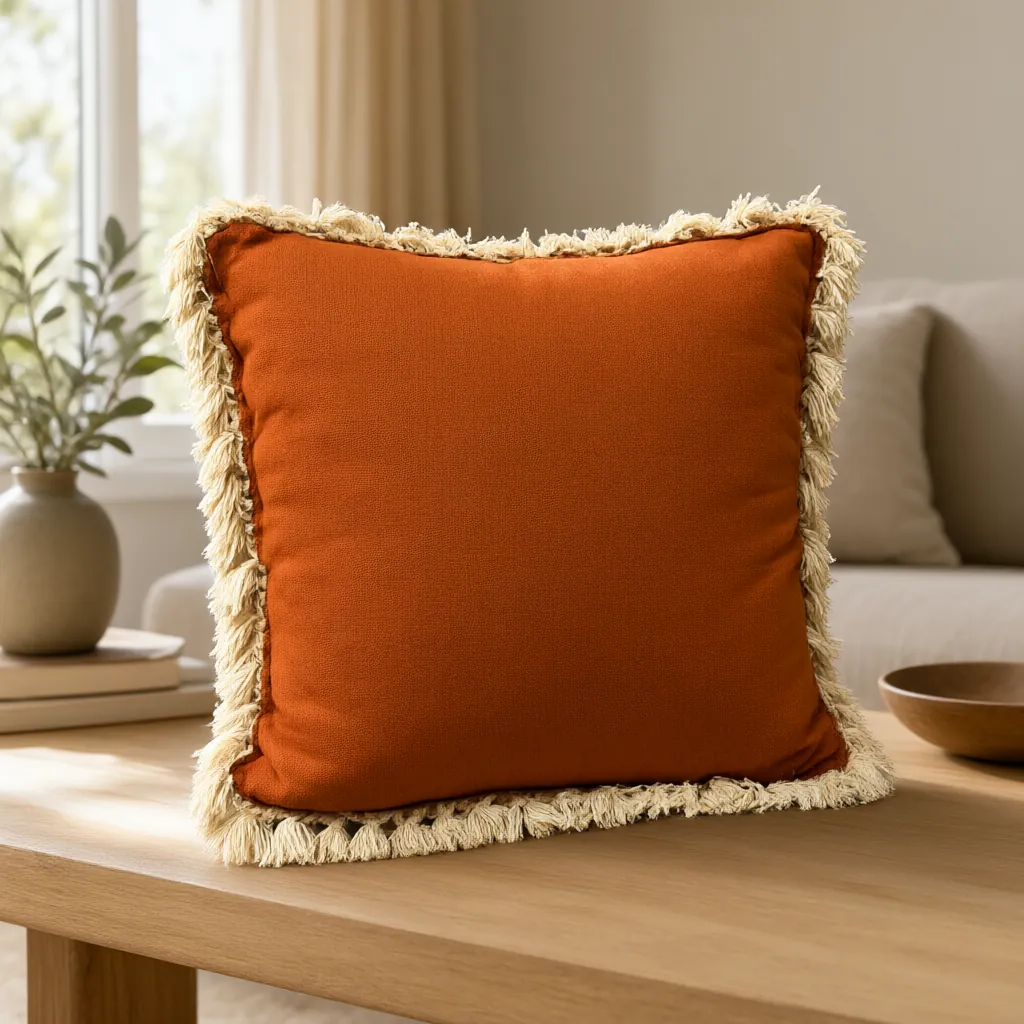
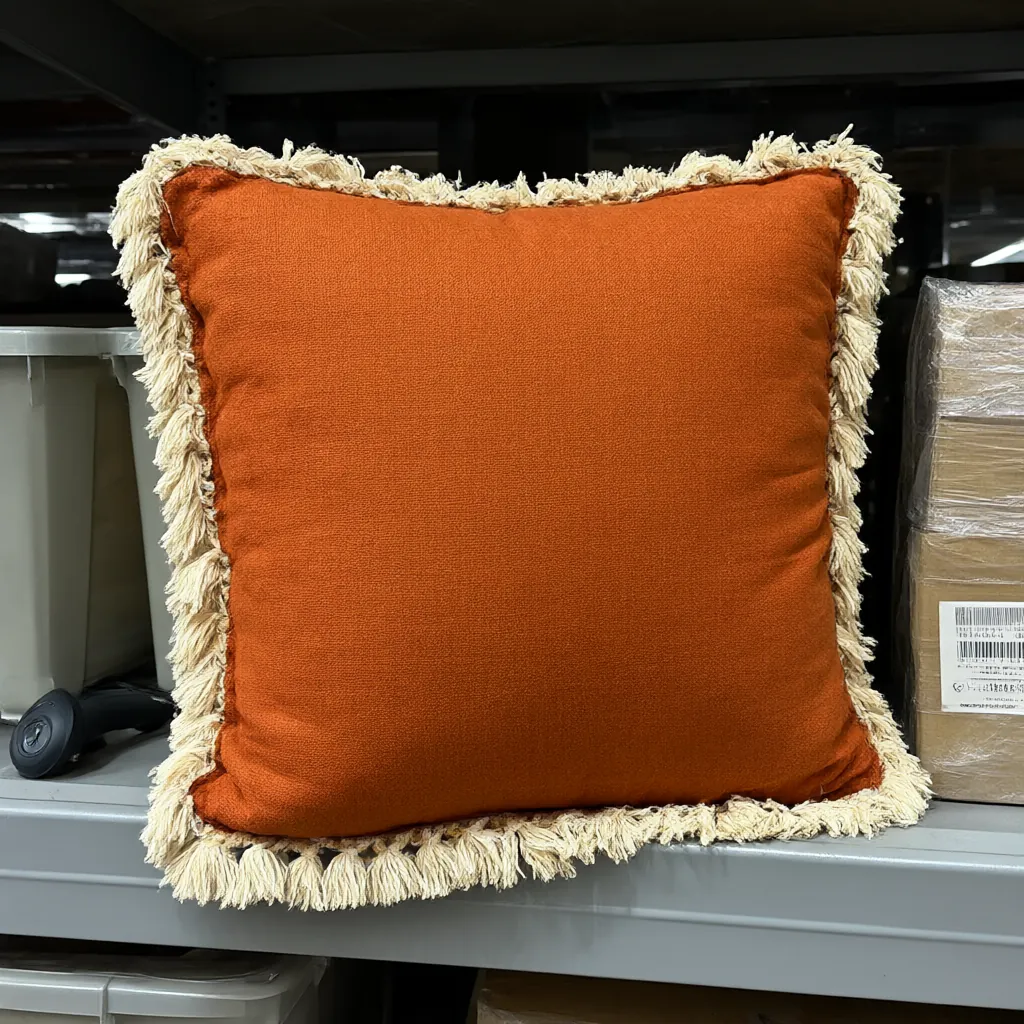 Snapshot
Shot
What you get
How the AI Lifestyle Image Generator works
What you upload
One photo for a lifestyle shot, or two to four for a room set. JPG, PNG or WebP. Phone photos are fine.
The scene
Describe the room, the mood and where each product sits, or leave it empty and we style it for you.
Sizes
Square 1:1 (1024 × 1024), portrait 4:5 (896 × 1120), landscape 16:9 (1344 × 768), website banner (1664 × 928) or story 9:16 (768 × 1344).
Room sets
Up to four products in one room, each at its true real-world size, and every piece stays true to its own snapshot.
Credits
1 credit for a lifestyle image, 2 credits for a room set.
Speed
About ten seconds once your job starts. If a job fails, its credits go straight back to your account.
Room sets
Stage a whole room from warehouse snapshots
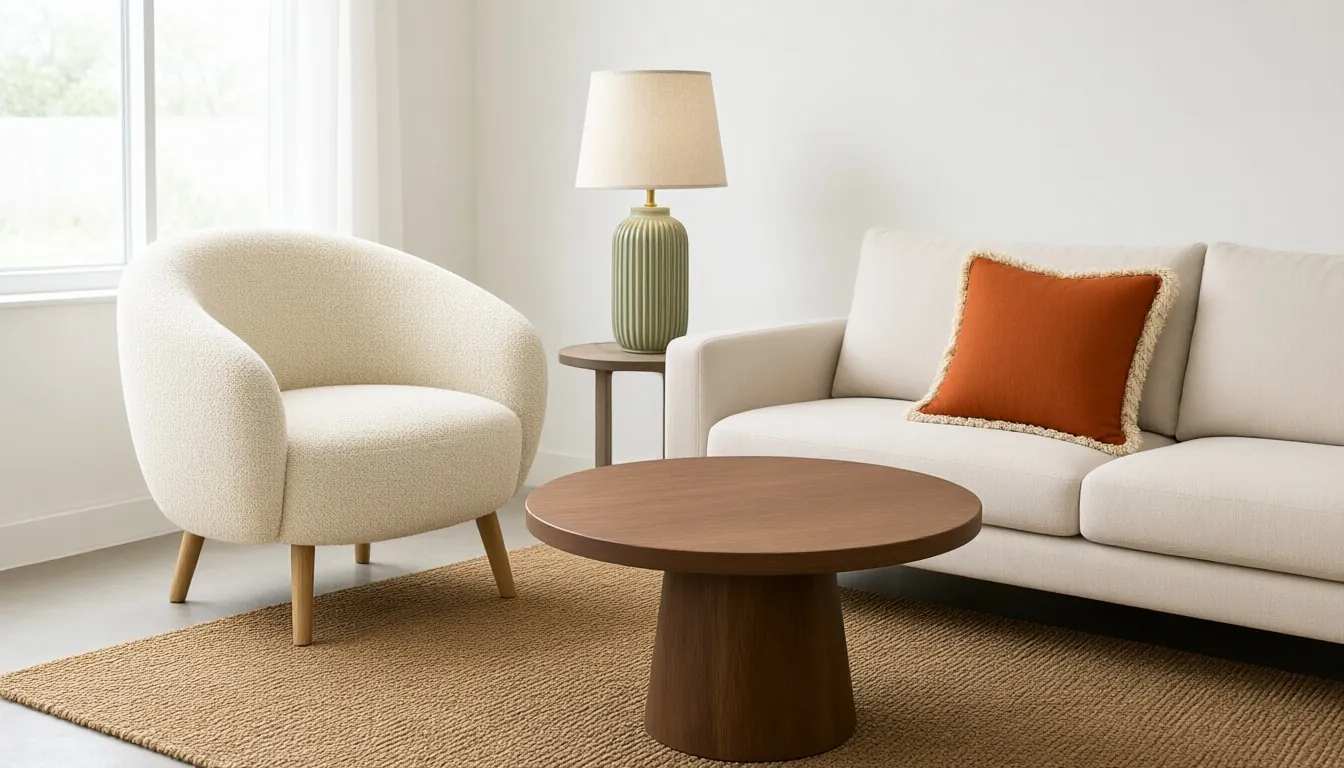
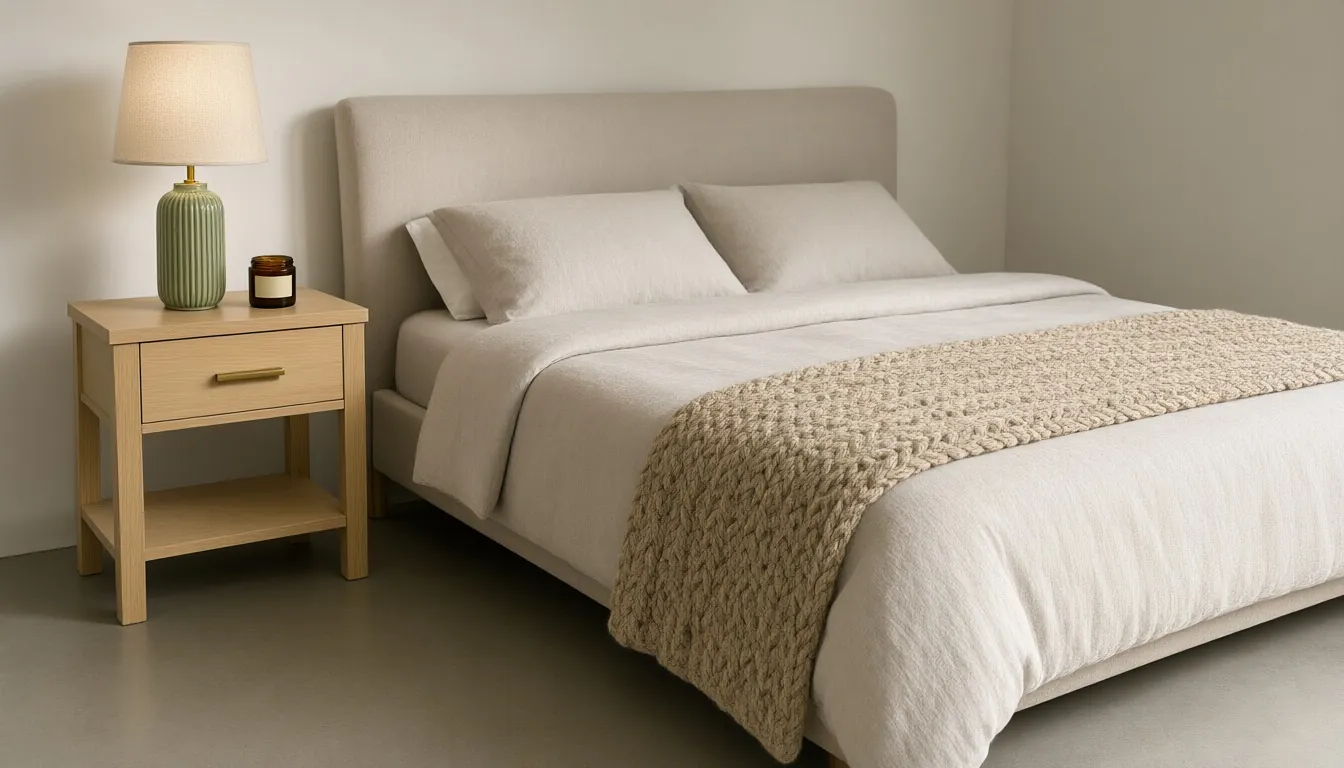
Send a plain photo of each piece: a chair, a table, a lamp, a pillow. We stage up to four products in one room at their real-world sizes, so a 3.5-inch candle never ends up the size of a nightstand.
Every room set also comes with a clean silo shot of each product, ready for your product pages.
Examples
Made with the AI Lifestyle Image Generator
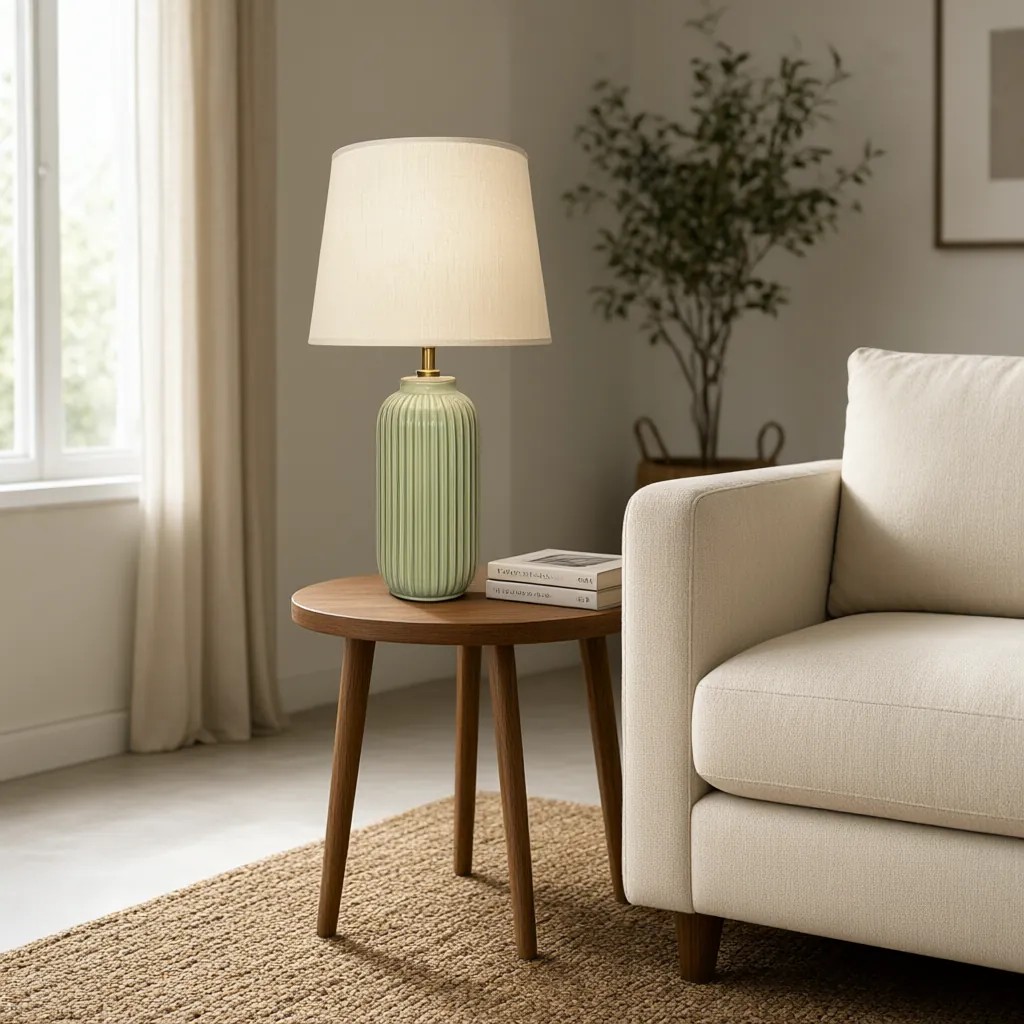
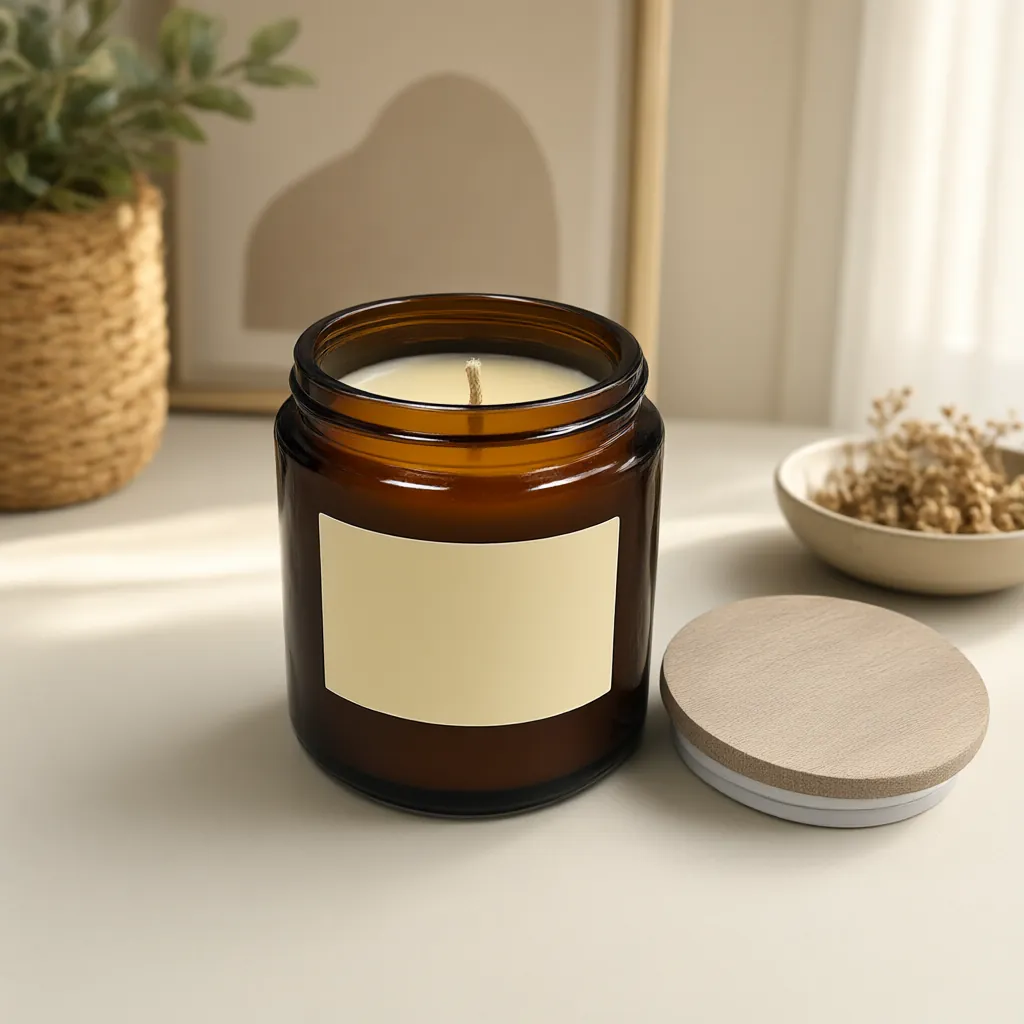
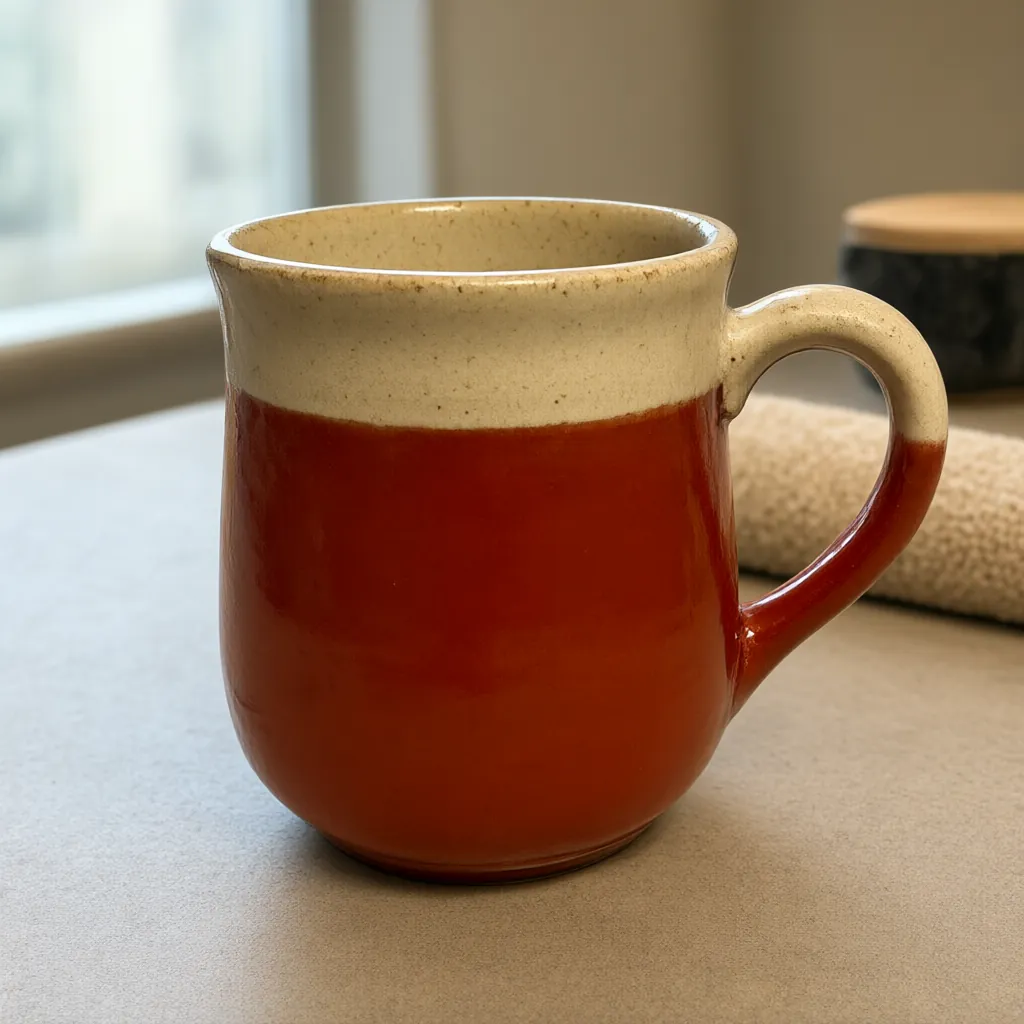
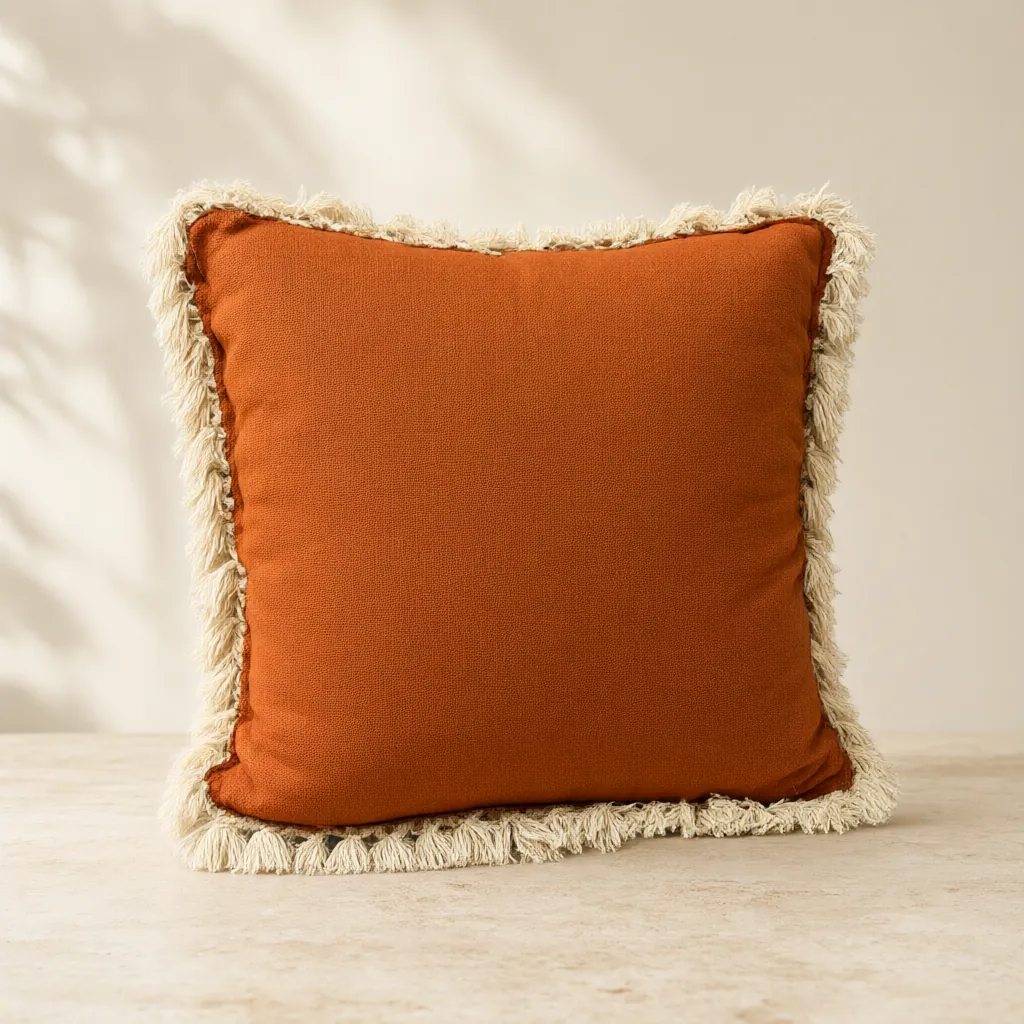
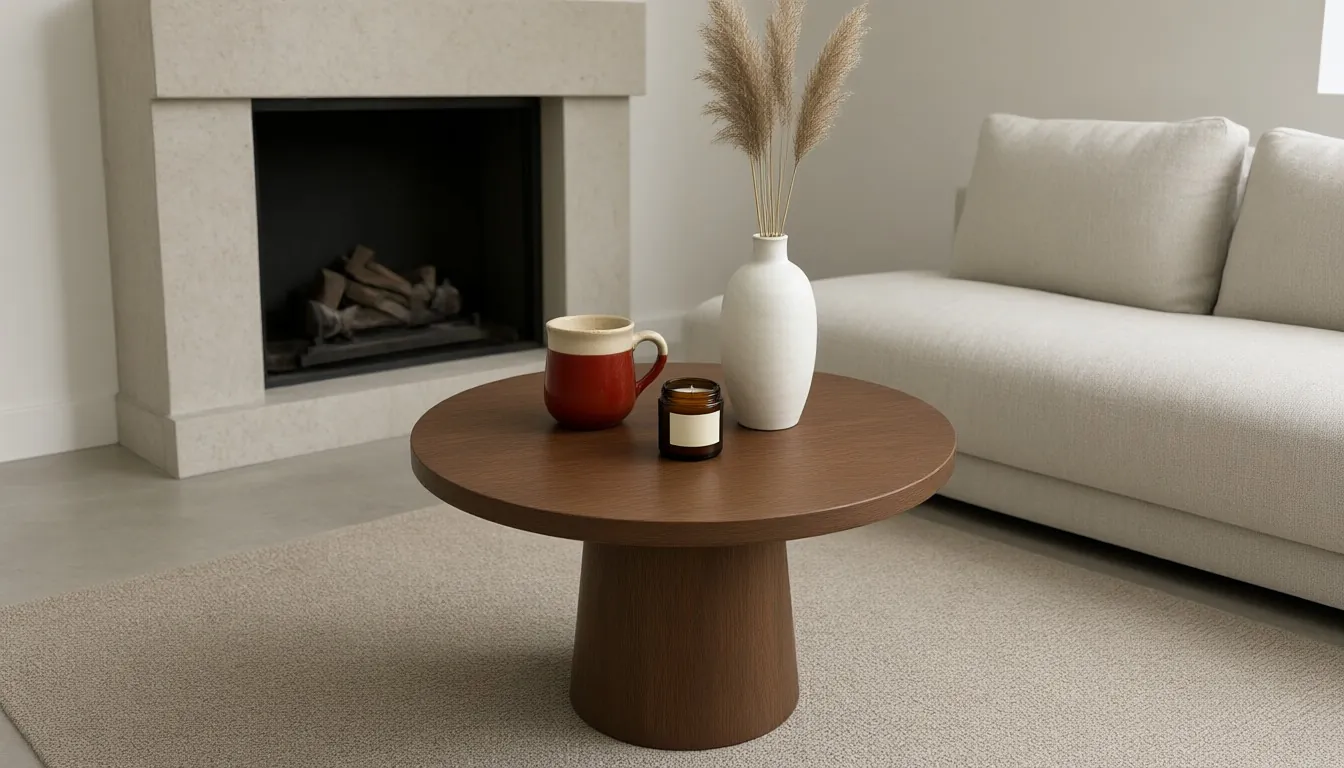
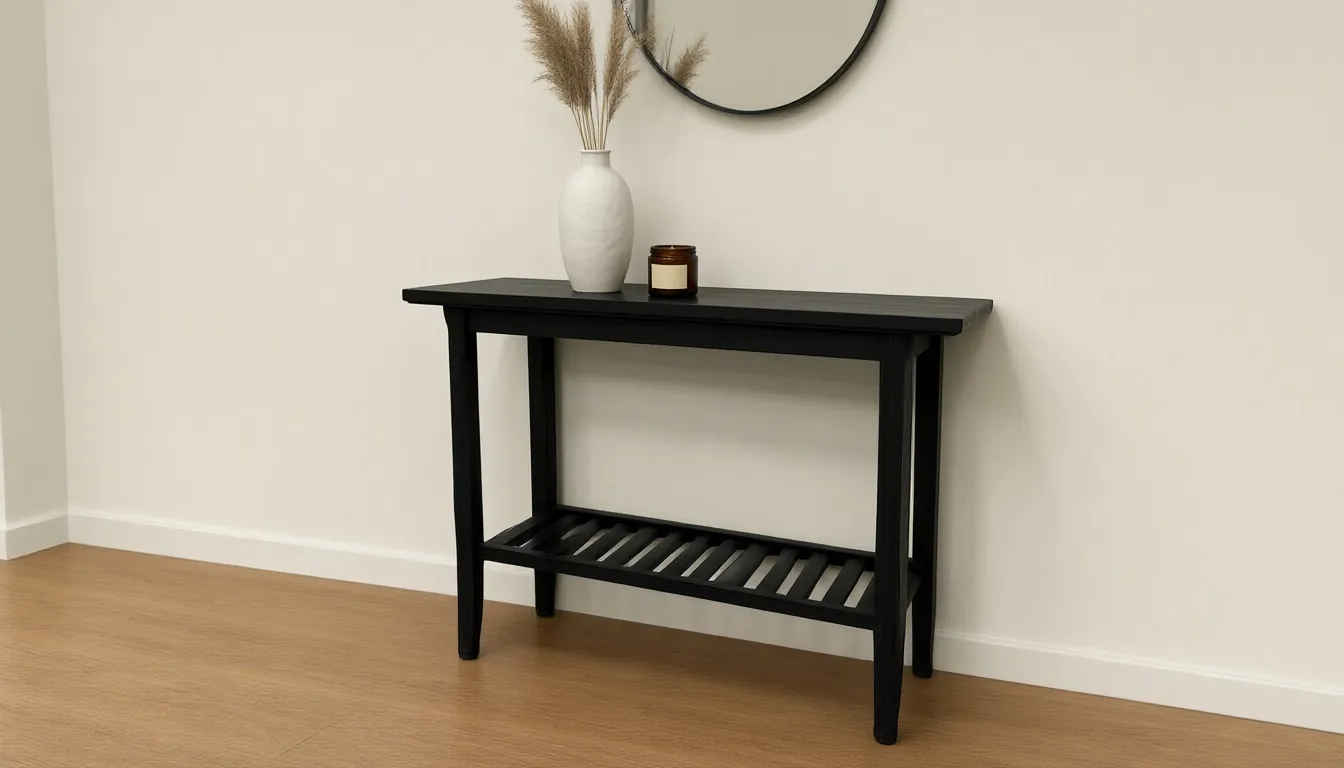
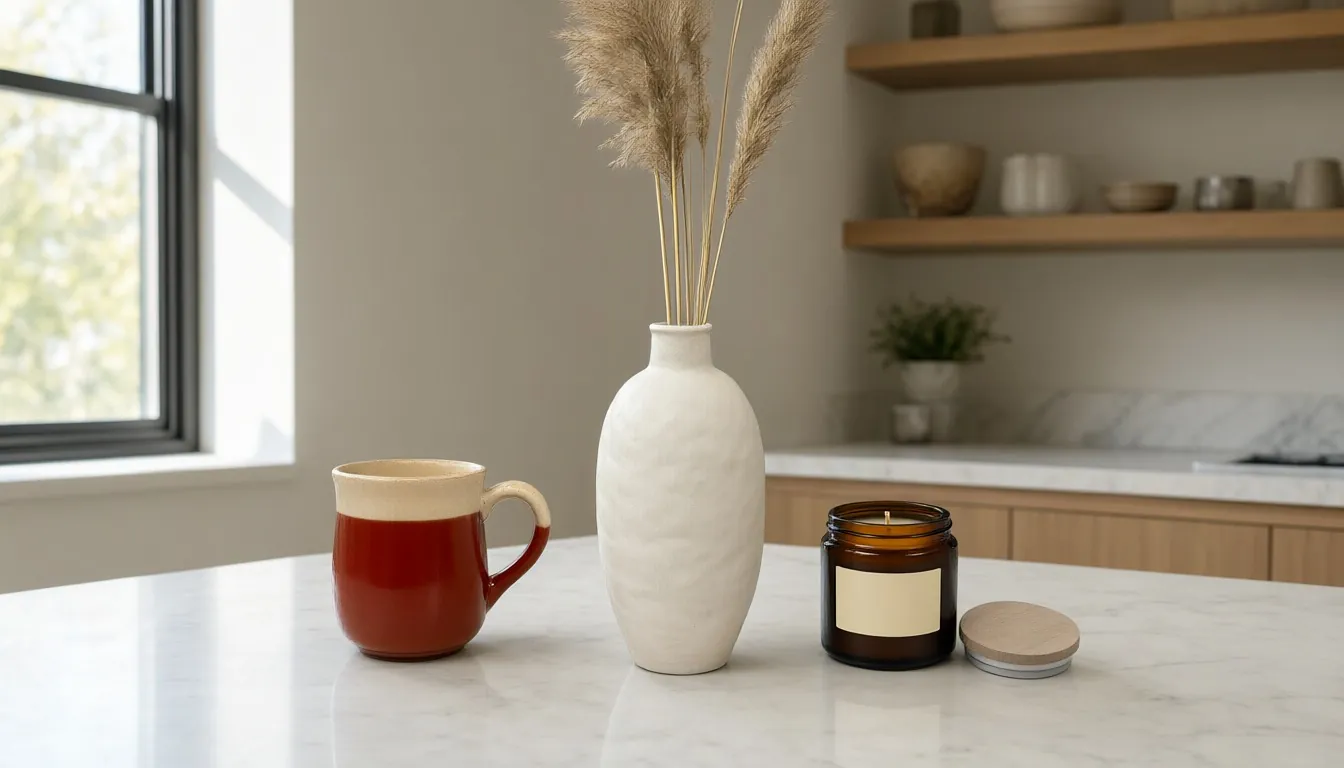
Studio samples, each made from a plain snapshot with our own tools.
How it works
Four steps, no photoshoot
Upload your product
One clear shot per product. Tell us what it is and the words printed on it, and accuracy goes up.
Describe the scene
Name the room and the mood, or leave it blank and we style it.
Pick a size
Square for marketplaces, portrait for social, landscape or banner for your website.
Download
Full-resolution files for your store, marketplaces, line sheets and social feeds.
Questions
Will the AI change my product?
Every tool is built to keep your product's shape, colors, materials, pattern and printed text the same and change only what's around it. Telling us what the product is, and the exact words printed on it, helps.
Can I put more than one product in a scene?
Yes. Upload two to four products and we stage them together as a room set, each at its real-world size. A room set uses 2 credits.
What sizes can I download?
Square 1:1 (1024 × 1024), portrait 4:5 (896 × 1120), landscape 16:9 (1344 × 768), website banner (1664 × 928) and story 9:16 (768 × 1344).
Do I need a professional photo to start?
No. Phone photos are fine. One clear shot per product is all we need.
Can I use the images commercially?
Yes. Images you make are yours to use in your store, catalogs, marketplaces, ads and social posts.
More answers on the pricing page. Related guides: Silo shots vs. lifestyle photos: when to use each and How to photograph products without a studio.
Get started
Try every tool with 200 free credits.
No card needed. Want us to do a whole catalog for you? Email hello@ketchupnomayo.com.
Already have an account? Log in