Line Drawing Generator
Spec-sheet line drawings from a product photo
Get a clean technical line drawing of your product. Add width, height and depth and we draw the dimension lines with your measurements, exactly as you typed them.
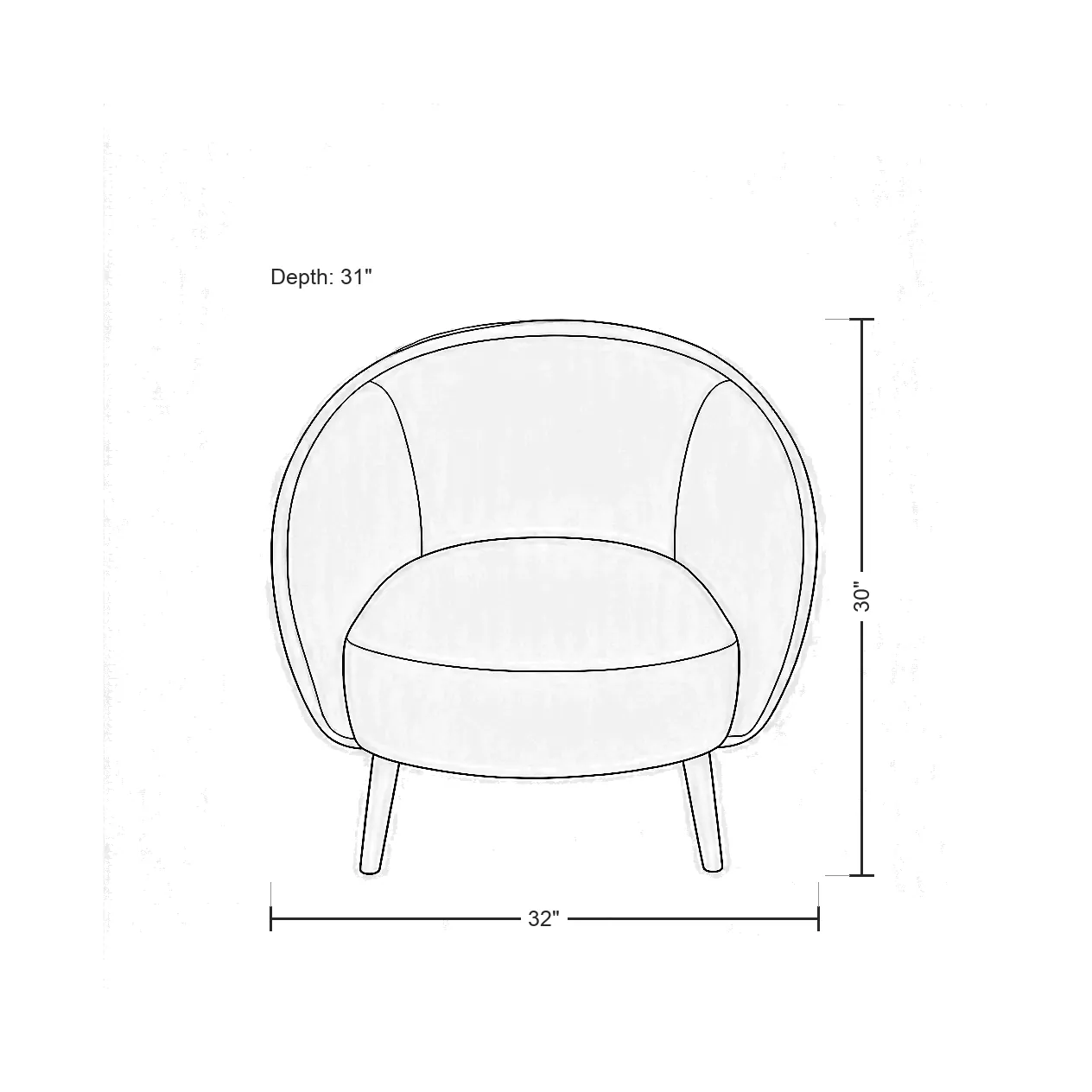
What you get
How the Line Drawing Generator works
What you upload
One product photo. JPG, PNG or WebP.
Dimensions
Optional width, height and depth, written the way you want them shown, such as 32".
Files you get
A PNG and a JPG line drawing.
Credits
1 credit per drawing.
Speed
About ten seconds once your job starts.
Good for
Spec sheets, line sheets, catalogs and dimension images on product pages.
Examples
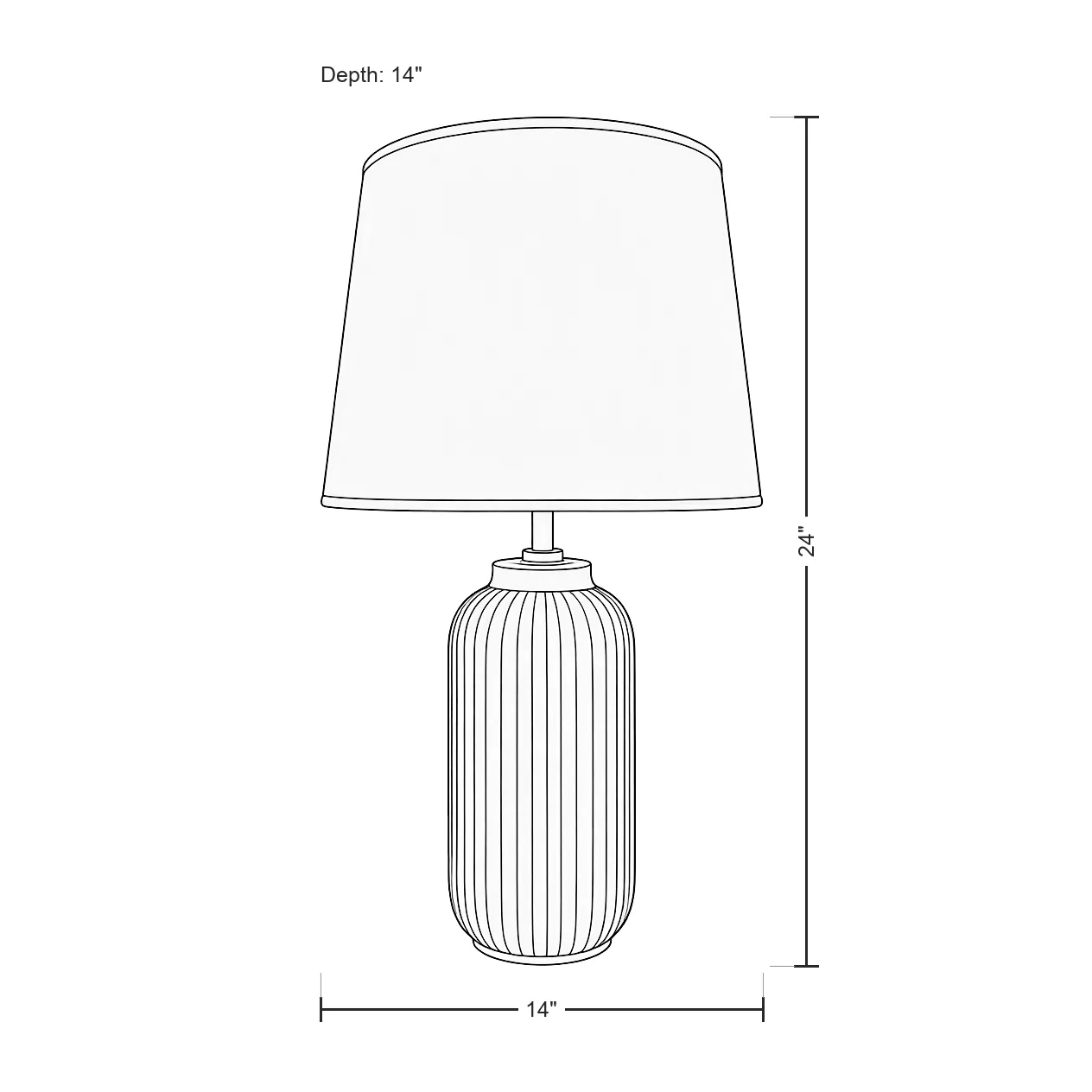
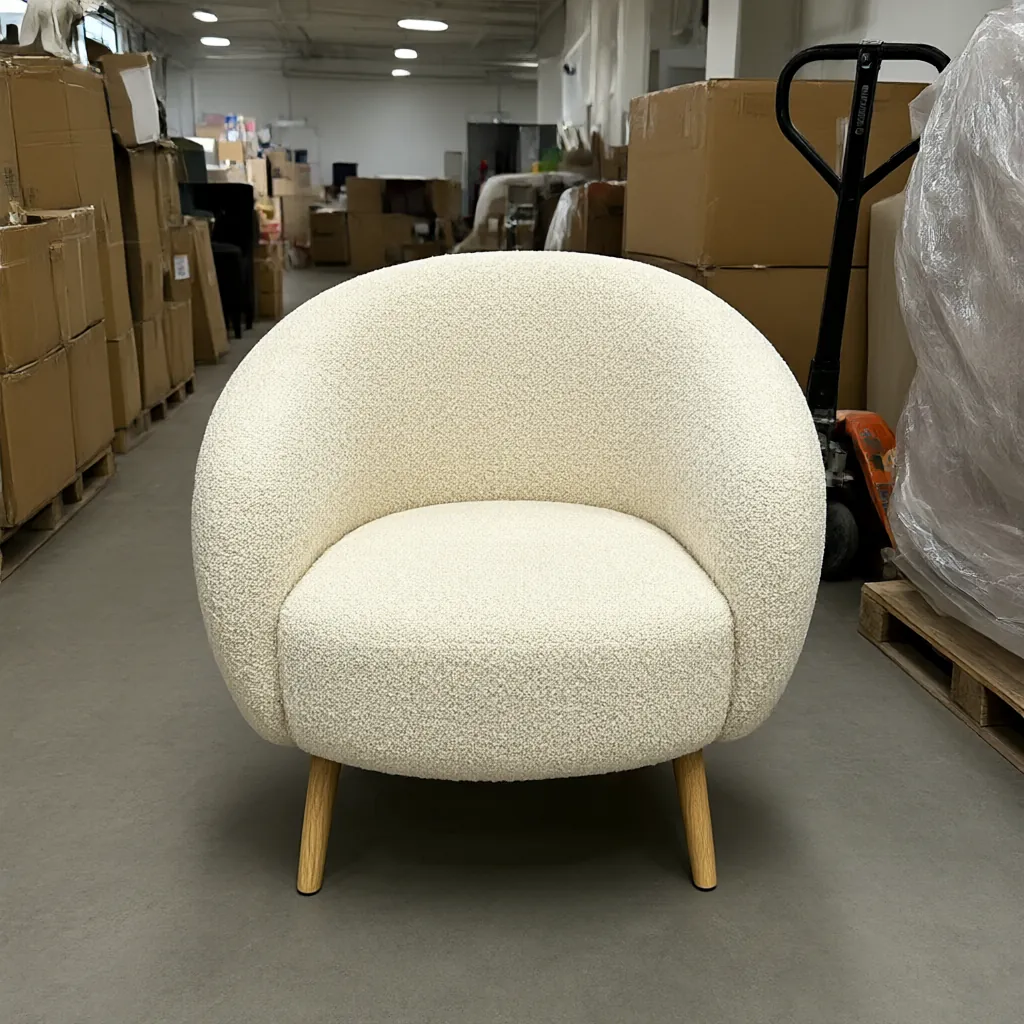
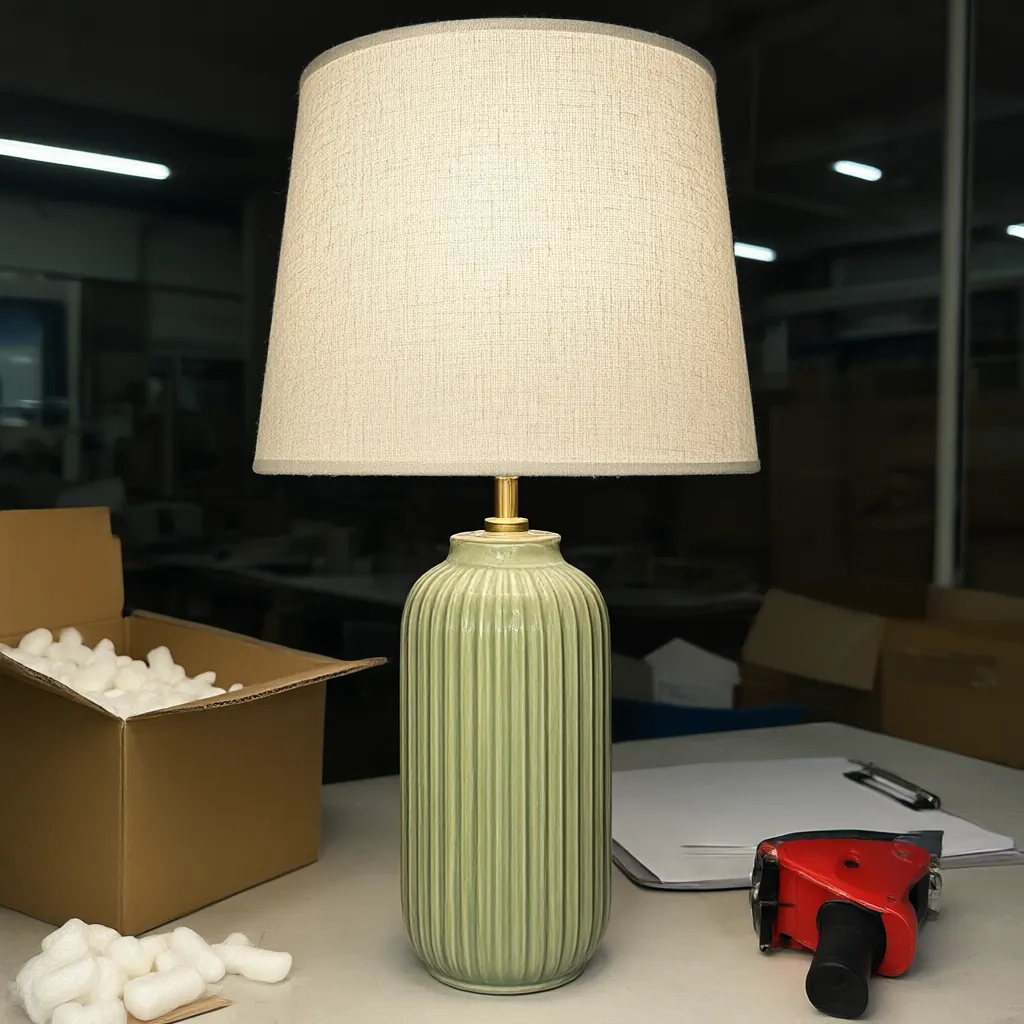
Made with the Line Drawing Generator
Studio samples, each made from a plain snapshot with our own tools.
How it works
Four steps, no photoshoot
Upload a photo
One clear shot of the product.
Add measurements
Width, height and depth, or skip them for a plain drawing.
Generate
Ready in about ten seconds.
Download
PNG and JPG, ready for your spec sheet.
Questions
Do I have to add dimensions?
No. Dimensions are optional. Leave them out for a plain line drawing.
Which units can I use?
Whatever you type. We draw the dimension lines with your measurements exactly as you typed them, so 32", 81 cm or 32 in all work.
What files do I get?
A PNG and a JPG of the line drawing.
How many credits does a drawing use?
1 credit per drawing.
More answers on the pricing page. Related guides: How to photograph products without a studio and Silo shots vs. lifestyle photos: when to use each.
Get started
Try every tool with 200 free credits.
No card needed. Want us to do a whole catalog for you? Email hello@ketchupnomayo.com.
Already have an account? Log in