Variant Builder
Every colorway from one product photo
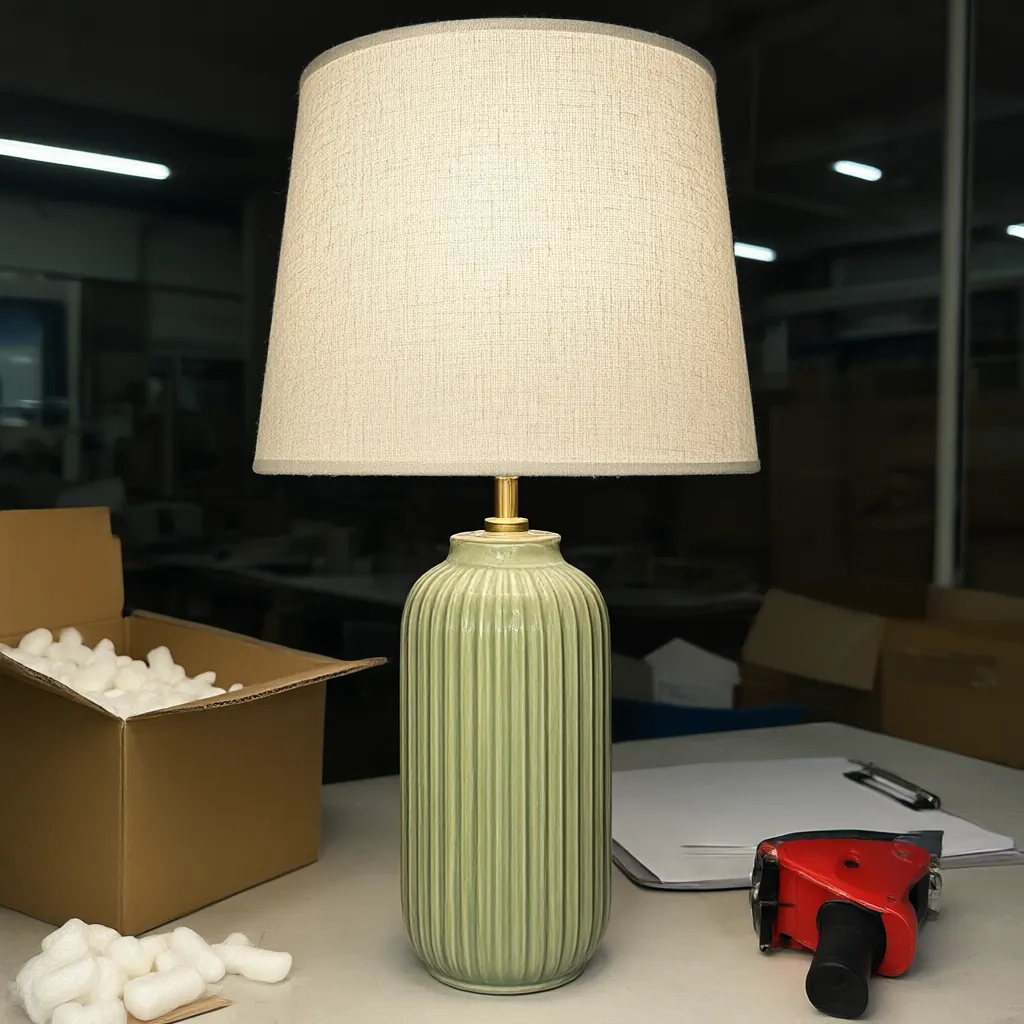
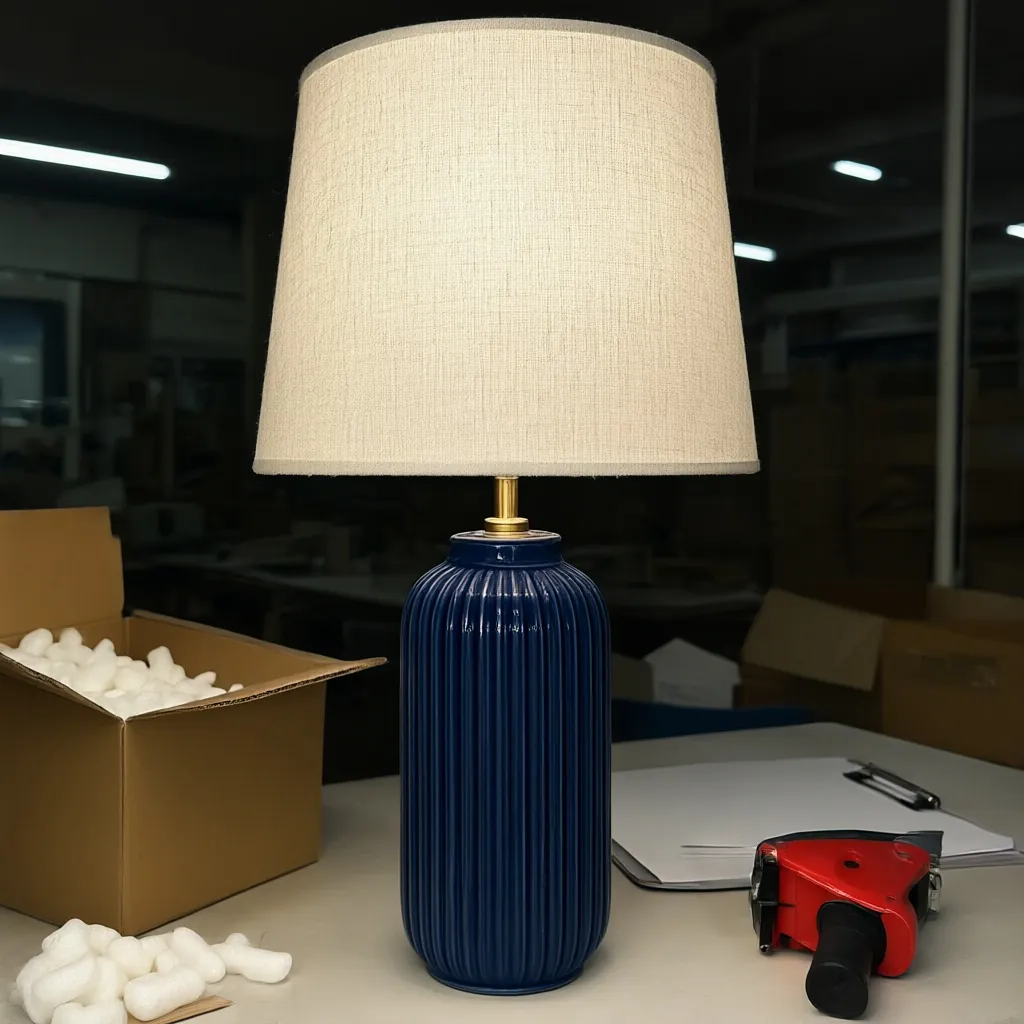
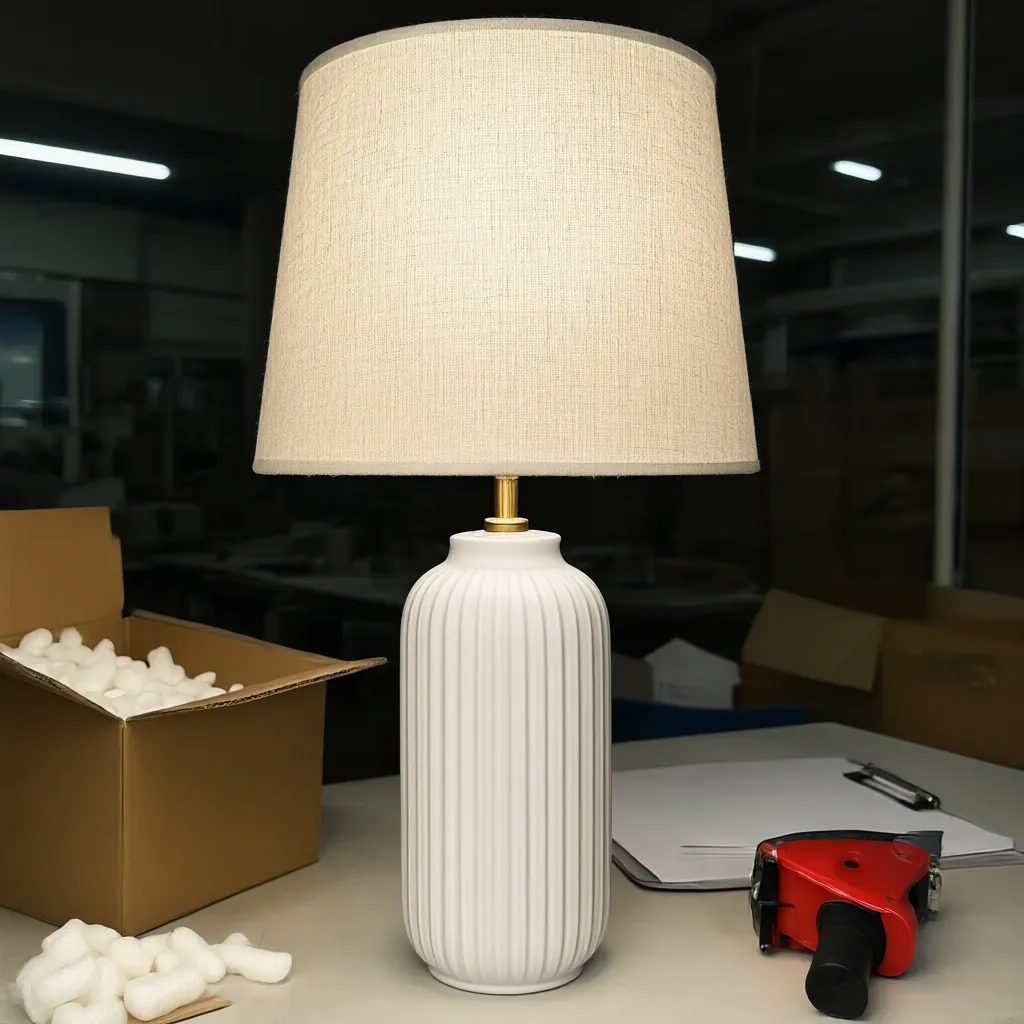
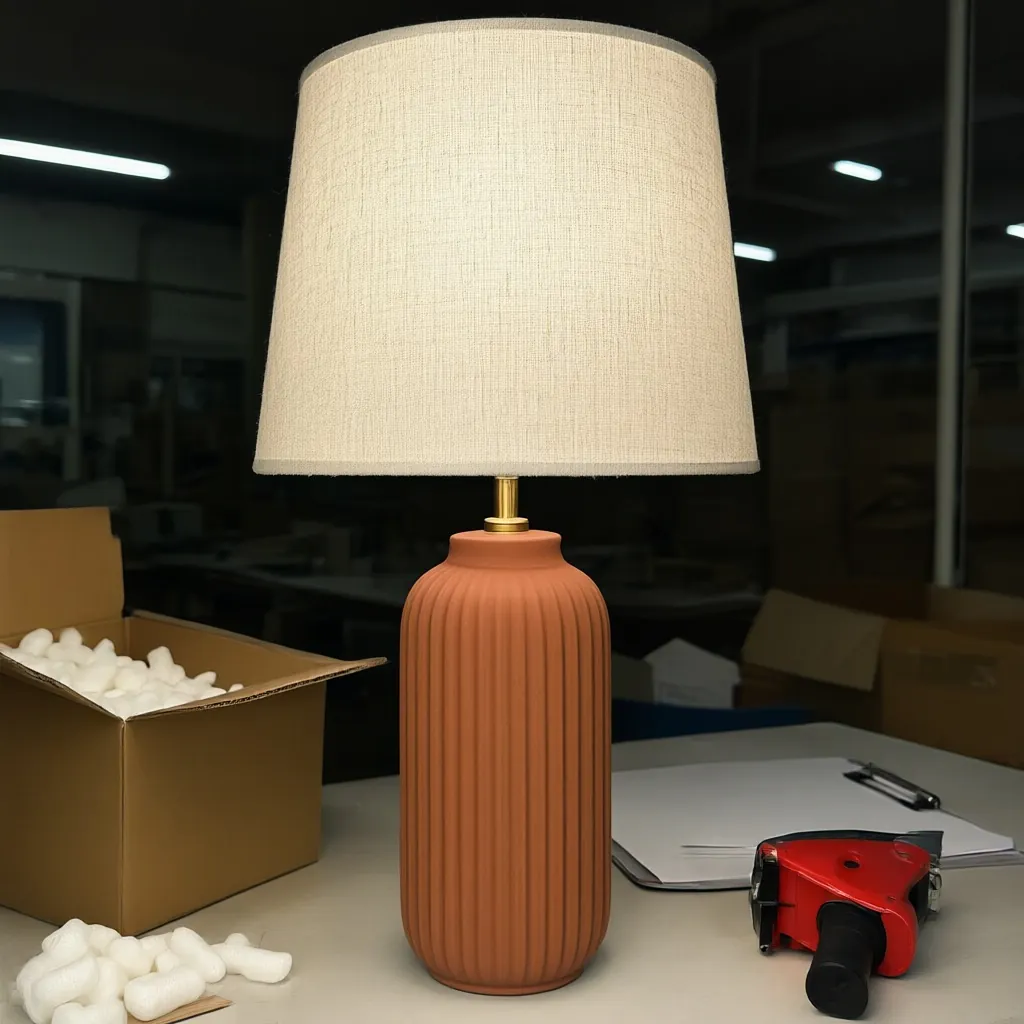
Name the part that changes and list your colors or finishes. Variant Builder makes one image per option and changes only that part; the shape, the setting and everything else stay put.
What you get
How the Variant Builder works
What you upload
One product photo. JPG, PNG or WebP.
The part that changes
Name it in plain words: the ceramic base, the upholstery, the frame.
Colors or finishes
Up to eight per job, one per line, such as "deep navy gloss glaze" or "warm terracotta".
What stays the same
Everything except the part you named: shape, setting, lighting and the rest of the product.
Credits
1 credit per variant.
Good for
Product pages, line sheets and showing new colorways before samples arrive.
Examples
Made with the Variant Builder
Studio samples, each made from a plain snapshot with our own tools.
How it works
Four steps, no photoshoot
Upload one photo
Any clear shot of the product.
Name the part
Say which part changes, for example the ceramic base.
List the options
Up to eight colors or finishes, one per line.
Download each variant
One image per option, everything else unchanged.
Questions
How many variants can I make at once?
Up to eight per job, one color or finish per line.
What can I change?
Any part you can name: a glaze, upholstery, a frame, a finish. Each variant changes only that part.
Does the rest of the photo change?
No. Each variant changes only the part you named; everything else stays put.
How many credits does it use?
1 credit per variant, so eight colorways use 8 credits.
More answers on the pricing page. Related guide: How to show every colorway without a photoshoot.
More tools
Every plan includes all six tools.
Get started
Try every tool with 200 free credits.
No card needed. Want us to do a whole catalog for you? Email hello@ketchupnomayo.com.
Already have an account? Log in