- Home
- Industries
- Candles & home fragrance
For candles & home fragrance brands
AI product photography for candles and home fragrance
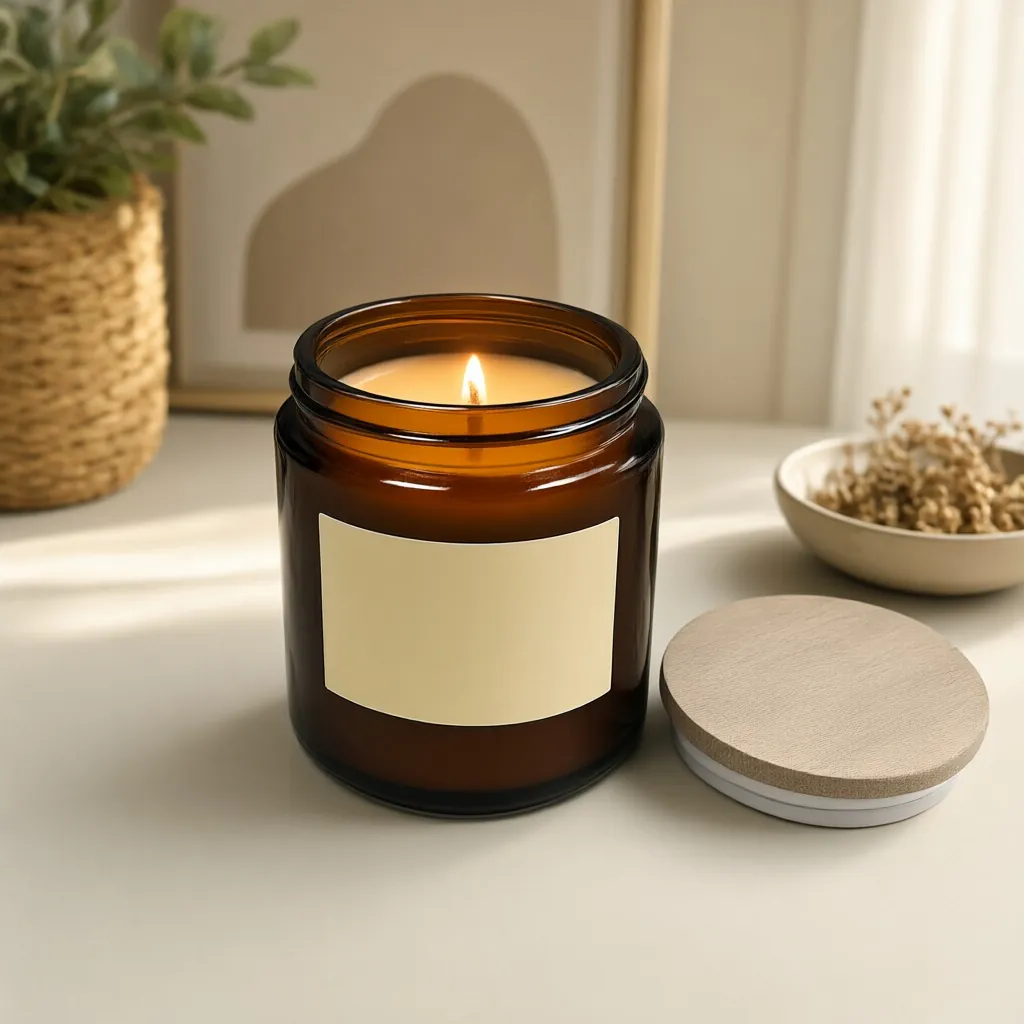
Candles sell on mood, and the mood changes with the season. Start from one clear photo of your candle and get lit and unlit scenes, holiday styling, silo shots, every jar color and short videos, without restaging a shoot each time.
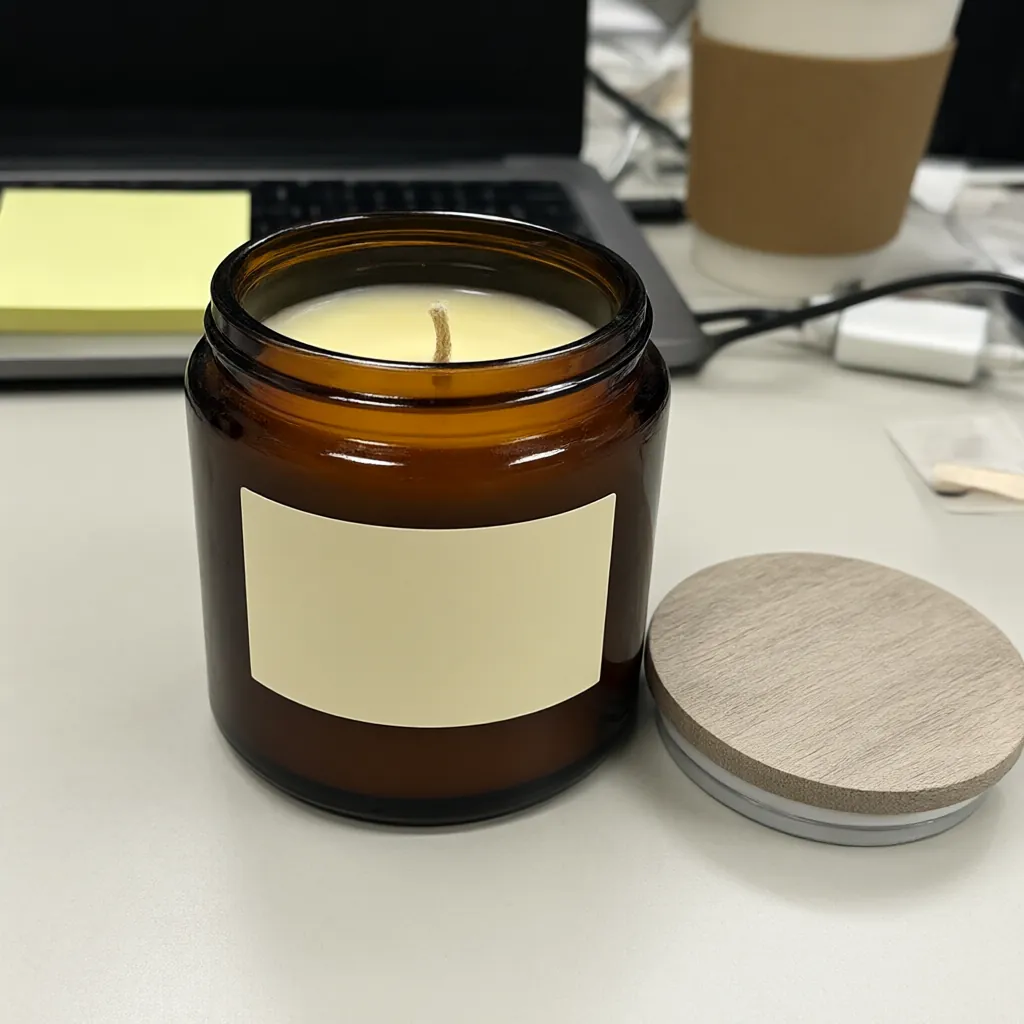 Snapshot
Lit
What to show
What candle shoppers need to see
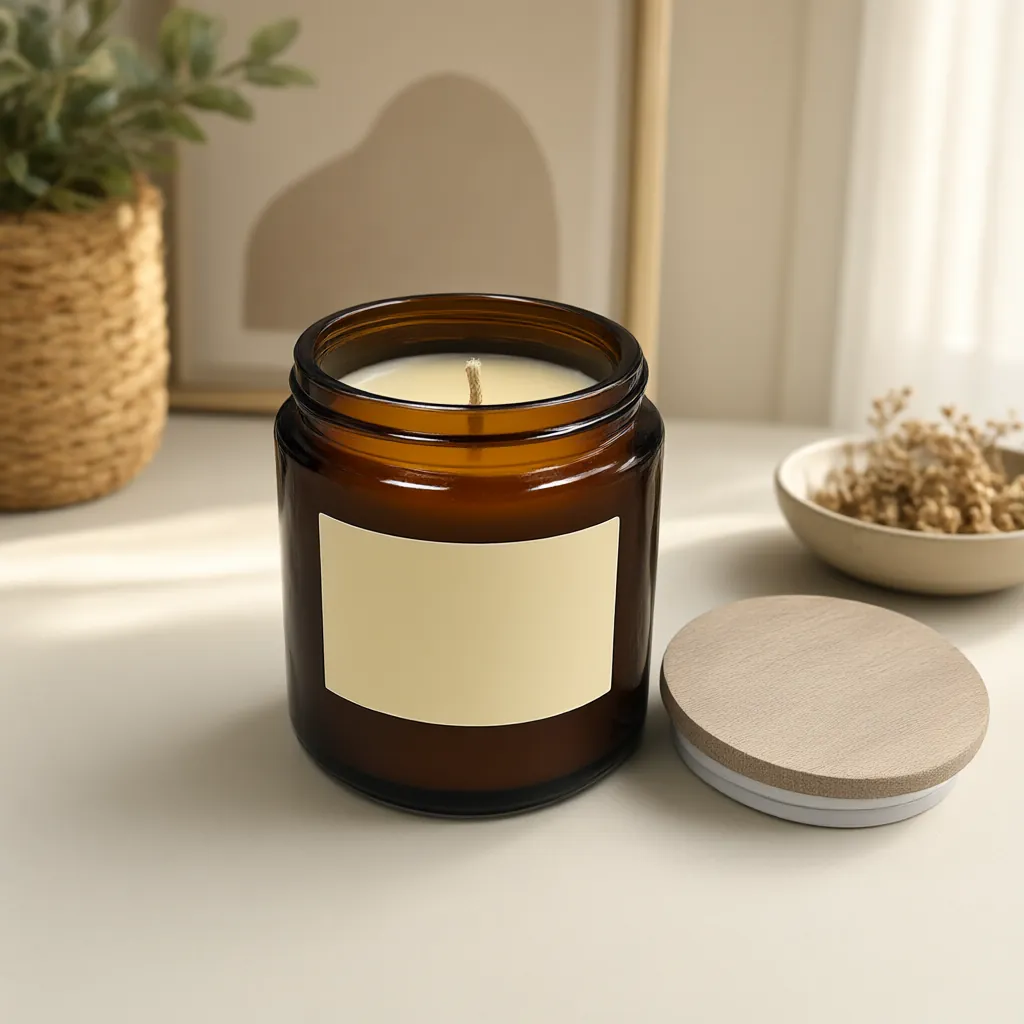
Lit and unlit
The flame sells the mood; the unlit jar shows the wax, the vessel and the label clearly. Most listings need both.
AI Lifestyle Image GeneratorYour label, word for word
Tell us the exact words on your label when you upload. The tools are built to keep printed text unchanged. Check the label in every image before you publish.
AI Lifestyle Image GeneratorIts real size
Small things tend to come out too big in AI scenes. Tell us the real size, like "candle jar, 3.5 in tall", and the scene is built around it. Check the scale before you publish.
AI Lifestyle Image GeneratorA scene for every season
Holiday mantels, spring windowsills, summer tables. Describe a new scene and reuse the same product photo.
AI Lifestyle Image GeneratorEvery vessel color
Name the part that changes, like the glass jar or the lid, and list the colors. Only that part changes.
Variant BuilderA flickering flame
A 5-second clip with a slow camera move and a moving flame stops the scroll better than a still.
Product Video GeneratorSeasonal scenes
A new season without a new shoot
Seasonal collections and gift guides need fresh images several times a year. Keep one good photo of each candle and describe the scene: a pine garland on a winter mantel, a sunny spring windowsill, a candlelit bath.
Each lifestyle image uses 1 credit and takes about ten seconds once the job starts.
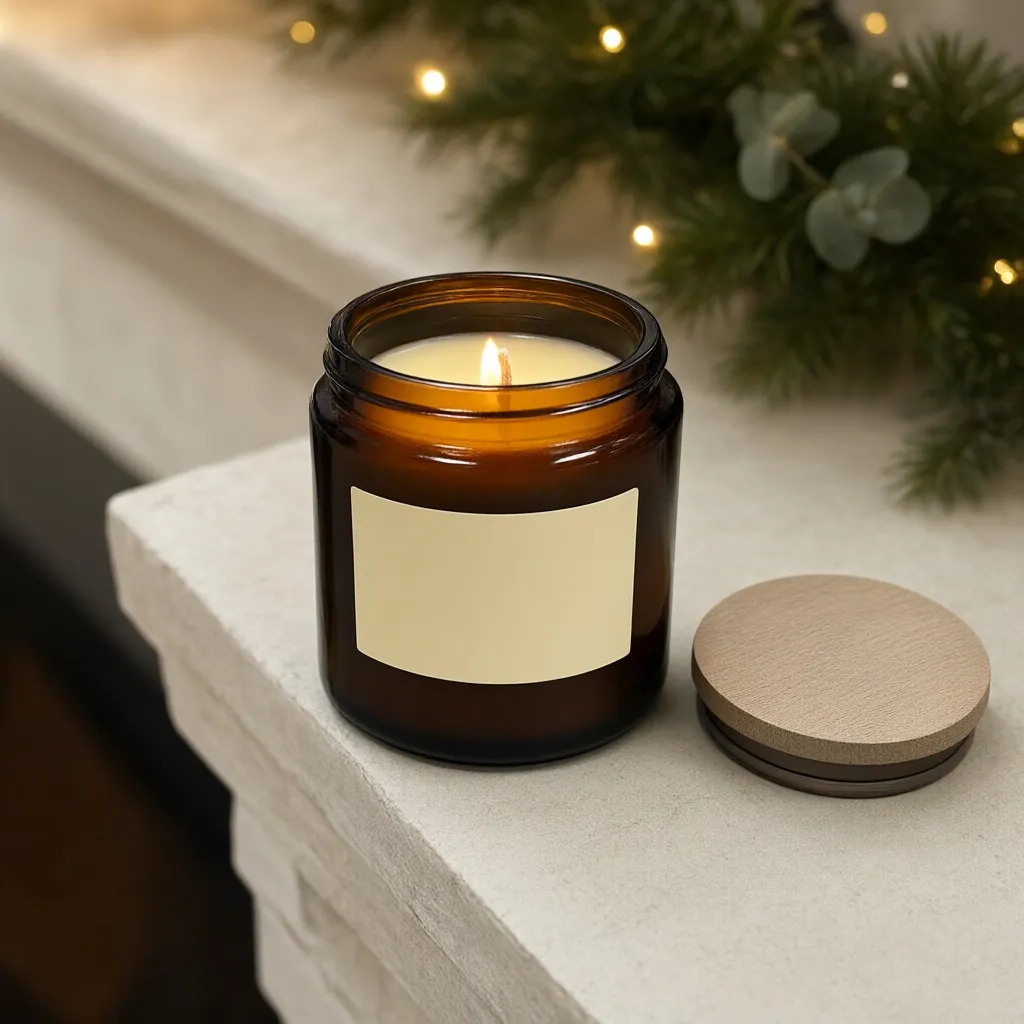
Examples
Candle samples
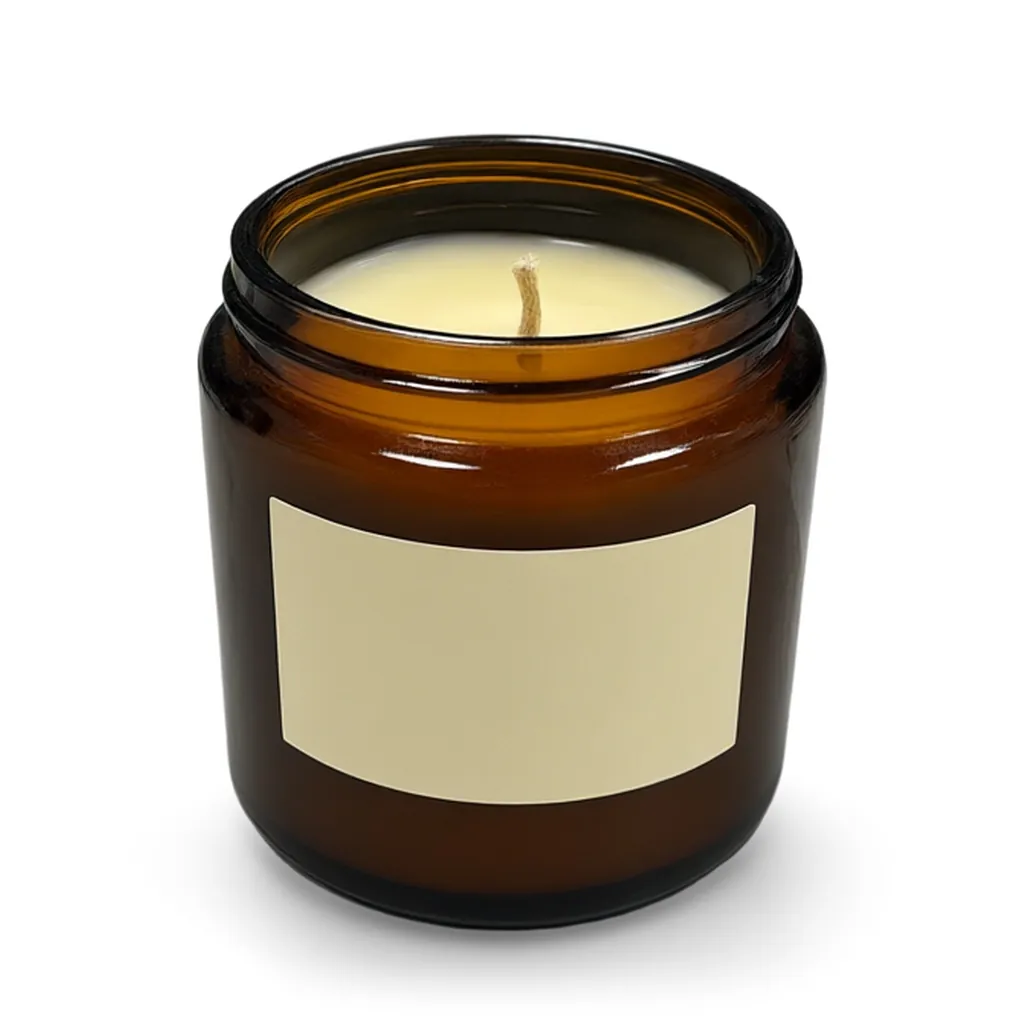
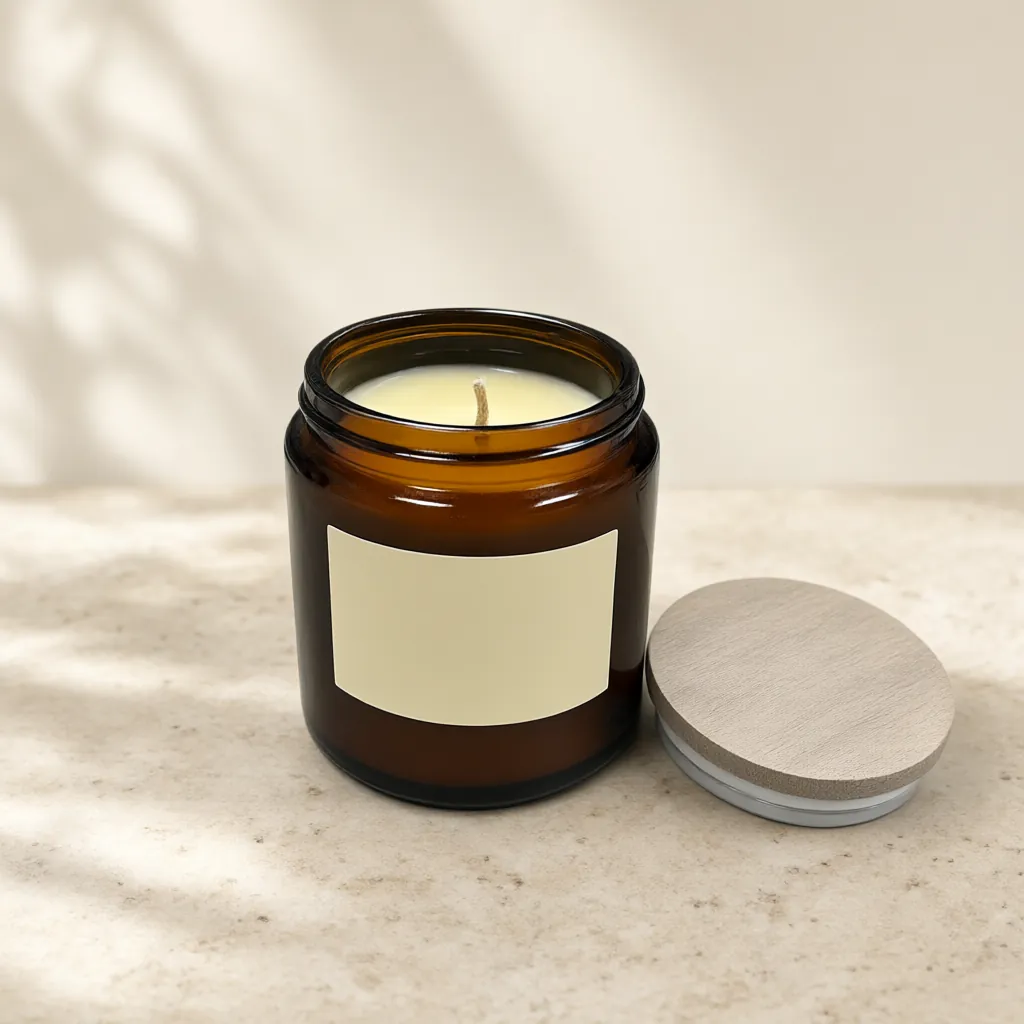
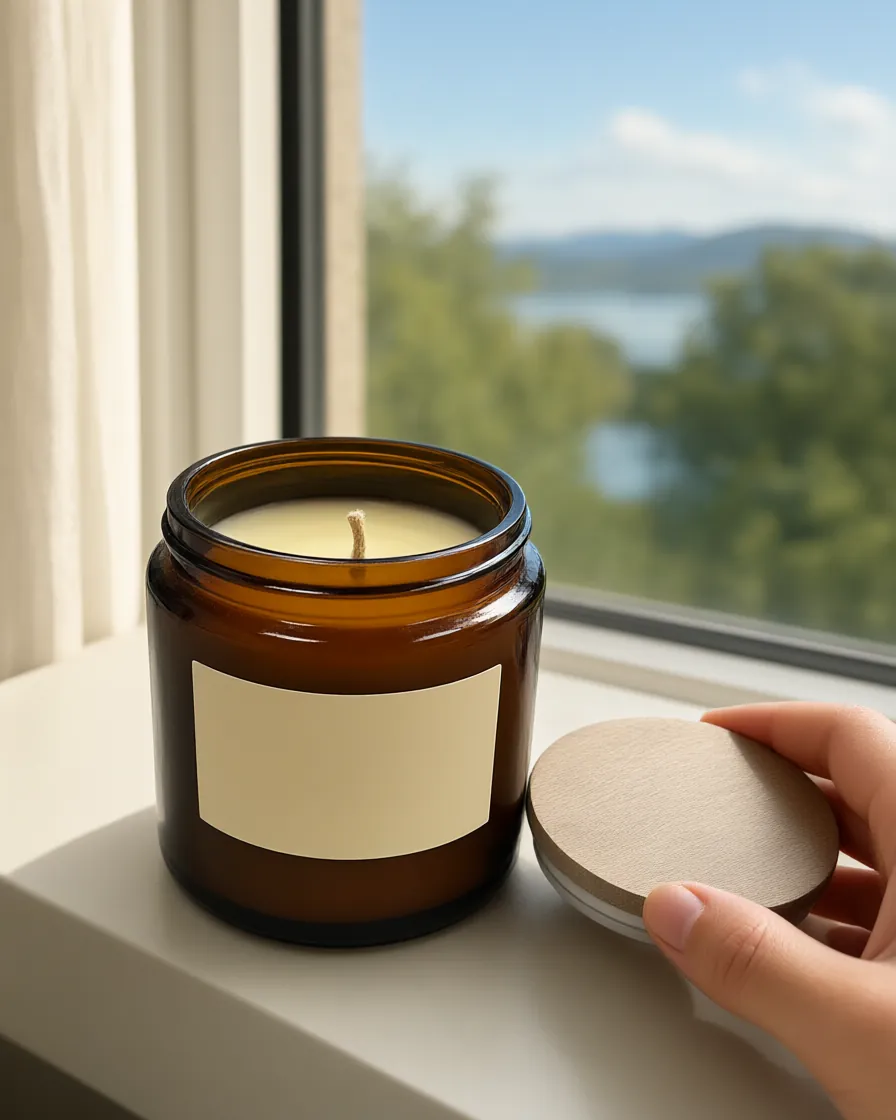
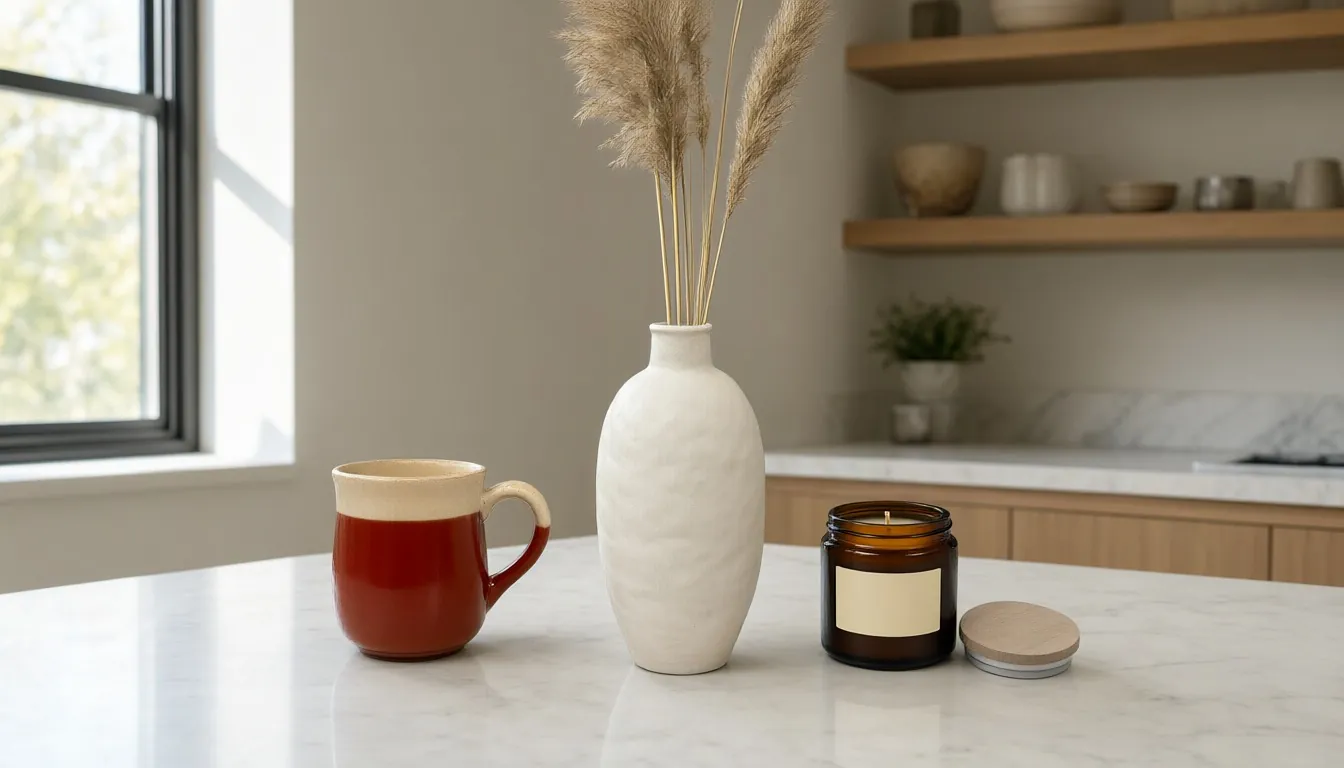
Studio samples, each made from a plain snapshot with our own tools.
A shot list for a candle listing
- Main image: the candle unlit, on pure white, with the label facing the camera.
- A lit lifestyle photo in the room it suits: a bathroom shelf, a nightstand, a dining table.
- A shot that shows size, next to familiar things like books or a mug, or in a hand.
- The lid and any details worth a closer look, like a wooden wick or a printed lid.
- Every vessel color you sell, as its own image.
- Seasonal scenes for gift guides and holiday campaigns.
- Optional: a 5-second video for the product page and social.
Every jar color from one photo
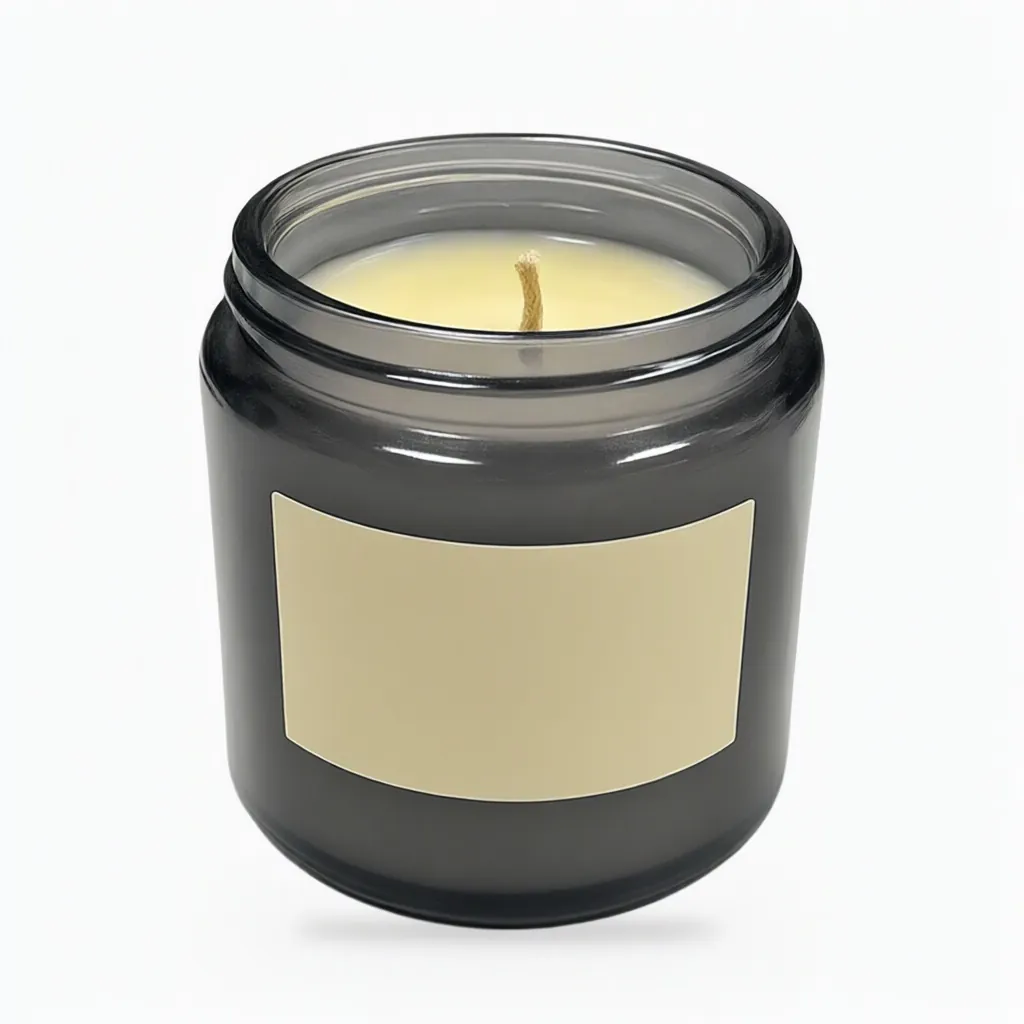
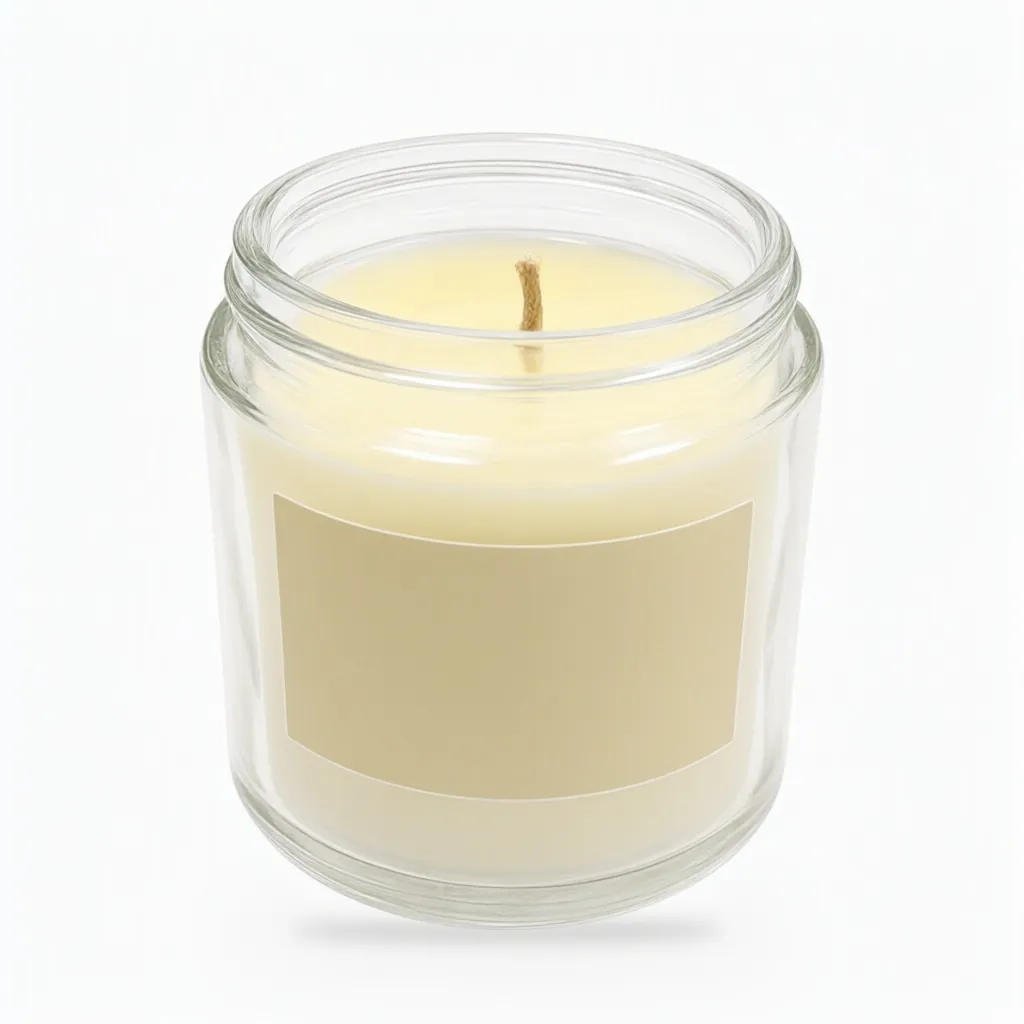
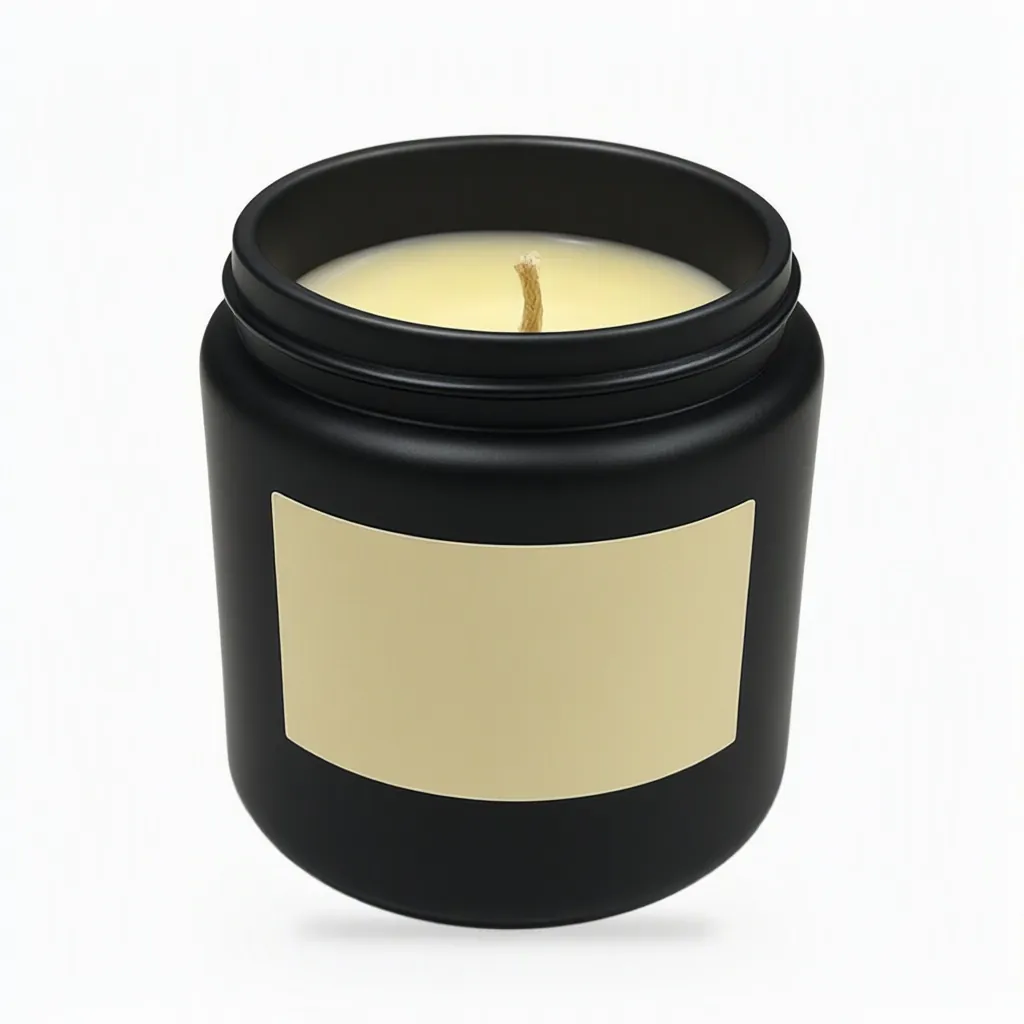
Describe each vessel by color and finish ("smoky grey tinted glass", "matte black glass"), and check every image against a real sample before it goes live.
Props, scent and marketplace rules
Scent can't be photographed, so lifestyle shots often hint at it with props: citrus slices, lavender, a cedar log. That's fine in lifestyle photos, as long as it's clear what's in the box. Keep main images plain:
- Amazon wants the main image on pure white, with no props or accessories that don't come with the product.
- Etsy doesn't require white, but since its October 2026 update most listings need at least one unedited photo of the actual item against a real background. Your other photos can be edited, including with AI, as long as they show what the buyer receives. Keep your original snapshot: cropped but otherwise untouched, it can be that photo.
Checked against each marketplace's own pages on November 7, 2026. See our marketplace photo requirements guide for the details and sources.
Getting a good snapshot of a candle
- Crouch to jar height so you see the label straight on, not from above.
- Turn the label to face the camera and make sure nothing covers it.
- Wipe the glass and turn the flash off to avoid glare and fingerprints.
- Photograph it unlit. The flame can be added in the scene, and an unlit photo shows the wax and label clearly.
- Write down the exact label text and the jar size.
More tips in how to photograph products without a studio.
Put your candle in a lit, styled scene for any season.
Lifestyle Image GeneratorQuestions
Can you make my candle look lit?
Yes. In the AI Lifestyle Image Generator, describe a scene with the candle lit. Start from a photo of the candle unlit, so the wax and label come through clearly.
Will my label text stay the same?
The tools are built to keep printed text unchanged, and telling us the exact words on the label helps. Always check the label in every image before you publish it.
Can I show different jar colors?
Yes. In the Variant Builder, name the part that changes, such as the glass jar or the lid, and list up to eight colors. You get one image per color, and each one uses 1 credit.
Will a small candle look the right size?
Tell us the real size when you upload, like "candle jar, 3.5 in tall", and the scene is built around that size. Small items are the easiest to get wrong, so check every image before you publish it.
Can I use AI images on Etsy?
Since Etsy's October 2026 update, most listings need at least one unedited photo of the actual item against a real background. Your other photos can be edited, including with AI, as long as they accurately show what the buyer receives. Check Etsy's policy page for the full wording.
How much does it cost?
Plans start at $29 a month for 400 credits. One credit makes one image, a room set uses two, each variant uses one and a video uses ten. New accounts get 200 free credits, no card needed.
More answers on the pricing page.
The tools on this page
Every plan includes all six tools.
- AI Lifestyle Image GeneratorStyled scenes and room sets
- Variant BuilderEvery colorway and finish
- Silo Shot GeneratorProducts on pure white
- Product Video Generator5-second clips from a photo
- AI Object RemoverErase tags, clutter, reflections
- Line Drawing GeneratorSpec-sheet drawings with dimensions
Other industries
Get started
Try every tool with 200 free credits.
No card needed. Want us to do a whole catalog for you? Email hello@ketchupnomayo.com.
Already have an account? Log in