- Home
- Industries
- Furniture
For furniture brands
AI product photography for furniture
Furniture is hard to photograph. It's heavy, it needs a styled room, and every fabric option multiplies the shoot. Start from a phone snapshot of each piece instead, and get room sets, silo shots, fabric variants and dimension drawings from it.
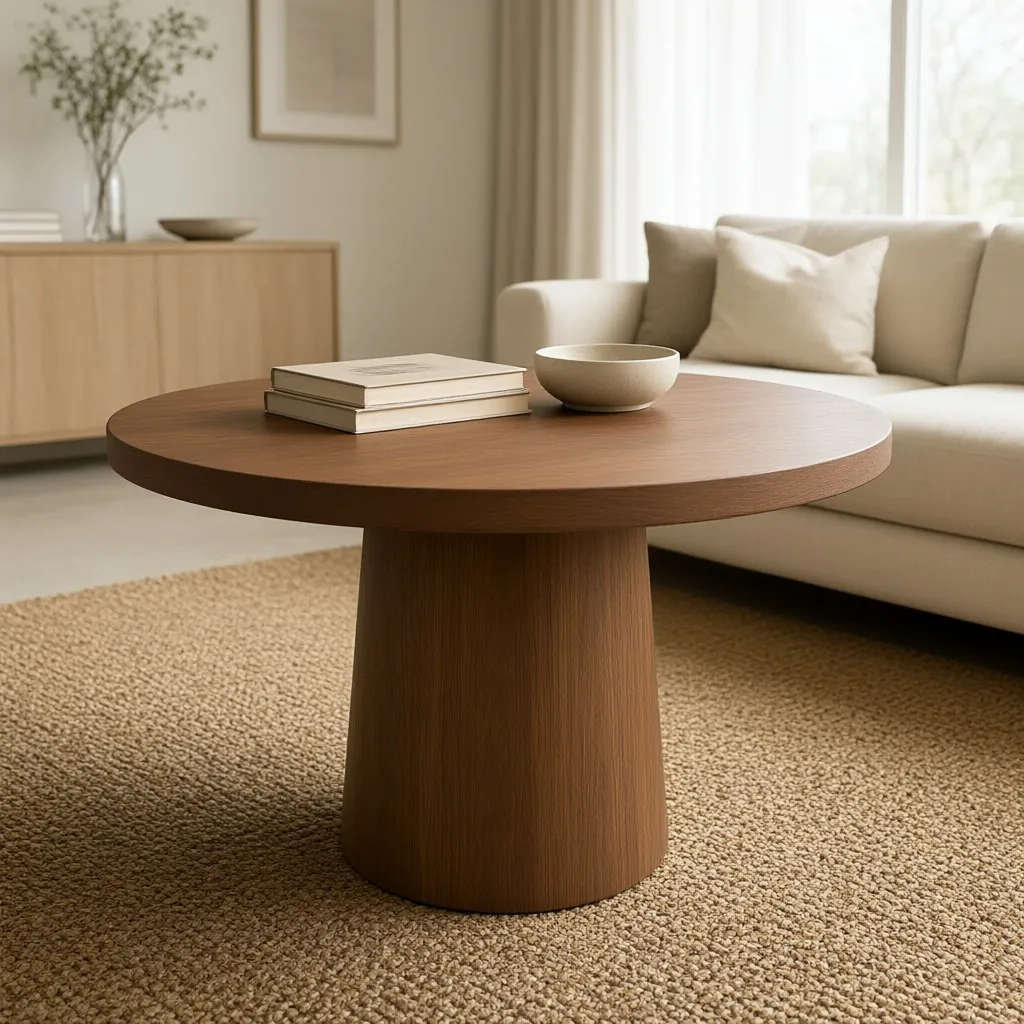
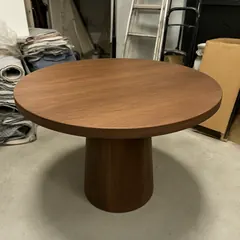 Snapshot
Lifestyle
What to show
What furniture shoppers need to see
How big it really is
Size is the question online furniture shoppers can't answer for themselves. Room sets are built around each piece's real-world size, and a dimension drawing gives the exact numbers.
AI Lifestyle Image GeneratorThe whole piece, clearly
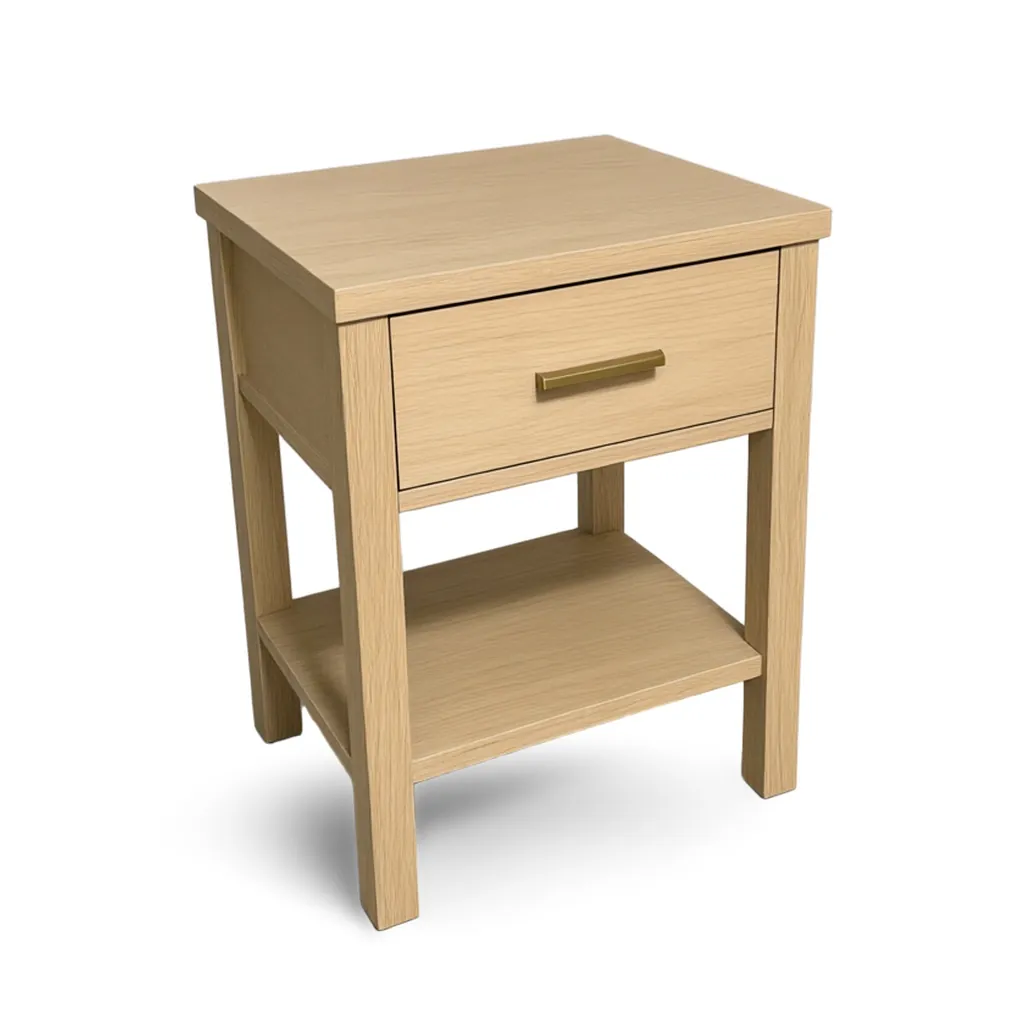
A silo shot on pure white shows the full shape, the legs and the profile with nothing in the way. It's the main image most marketplaces expect.
Silo Shot GeneratorEvery fabric and finish
Upholstery and wood finishes multiply fast. Name the part that changes and list the options, and one photo covers the whole range.
Variant BuilderHow it looks at home
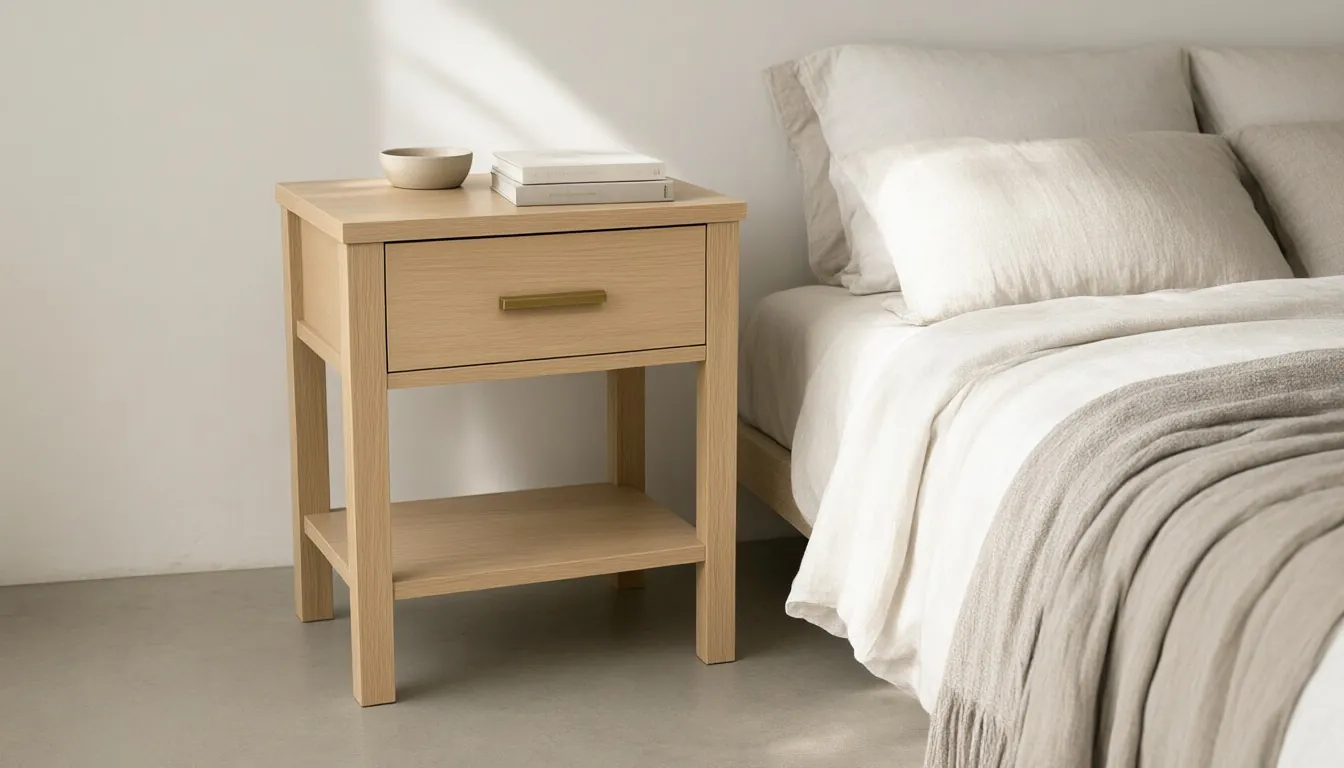
A lifestyle photo answers "will this work in my room?" Stage one piece on its own, or up to four from the same collection together.
AI Lifestyle Image GeneratorExact dimensions
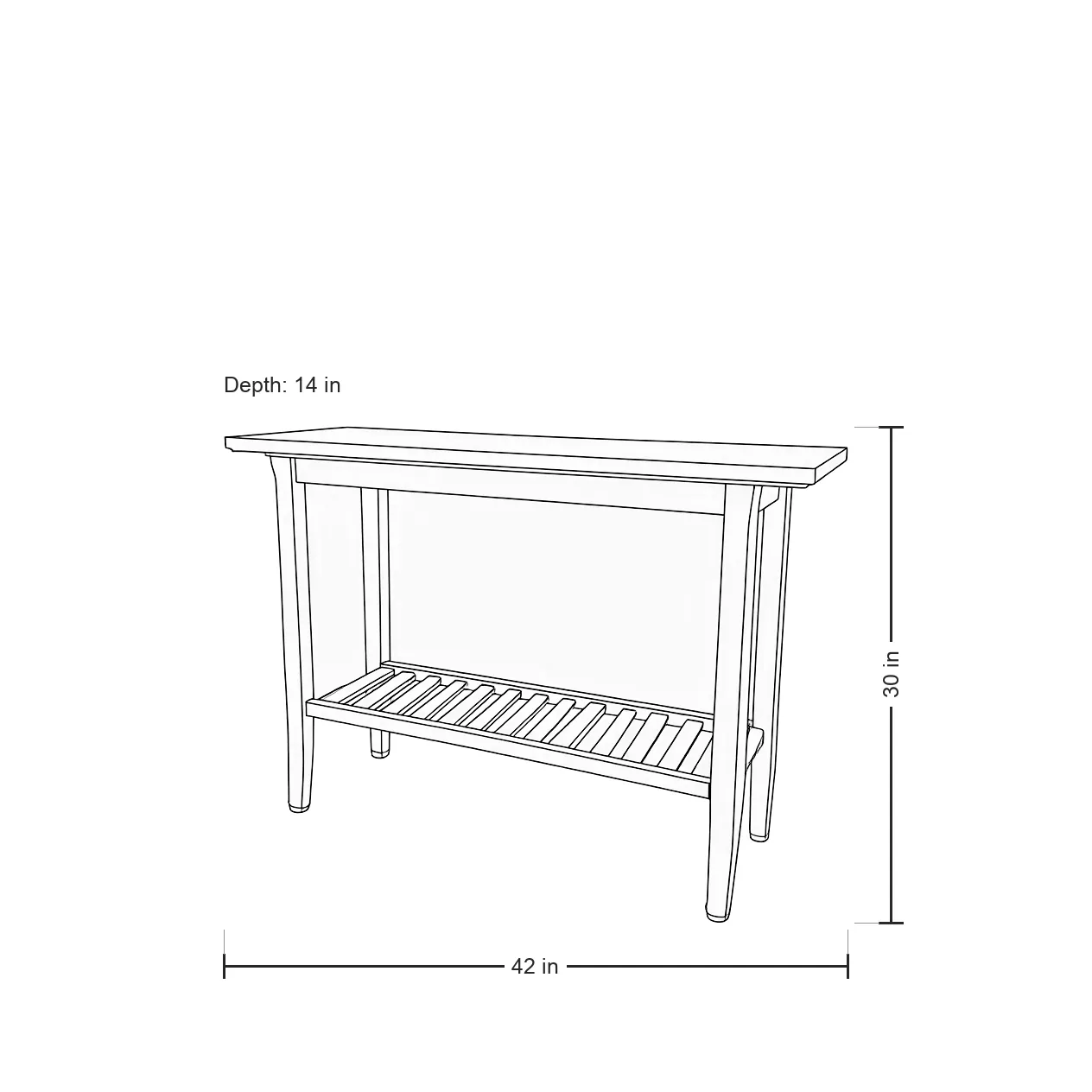
Width, height and depth drawn onto a clean line drawing, exactly as you type them. Ready for product pages, line sheets and trade buyers.
Line Drawing GeneratorA sense of space
A 5-second video with a slow camera move gives depth that a still photo can't. Only the camera moves; the furniture stays put.
Product Video GeneratorRoom sets
Stage a collection without building a set
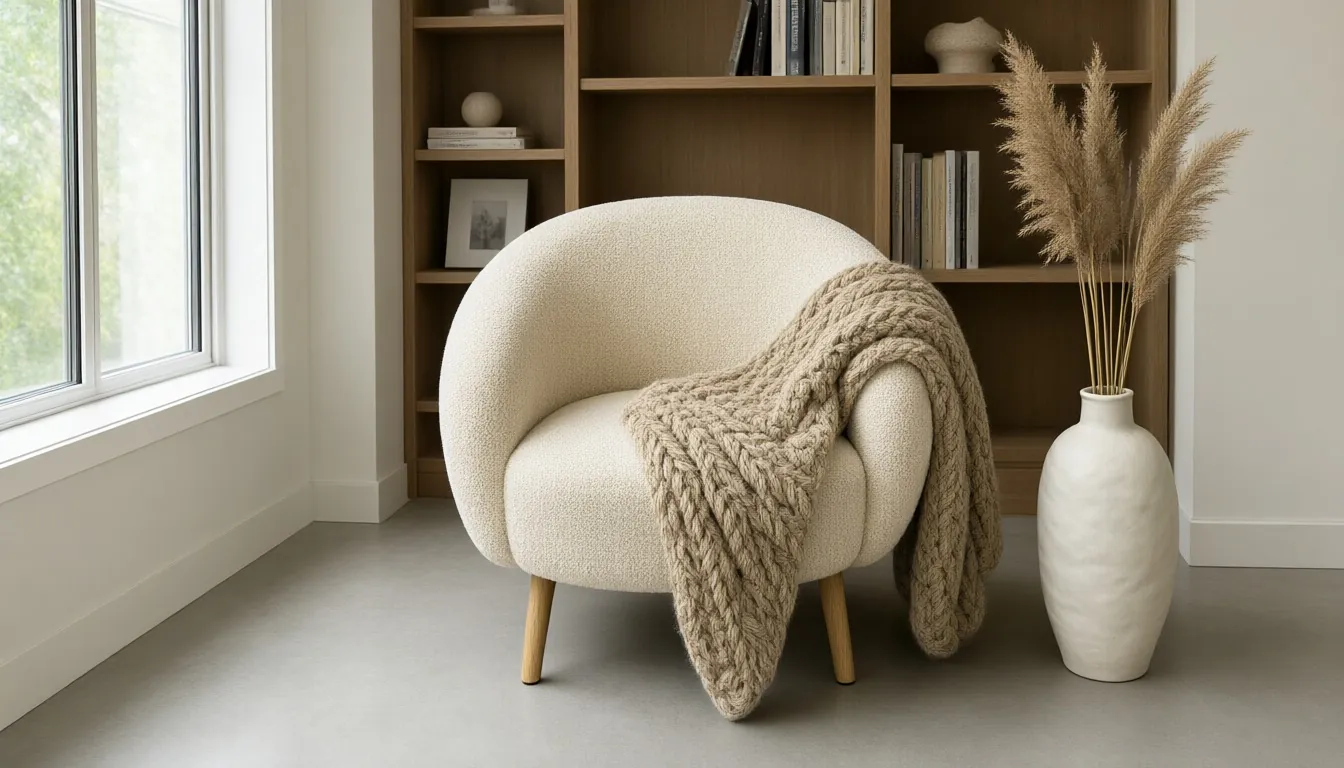
Send a plain snapshot of each piece: a chair, a coffee table, a lamp, a pillow. The AI Lifestyle Image Generator stages up to four products in one room, and you give it each one's real size so the pieces stay in proportion to each other.
A room set uses 2 credits. Use it for collection pages, catalogs, banners and the "complete the look" spot on a product page.
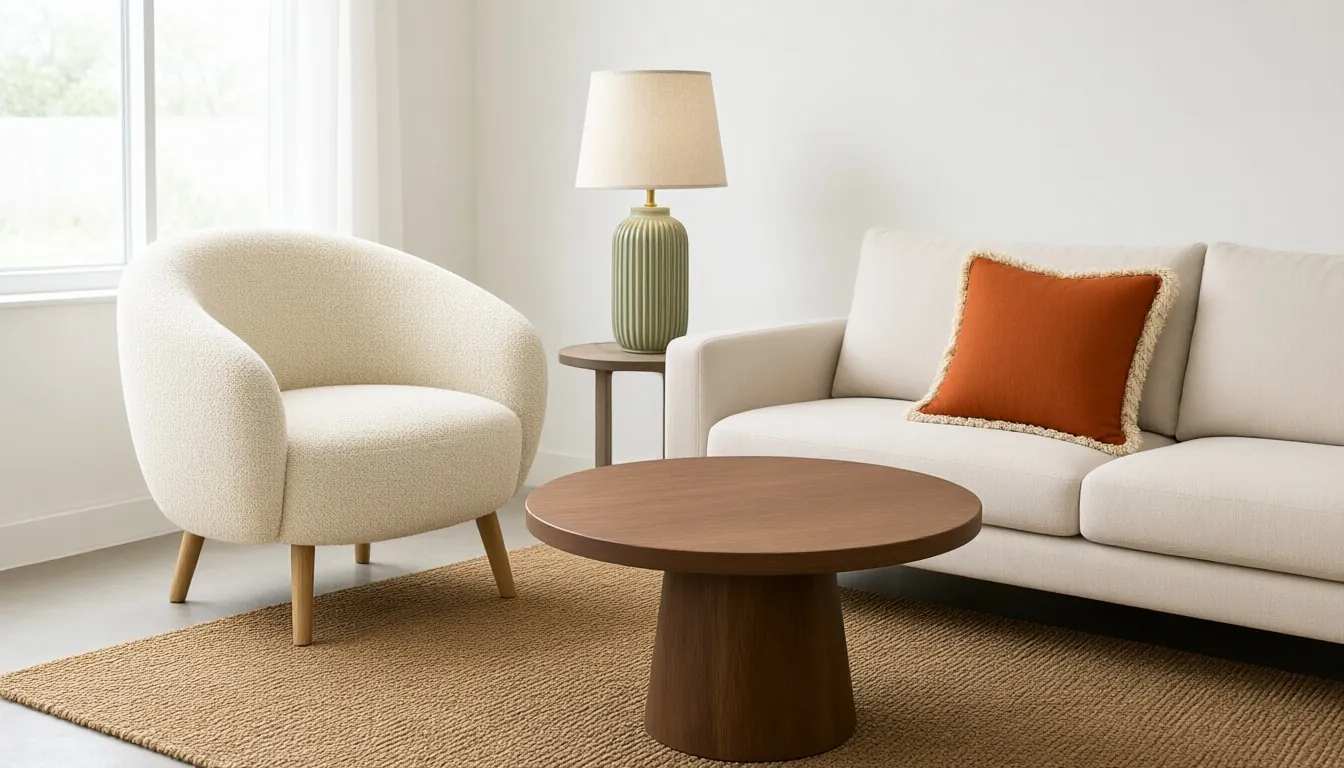
Examples
Furniture samples
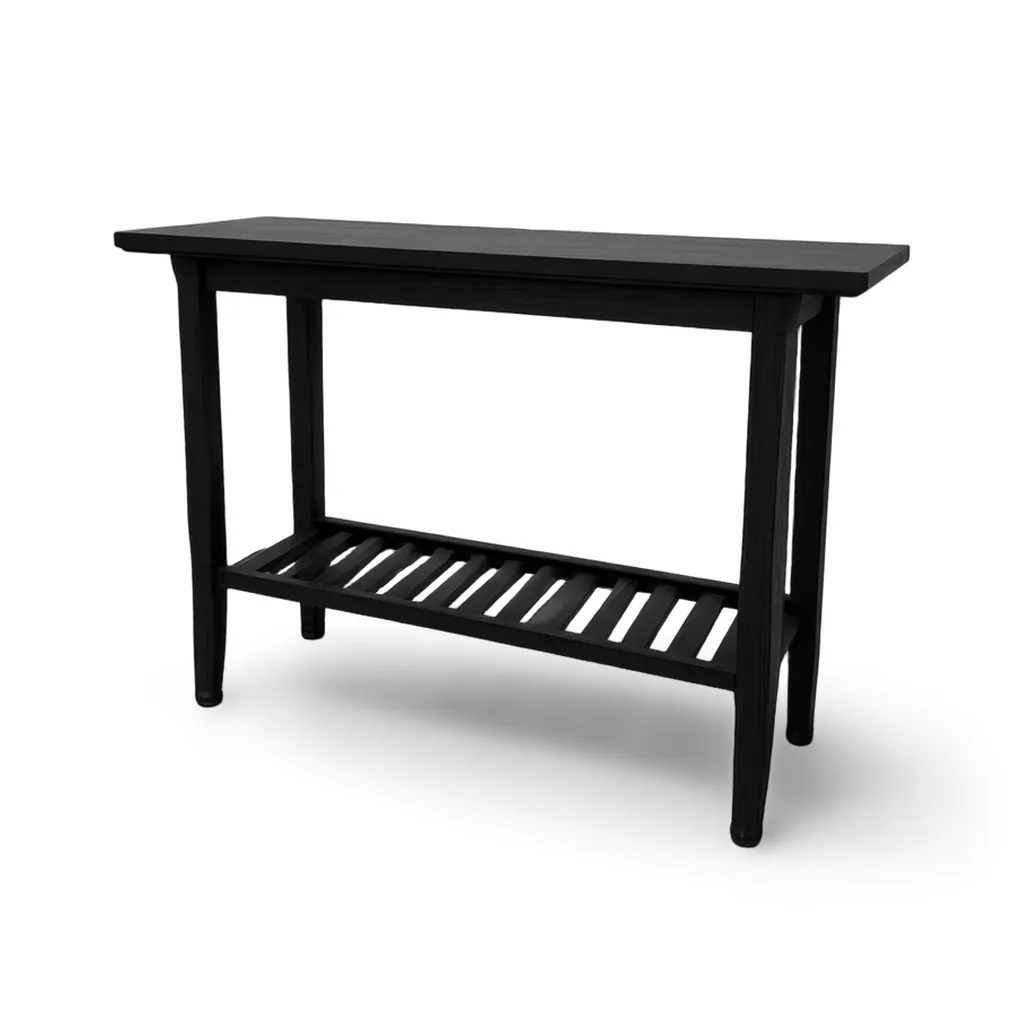
Studio samples, each made from a plain snapshot with our own tools.
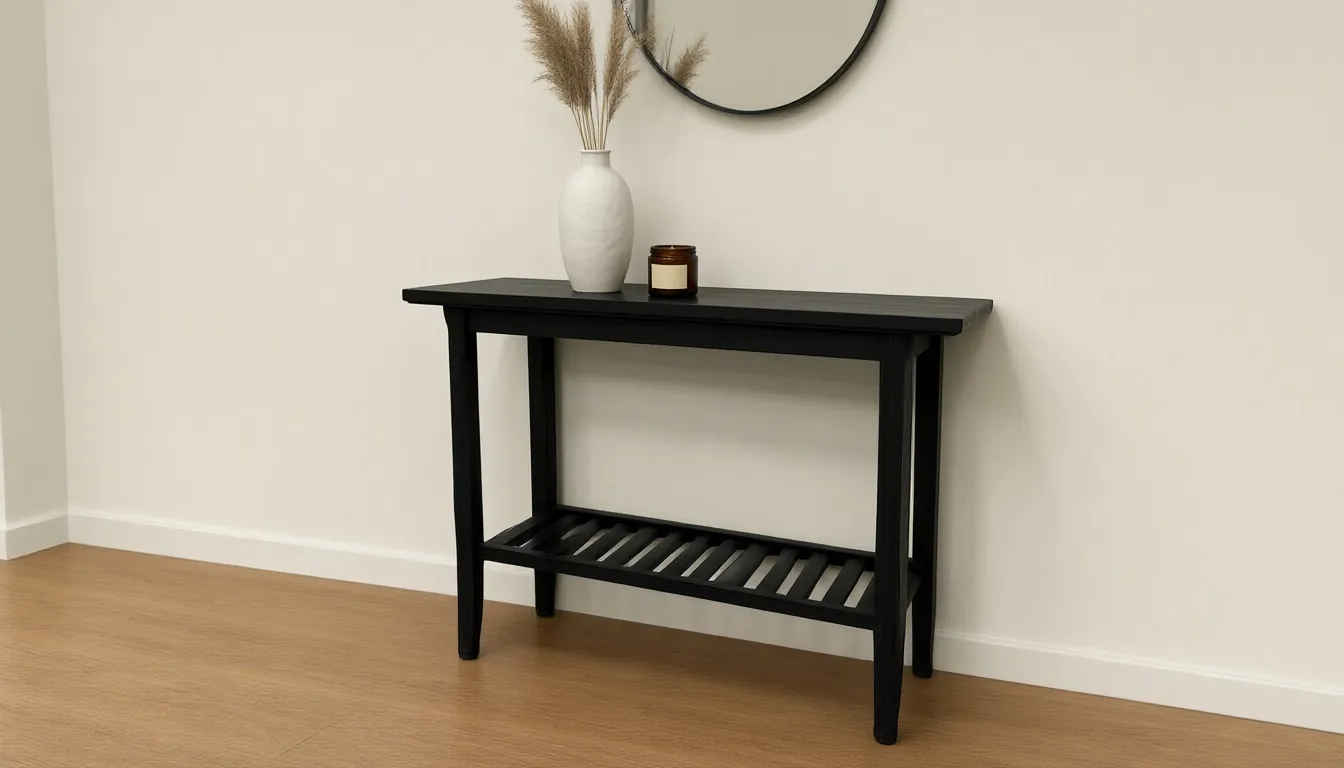
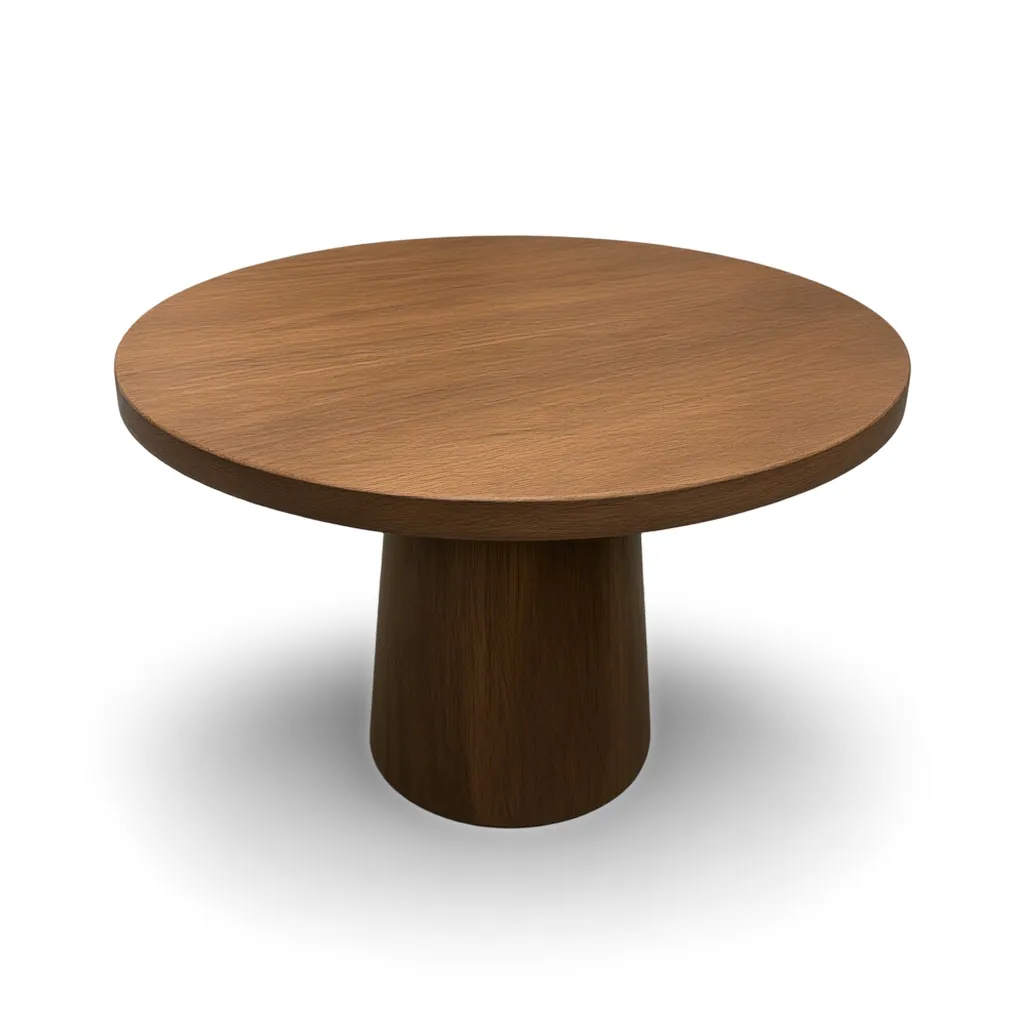
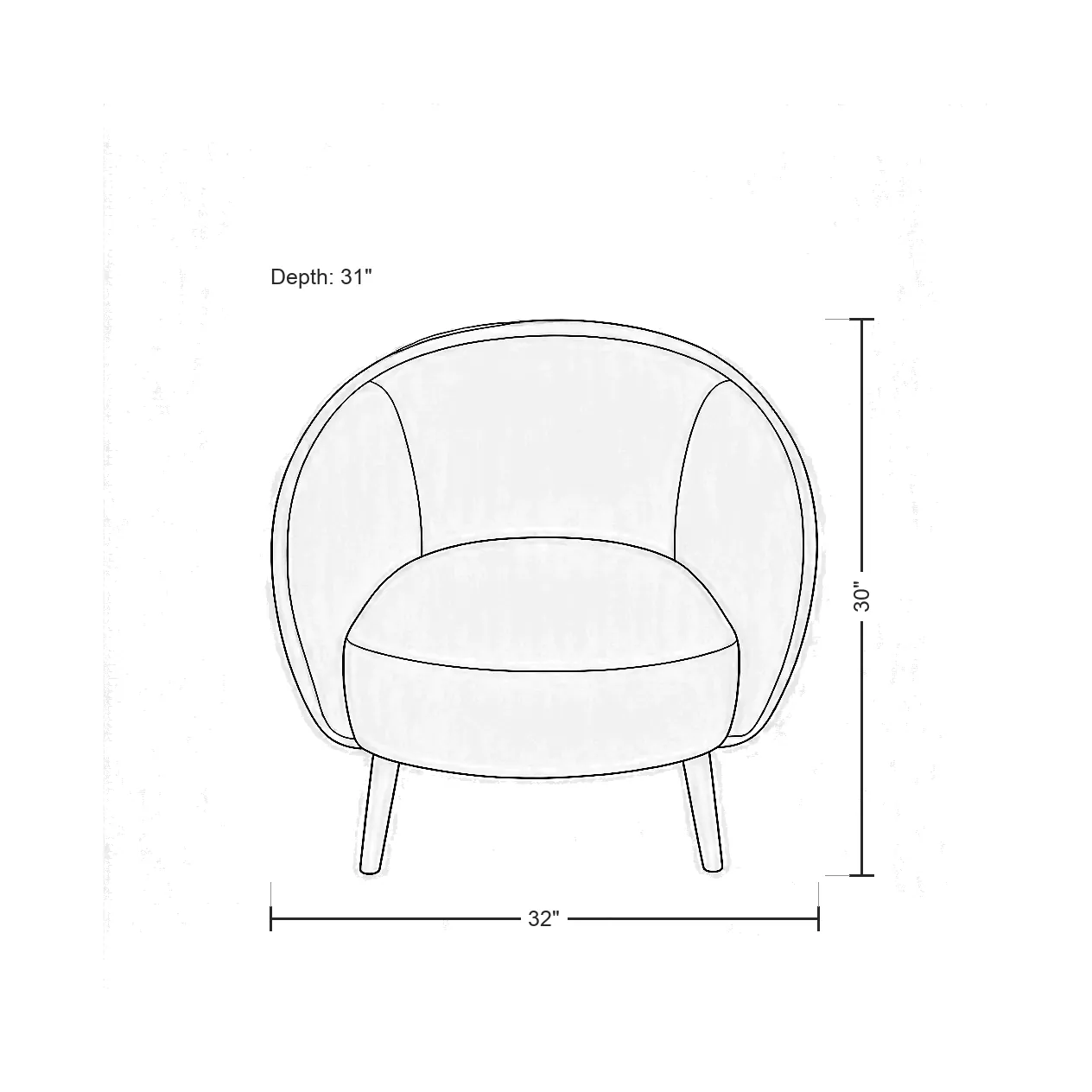
A shot list for a furniture product page
A starting point that works for most furniture. Adjust it to the piece and to where you sell.
- Main image: a silo shot on pure white, in a three-quarter view, with the whole piece in frame.
- Other angles: front and side silo shots so shoppers can see the profile and depth. Take one snapshot per angle.
- The piece on its own in a room it's made for: a nightstand by a bed, a console in an entryway.
- A room set with other pieces from your range, for scale and ideas.
- A dimension drawing with width, height and depth.
- Every fabric or finish you sell, as its own image.
- Optional: a 5-second video for the product page and social.
Fabric and finish variants
With the Variant Builder you upload one photo, name the part that changes (the upholstery, the legs, the top) and list the finishes. You get one image per finish, and the shape, the angle and the rest of the piece stay the same.
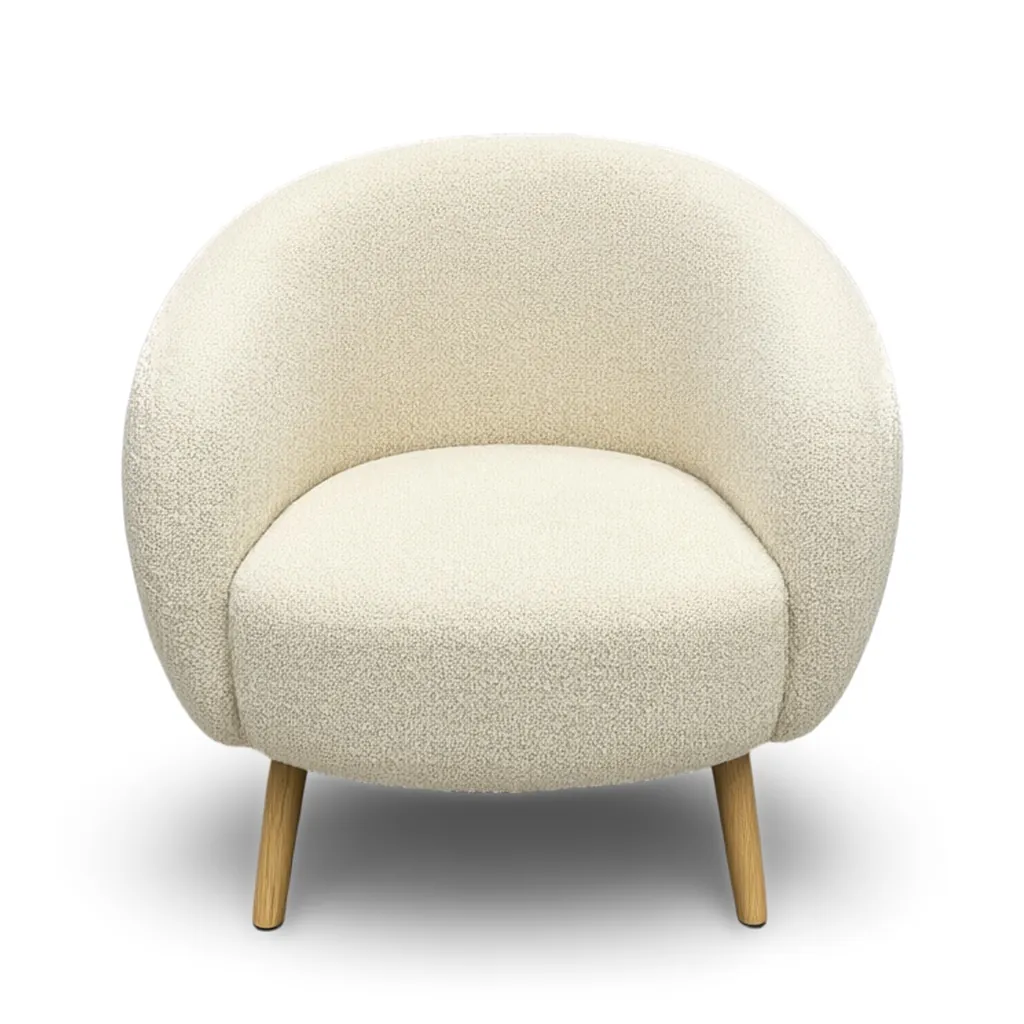
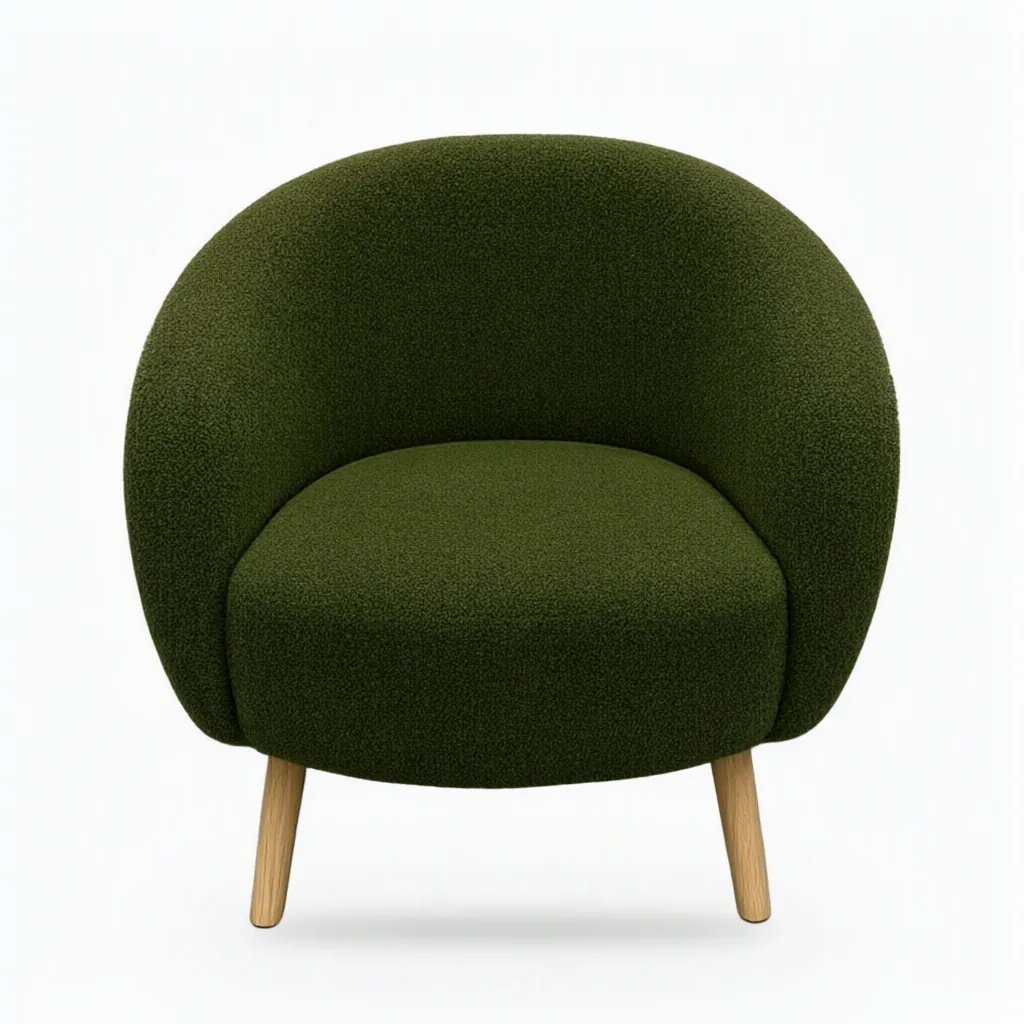
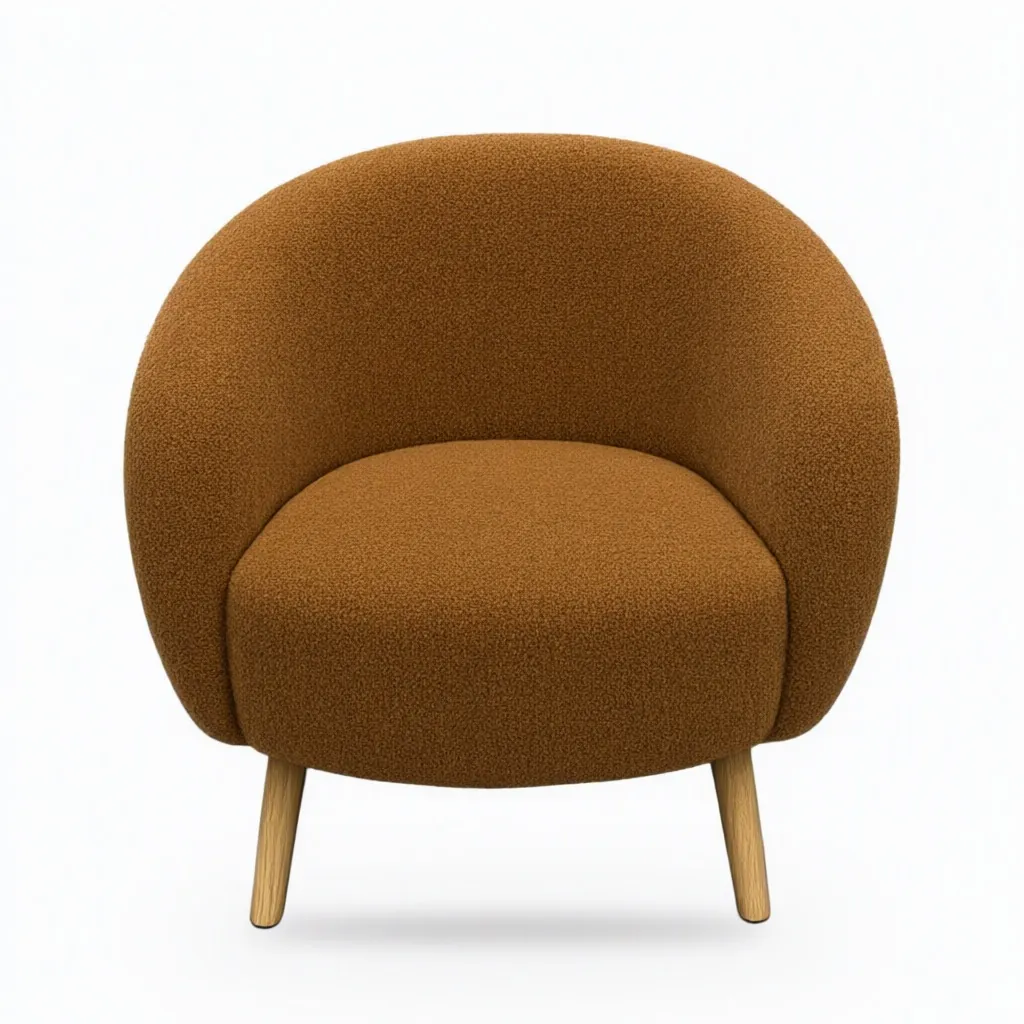
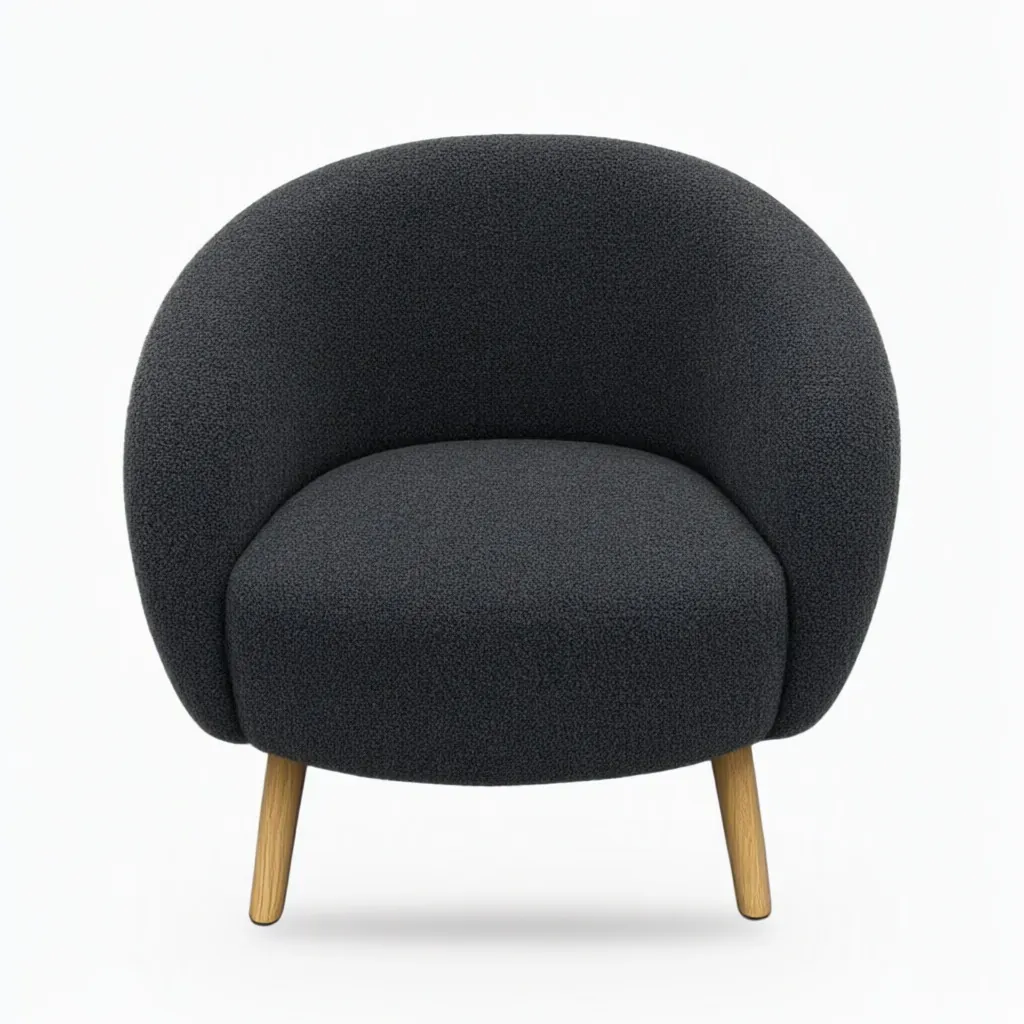
A variant image is a promise about what arrives. Put each one next to a real swatch before it goes live, and describe each finish by color, material and sheen ("charcoal grey boucle", not "grey"). There's more on this in our colorway guide.
Marketplace notes for furniture
- Amazon wants the main image on pure white. For a few categories (beds, bed frames, mattresses, rugs, rug pads and sofas) it allows a lifestyle photo as the main image. Props and accessories that don't come with the product aren't allowed on the main image.
- Wayfair asks suppliers to combine silo shots with room shots that show size and function, and encourages video. Its full image specs are in its supplier portal, Partner Home.
- Your own store: use the same shape for every main image so collection pages line up.
Checked against each marketplace's own pages on November 7, 2026. Rules change, so see our marketplace photo requirements guide for the details and sources.
Getting a good snapshot of a big piece
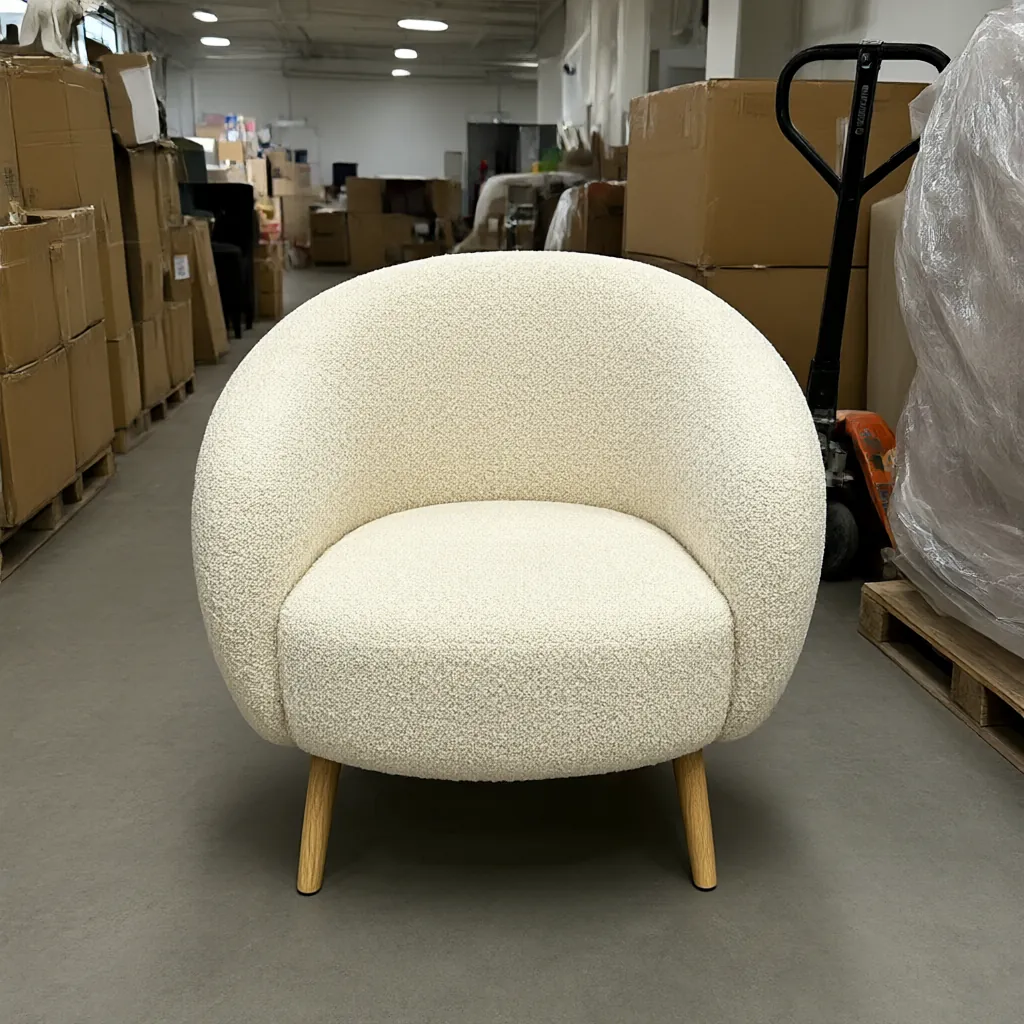
The snapshot doesn't need a studio. A warehouse floor is fine, because the background gets replaced. What matters is the piece itself:
- Get every leg, arm and corner in the frame. Step back rather than switching to an ultra-wide lens, which bends straight lines near the edges.
- Shoot from about the middle height of the piece, turned partway so you see the front and one side.
- Move boxes, dollies and anything else that covers part of the piece.
- Measure width, height and depth while you're there.
More tips in how to photograph products without a studio.
Stage up to four pieces together in one room, from plain snapshots.
Lifestyle Image GeneratorQuestions
Can I get furniture photos without a photoshoot?
Yes. Start from one clear phone photo of each piece, even on a warehouse floor. The tools replace the background and keep the piece's shape, colors, materials and pattern the same.
Will the room make my furniture look bigger or smaller than it is?
When you upload, tell us what each product is and its real size, like "coffee table, 32 in wide, 16 in tall". Scenes and room sets are built around those sizes. Check every image before you publish it.
Can I show every fabric and finish?
Yes. In the Variant Builder, name the part that changes, such as the upholstery or the legs, and list up to eight finishes. You get one image per finish, and each one uses 1 credit.
Can I make dimension drawings for line sheets?
Yes. The Line Drawing Generator turns a photo into a clean spec-sheet drawing, and draws in the width, height and depth exactly as you type them.
How much does it cost?
Plans start at $29 a month for 400 credits. One credit makes one image, a room set uses two, each variant uses one and a video uses ten. New accounts get 200 free credits, no card needed.
More answers on the pricing page.
The tools on this page
Every plan includes all six tools.
- AI Lifestyle Image GeneratorStyled scenes and room sets
- Silo Shot GeneratorProducts on pure white
- Variant BuilderEvery colorway and finish
- Line Drawing GeneratorSpec-sheet drawings with dimensions
- Product Video Generator5-second clips from a photo
- AI Object RemoverErase tags, clutter, reflections
Other industries
Get started
Try every tool with 200 free credits.
No card needed. Want us to do a whole catalog for you? Email hello@ketchupnomayo.com.
Already have an account? Log in