- Home
- Industries
- Lamps & lighting
For lamps & lighting brands
AI product photography for lamps and lighting
A lamp has two jobs to show: how it looks as an object, and what it does to a room once it's on. Start from one snapshot and get both, plus silo shots, finish variants and spec-sheet drawings.
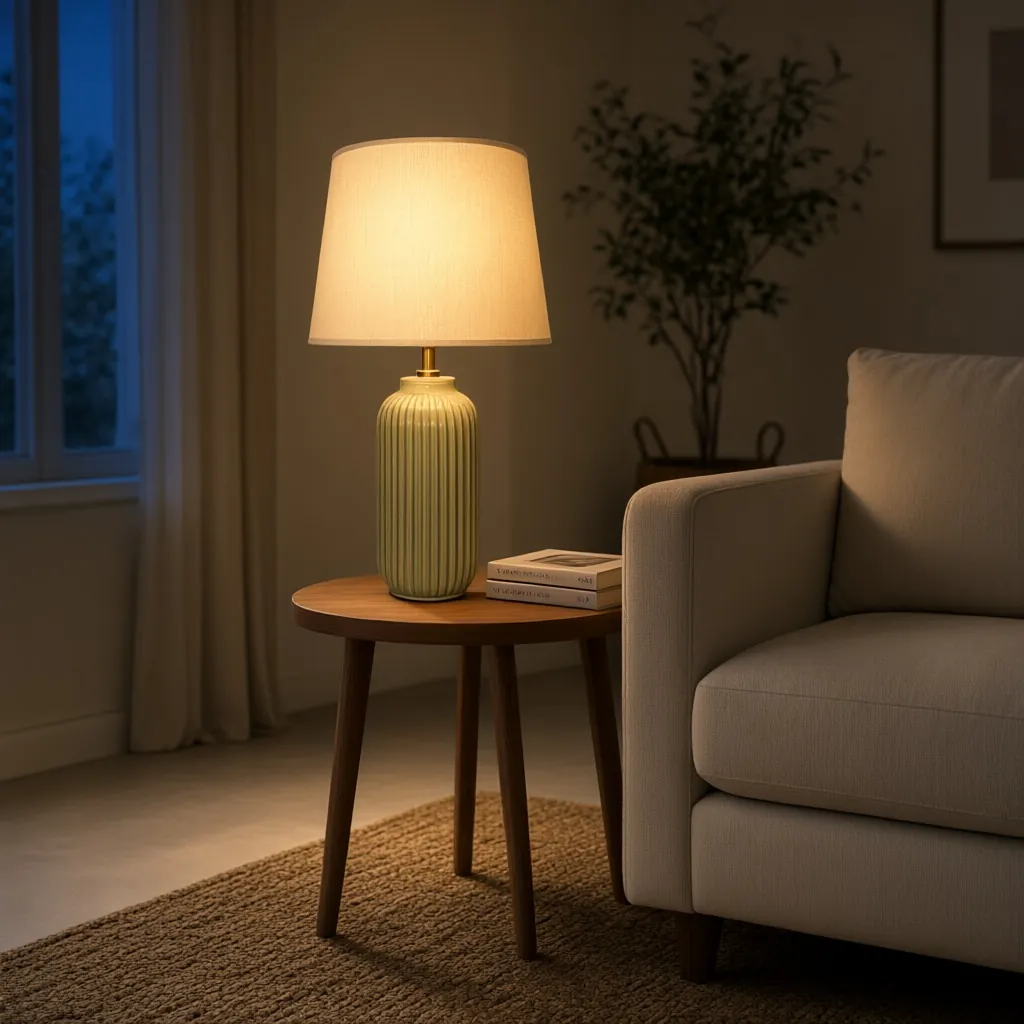
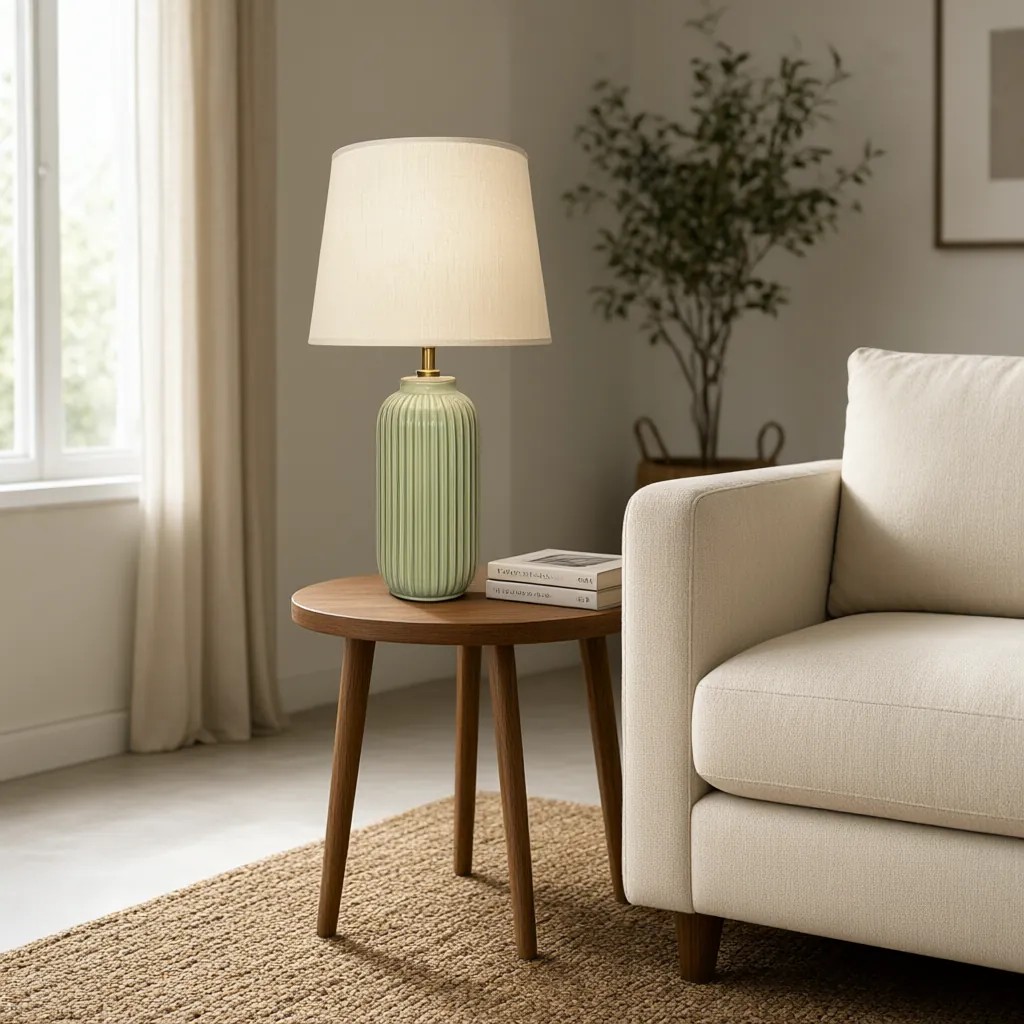 Day
Evening
What to show
What lighting shoppers need to see
The light it gives
Shoppers want to know how a lamp feels once it's on. Describe an evening scene with the lamp switched on, and show the glow next to the daytime shot.
AI Lifestyle Image GeneratorIts true size
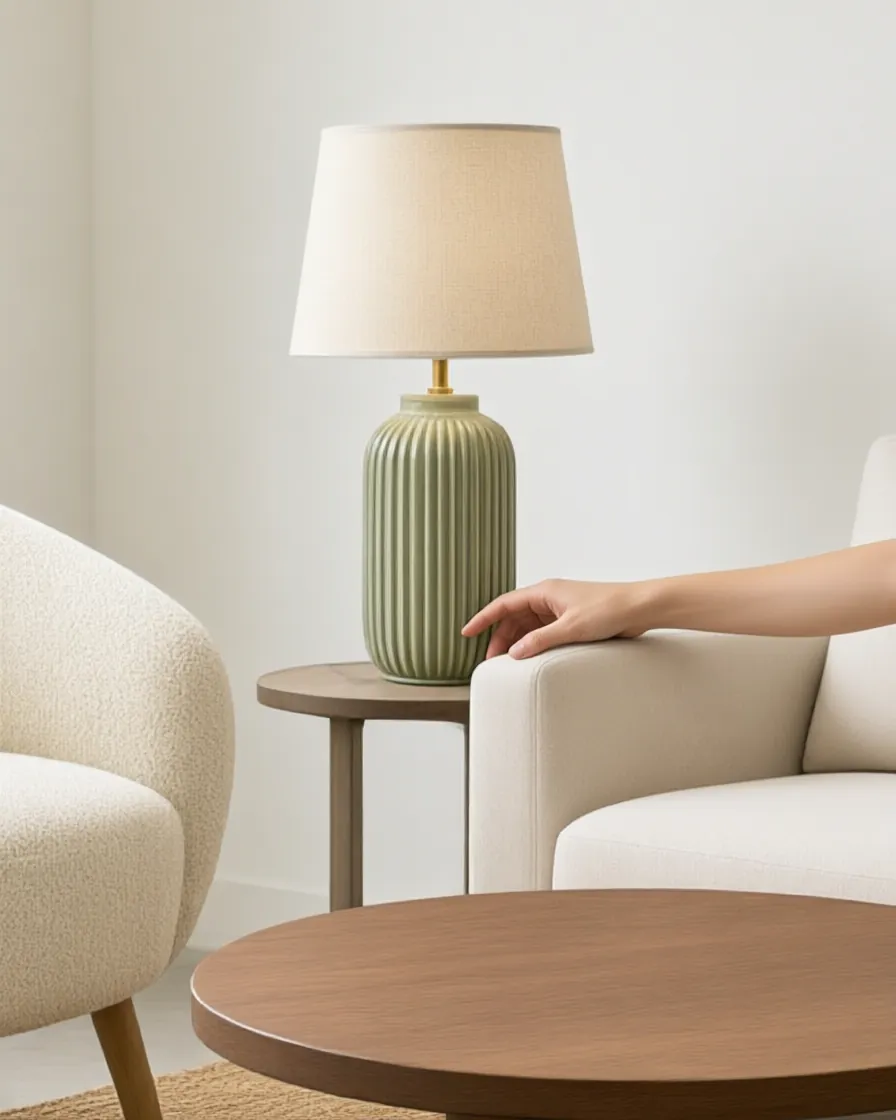
On a white background a 16-inch lamp and a 30-inch lamp look alike. Tell us its real height and shade size, and the scene is built around them. Check the scale before you publish.
AI Lifestyle Image GeneratorBase and shade, clearly
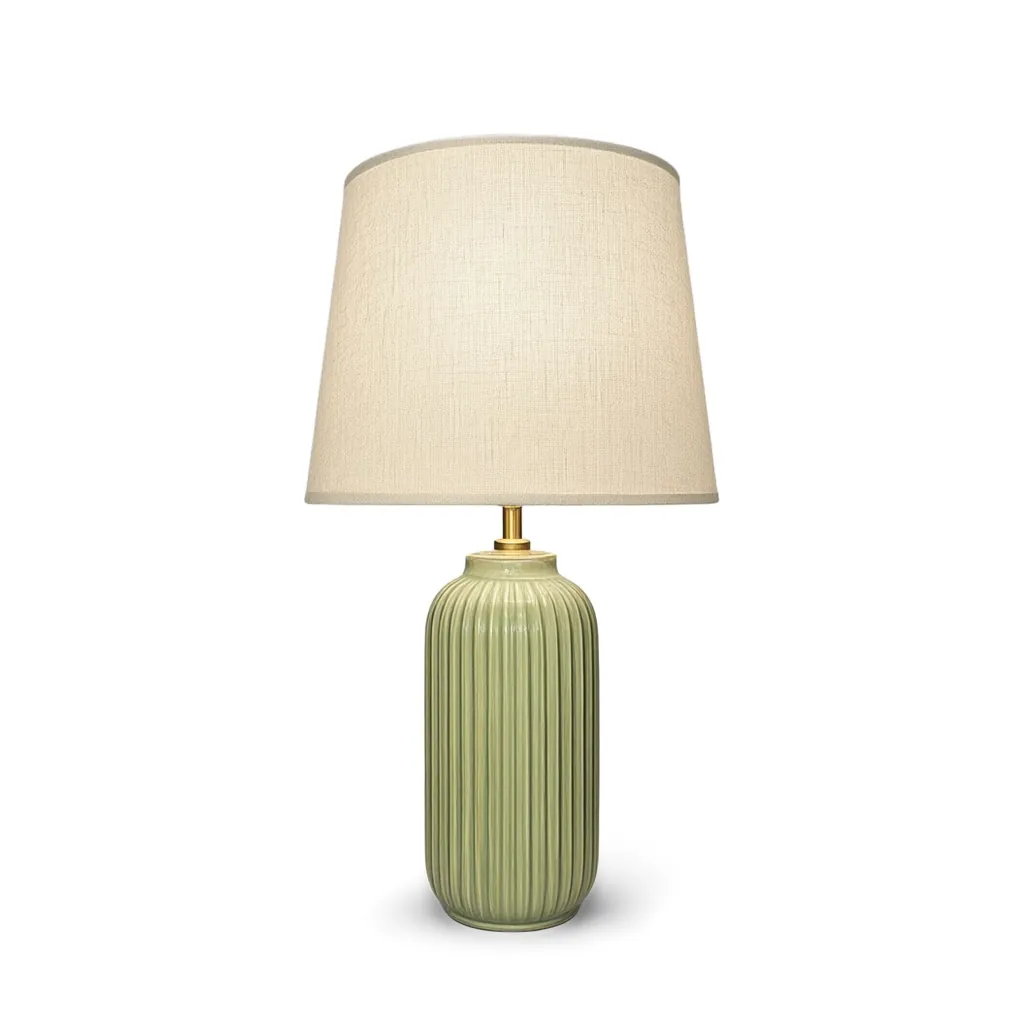
A silo shot on pure white shows the base color, the shade shape and the proportions without distraction. Transparent PNGs are included.
Silo Shot GeneratorEvery glaze, metal and shade
Name the part that changes, like the ceramic base or the shade, and list the finishes. Only that part changes.
Variant BuilderSpec sheets
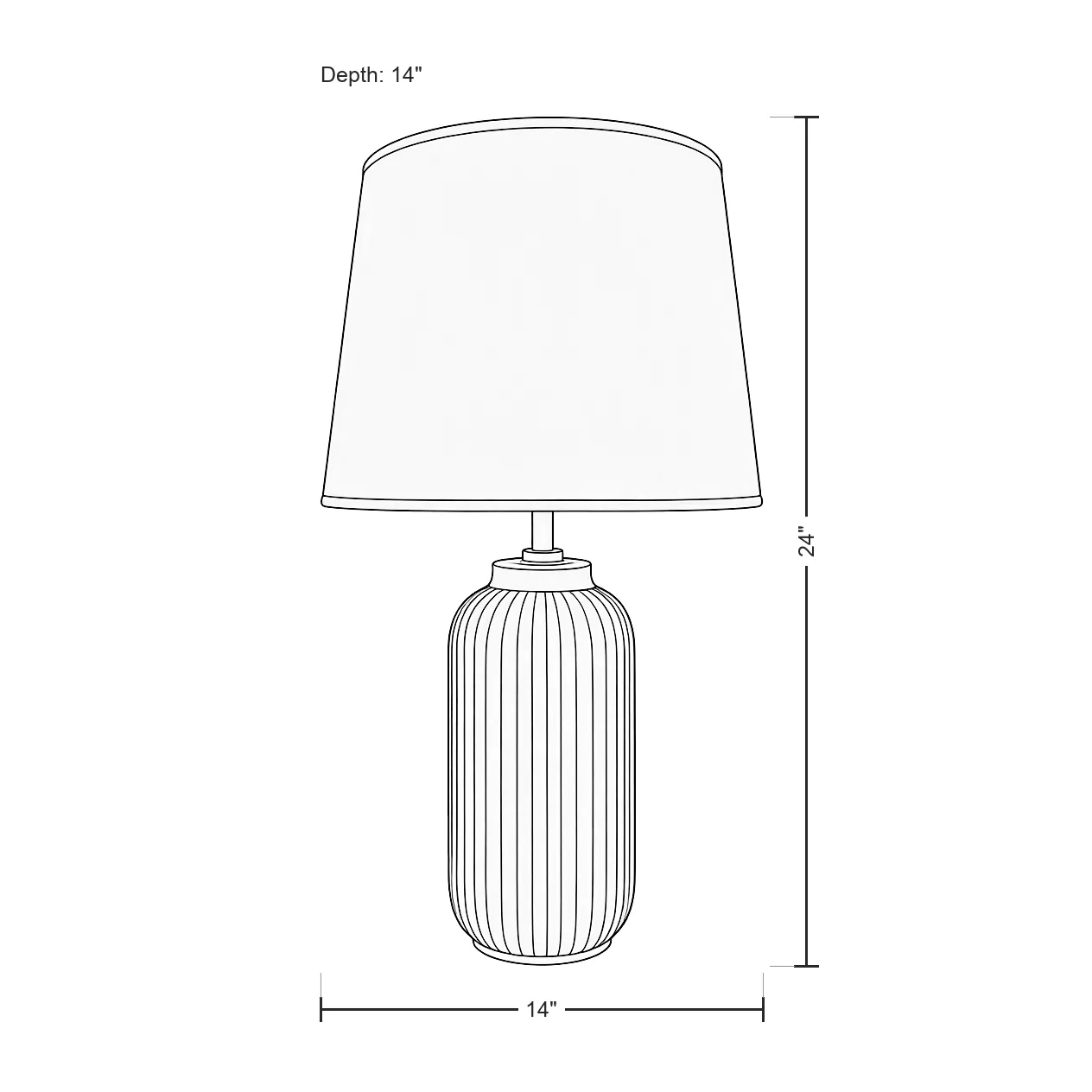
Clean line drawings with height and shade size drawn in, for product pages, line sheets and trade buyers.
Line Drawing GeneratorA little movement
A 5-second clip with a slow push-in. Light shifting across a room sells the mood better than a still.
Product Video GeneratorDay and night
Show the lamp off, then on
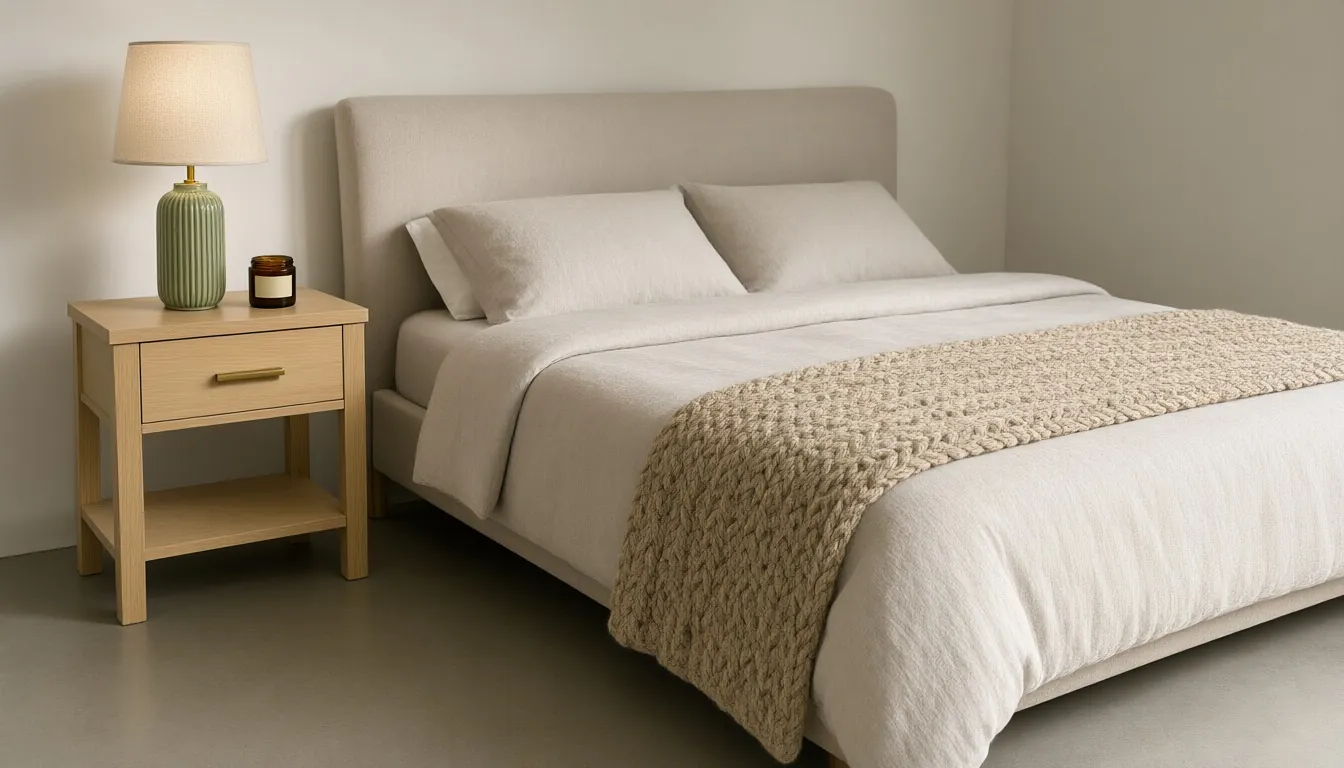
A daytime shot shows the lamp as an object: the glaze, the shape, the shade. An evening shot shows what it does: the pool of warm light on a nightstand or a side table.
Use the daytime image where color accuracy matters most, like the main image and variant pages, and the evening image in the gallery, ads and social posts.
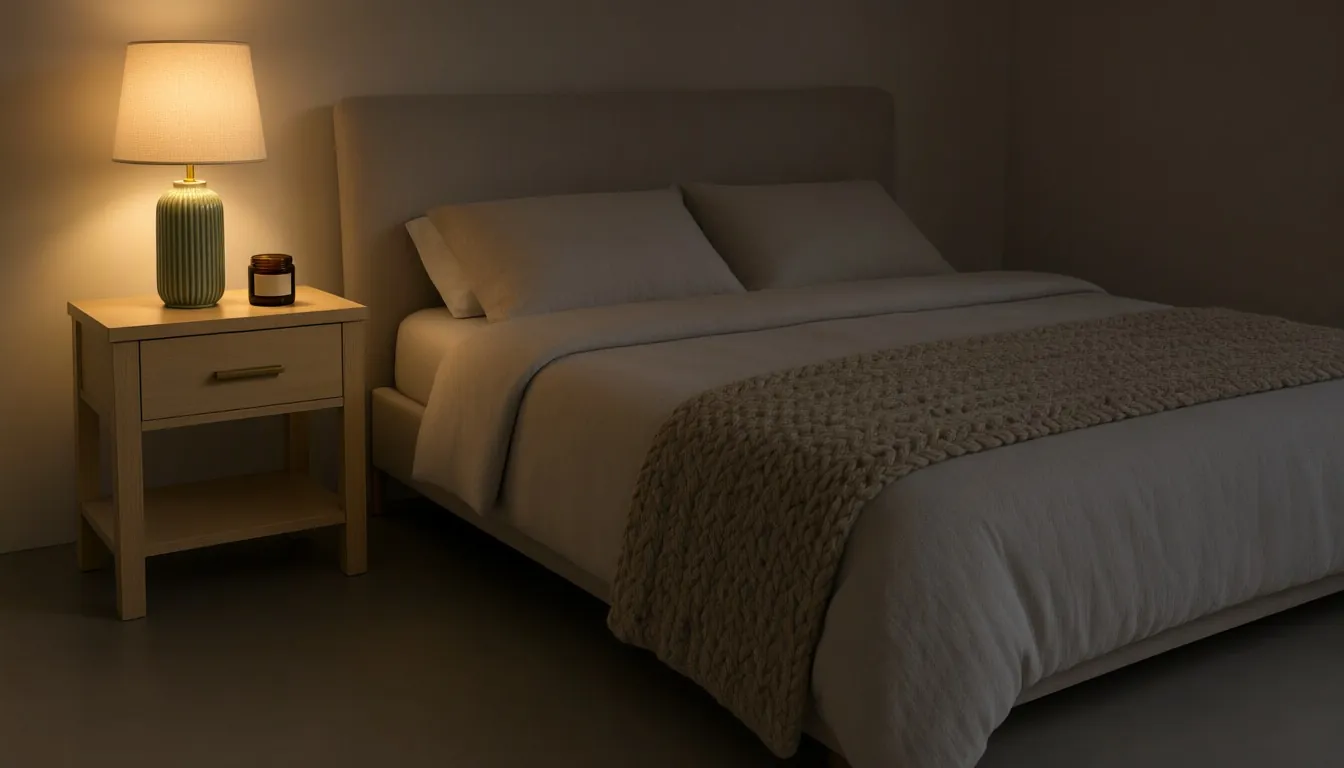
Examples
Lighting samples
Studio samples, each made from a plain snapshot with our own tools.
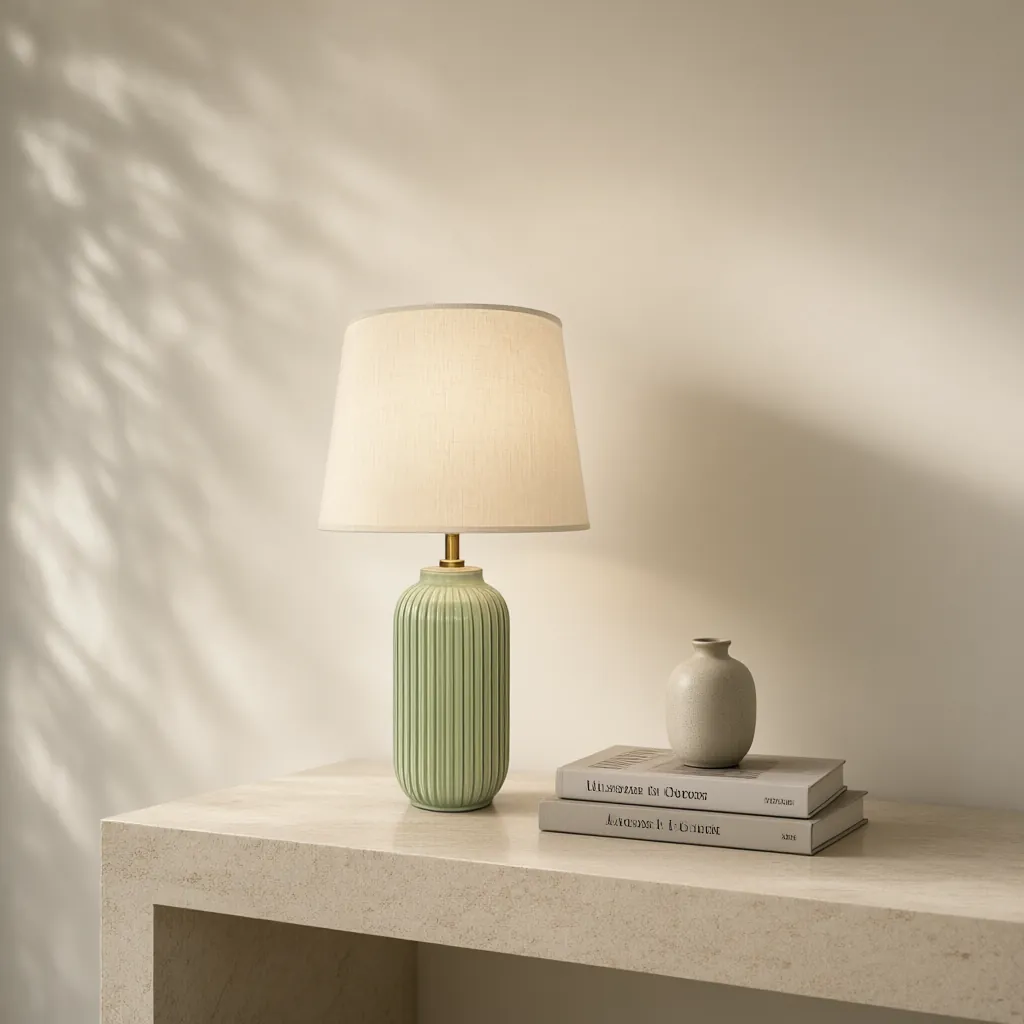
A shot list for a lamp product page
- Main image: a silo shot on pure white with the lamp switched off, so the base and shade colors read true.
- A daytime lifestyle photo on a side table, nightstand or console, at its real size.
- The same lamp switched on in an evening scene.
- A spec drawing with the overall height and shade width.
- Every base finish and shade you sell, as its own image.
- Optional: a 5-second video for the product page and social.
Every glaze and finish from one photo
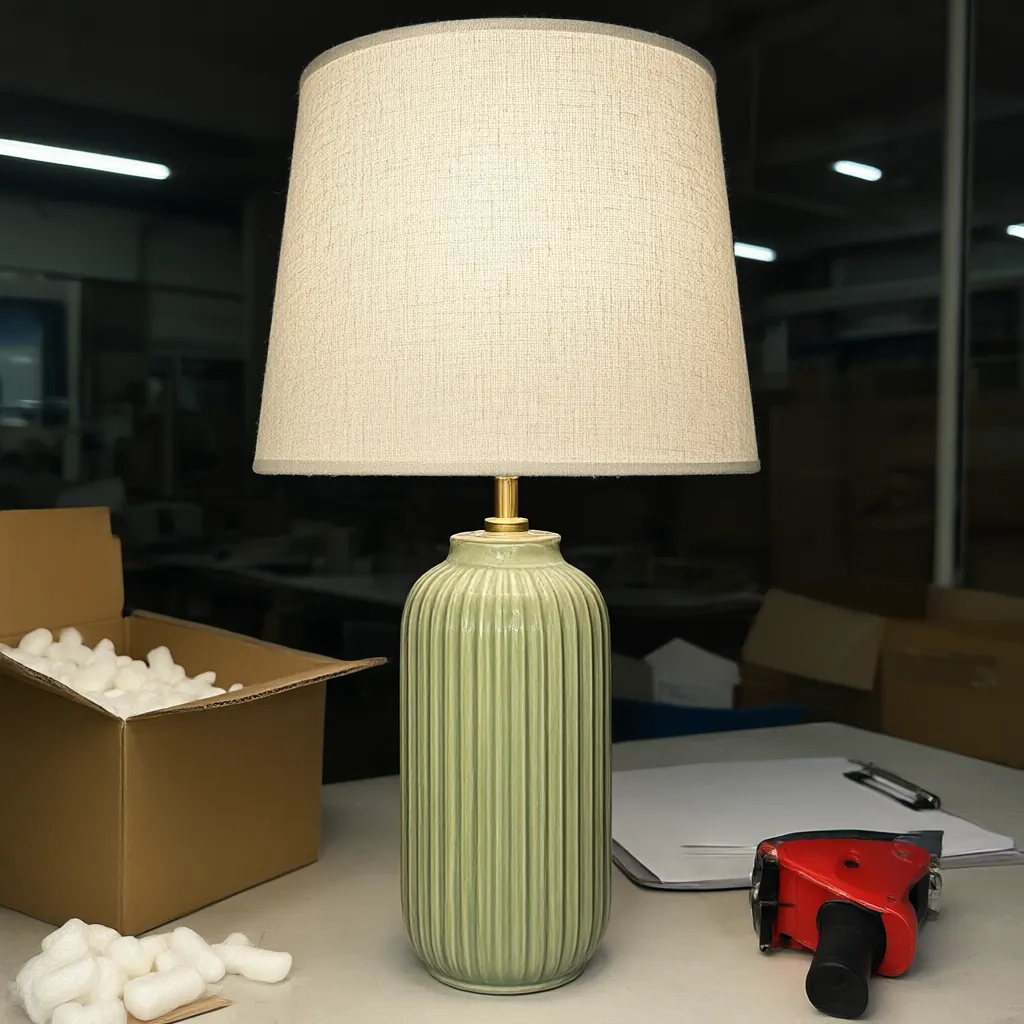
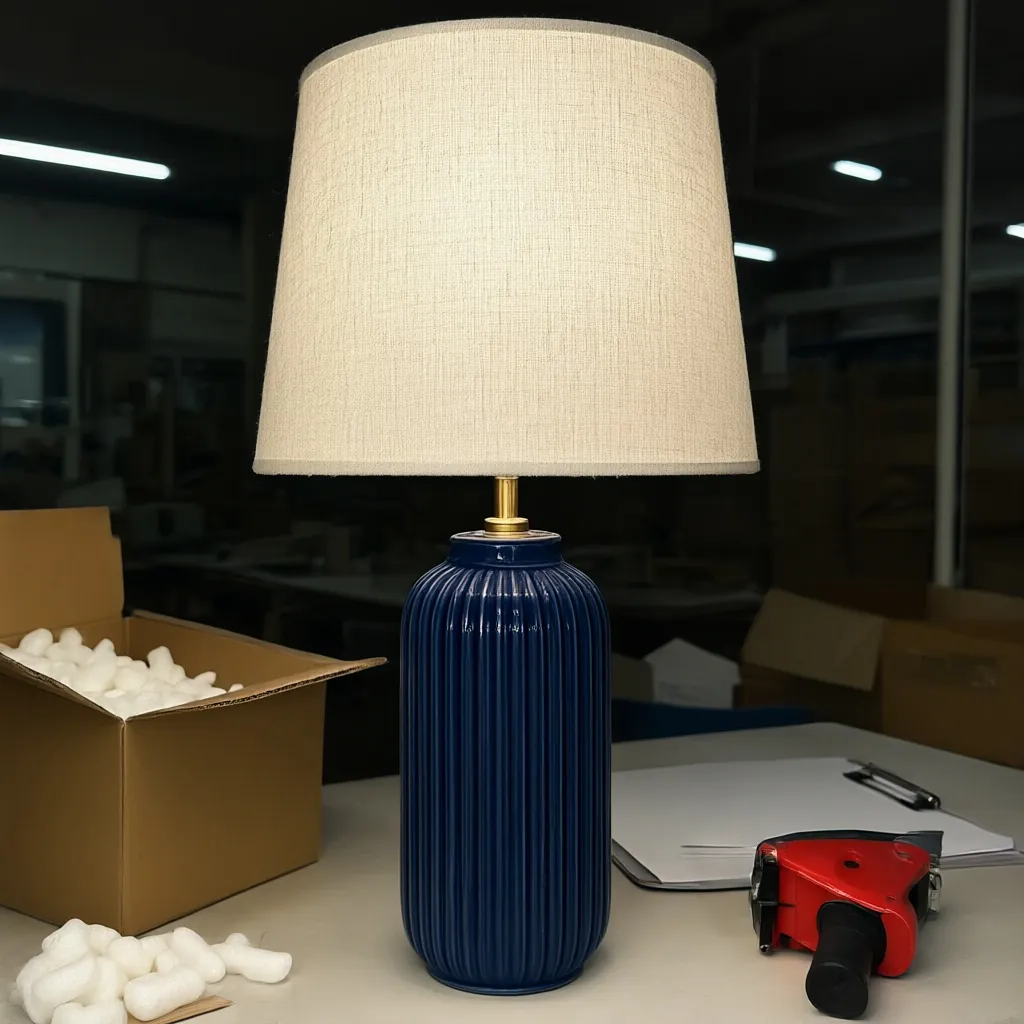
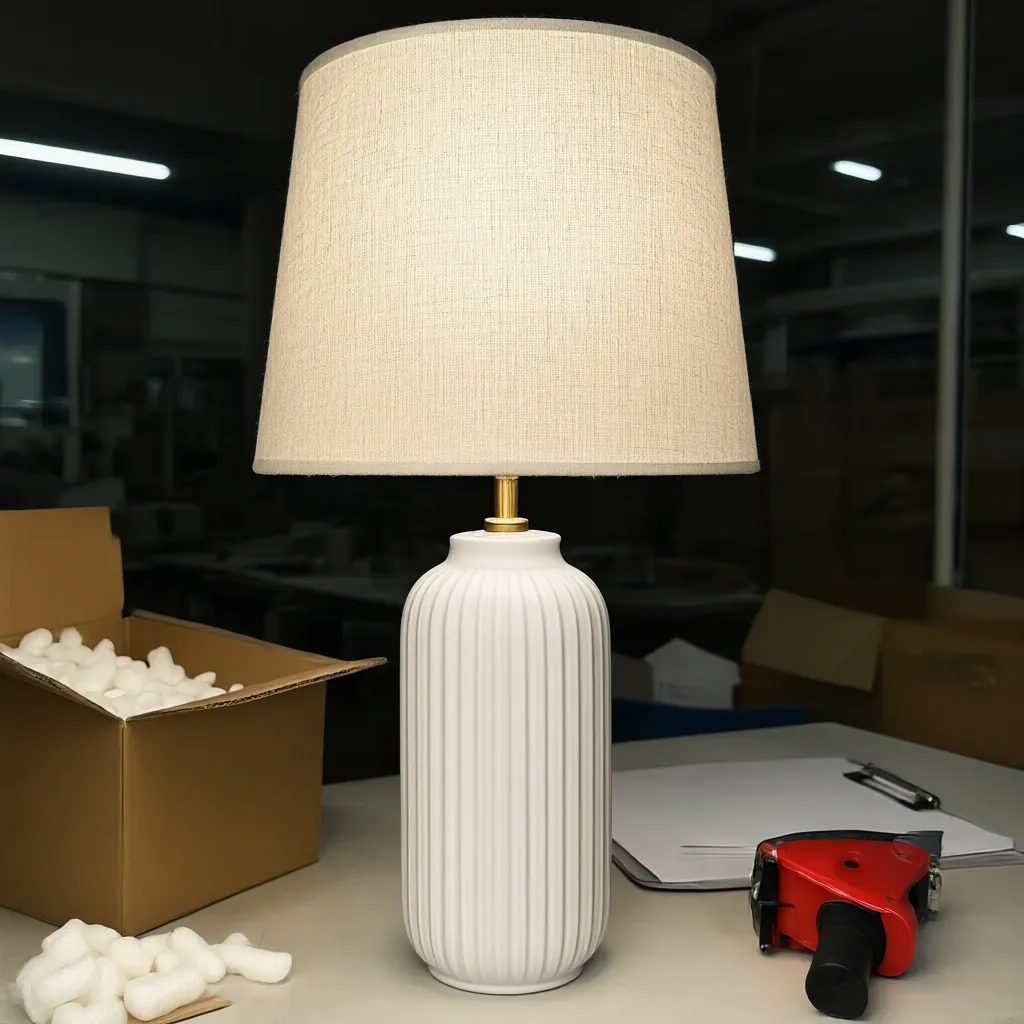
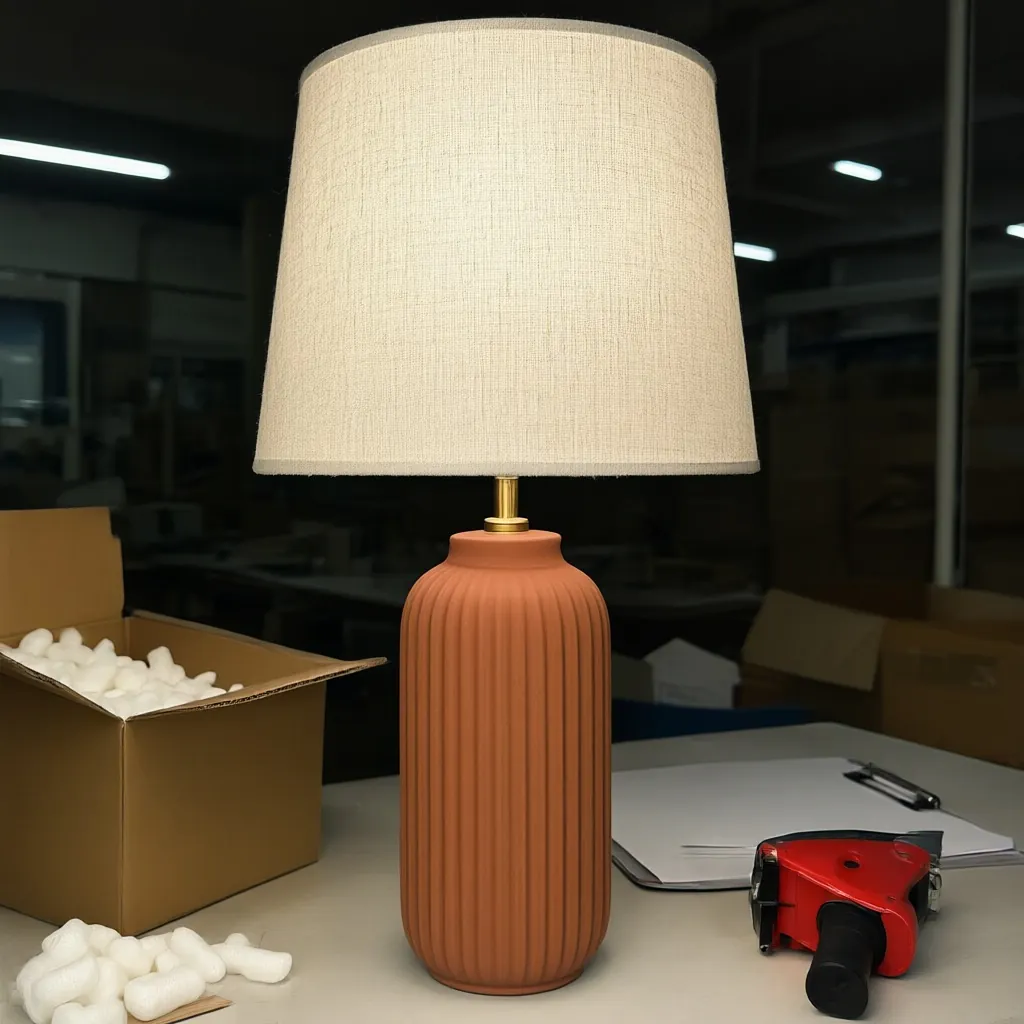
Name the part precisely ("the ceramic base", "the shade") and describe each finish by color, material and sheen: "deep navy gloss glaze", "brushed brass", "natural linen". Check every variant against a real sample before it goes live. More in our colorway guide.
Getting a good snapshot of a lamp
- Photograph it switched off. A lit shade blows out to white in a phone photo and hides its color and texture. The light can be added in the scene.
- Straighten the shade and tuck the cord behind the base.
- Turn the flash off. It makes hard glare on glazed ceramic, glass and polished metal.
- Shoot from about the middle height of the lamp so the base isn't distorted and the shade isn't seen from underneath.
- Write down the height, shade width and finishes while you have it in front of you.
Which shots go where: silo vs. lifestyle photos. Marketplace rules for main images: product photo requirements.
Place your lamp in a styled room by day or after dark.
Lifestyle Image GeneratorQuestions
Can you show my lamp switched on?
Yes. In the AI Lifestyle Image Generator, describe an evening scene with the lamp switched on. Start from a photo of the lamp switched off so its colors come through accurately.
Will the lamp be the right size in the room?
Tell us the lamp's real size when you upload, like "table lamp, 24 in tall, 14 in shade", and the scene is built around it. Check every image before you publish it.
Can I show different base colors or shades?
Yes. In the Variant Builder, name the part that changes, such as the ceramic base or the shade, and list up to eight finishes. You get one image per finish, and each one uses 1 credit.
Can I make spec sheets with dimensions?
Yes. The Line Drawing Generator makes a clean line drawing and draws in the dimensions exactly as you type them.
How much does it cost?
Plans start at $29 a month for 400 credits. One credit makes one image, a room set uses two, each variant uses one and a video uses ten. New accounts get 200 free credits, no card needed.
More answers on the pricing page.
The tools on this page
Every plan includes all six tools.
- AI Lifestyle Image GeneratorStyled scenes and room sets
- Silo Shot GeneratorProducts on pure white
- Variant BuilderEvery colorway and finish
- Line Drawing GeneratorSpec-sheet drawings with dimensions
- Product Video Generator5-second clips from a photo
- AI Object RemoverErase tags, clutter, reflections
Other industries
Get started
Try every tool with 200 free credits.
No card needed. Want us to do a whole catalog for you? Email hello@ketchupnomayo.com.
Already have an account? Log in